Session Recordings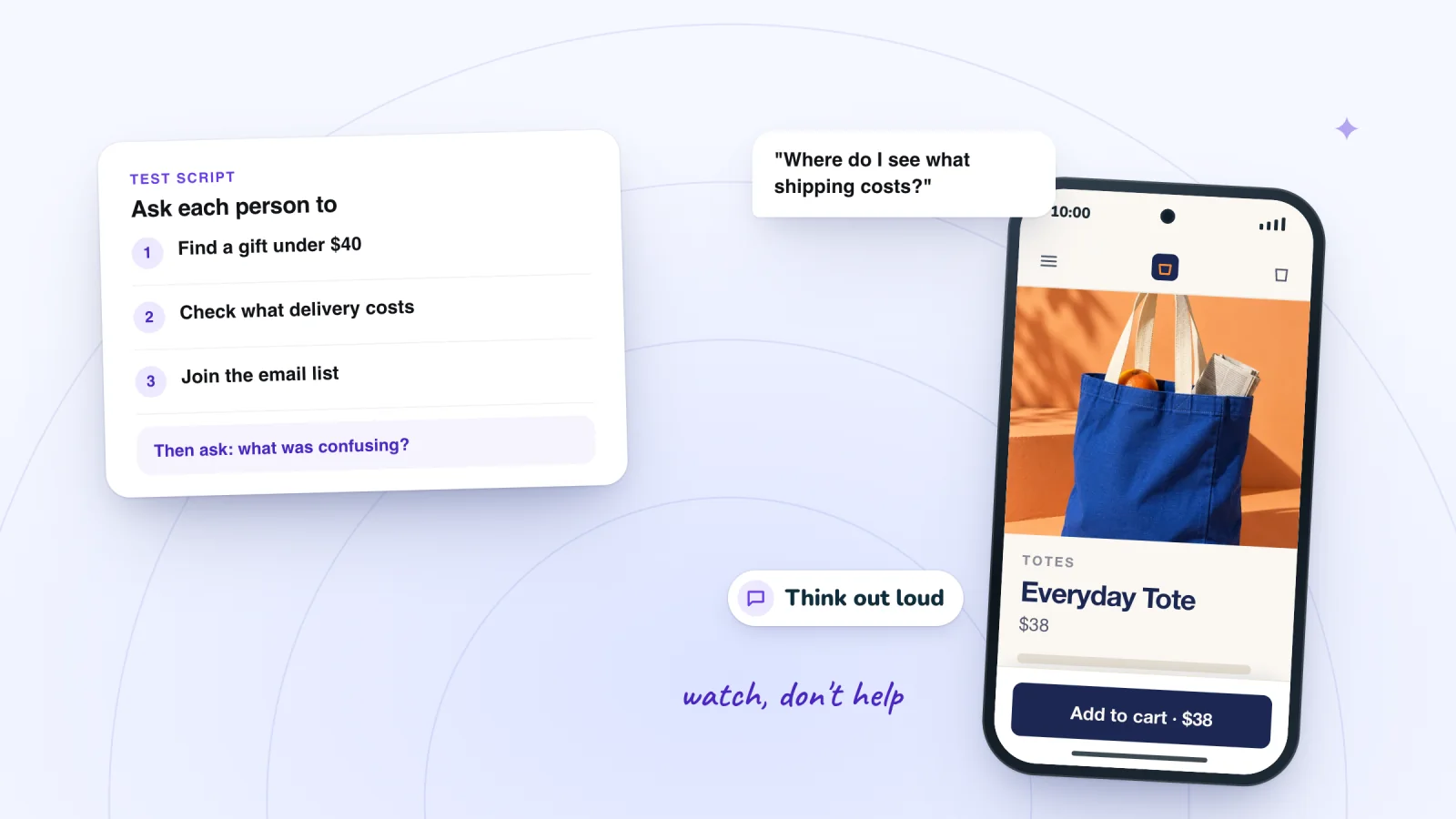
On this page
You know your website too well to see its problems. You know where the delivery prices are and what every menu label means. Visitors don't. Website usability testing closes that gap: you ask a few people to do real tasks on your site and watch them try. It needs no lab and almost no budget. Here is how to run one and turn what you see into a short fix list.
Key takeaways
- Test with about five people who could be your customers, fix what you saw, then test five new people instead of running one big study.
- Write each task as a real goal with no hints, ask people to think aloud and stay quiet while they work.
- Run part of every test on the person's own phone, and add one short question on your site to hear from real visitors.
- Session Recordings replays real visits, so you can check whether a problem from your test is common and catch ones your tasks never covered.
Why five people are usually enough
You are looking for problems, not proving numbers. Jakob Nielsen's analysis for Nielsen Norman Group found that the first person you test shows you almost a third of what there is to learn about a design. Five people uncover about 85% of its usability problems. After that, you mostly see the same problems again.
The rule has limits.
- Test in small rounds. By Nielsen's math, finding every problem takes at least 15 people. He advises spending that budget on three rounds of five, fixing problems between rounds so each round checks the last one's fixes.
- Keep each group similar. The math assumes people who use a site in similar ways. For two very different groups, such as wholesale buyers and gift shoppers, Nielsen suggests three or four people from each, or three per group when there are more.
- Expect to miss rare problems. Jeff Sauro of MeasuringU points out that the 85% covers problems that affect about a third of people or more. For the same 85% odds of seeing a problem that affects one person in ten, he calculates you would need 18 people.
- Don't measure with five. For numbers, such as the share of people who finish checkout, Nielsen Norman Group recommends 40 participants in most cases.
Who to ask
Look for people who could be your customers but don't know your site. Try a friend of a friend who shops online, or a regular at your shop who has never ordered from your website. This is often called a hallway test, after the idea of asking whoever walks by.
Nielsen Norman Group warns that people who know you may hold back honest negative feedback, and that coworkers know too much about the business. Leave out anyone who helped build the site, and offer a small thank-you, such as a discount code. If some customers use a screen reader, include one. The W3C's Web Accessibility Initiative notes that informal checks like this can be very simple.
Write tasks that don't give away the answer
A task is a short scenario with a goal, written the way a customer thinks. Nielsen Norman Group's guidelines come down to three rules: make it realistic, ask people to do it rather than describe it, and leave out clues. Even the words on your buttons count as clues.
- Gives it away: "Click Shipping in the footer and find the delivery price."
- Better: "You want this mug for a birthday on Friday. Find out whether it will arrive in time and what delivery costs."
Write one task for each of your three most important jobs, such as finding a product, checking delivery and getting in touch.
How to run the test
GOV.UK's service manual says sessions usually take 30 to 60 minutes, depending on the tasks.
- Use the live site. Test the real thing, on the device they usually shop on.
- Set them at ease. Say that you are testing the website, not them, and that there are no wrong answers.
- Ask them to think aloud. They should say what they see, what they expect and what they are trying to do.
- Give one task at a time. Read it out, and leave it on a card they can check.
- Stay quiet and watch. If they ask for help, Nielsen Norman Group suggests turning the question back, as in "What would you do on your own?" Step in only if they are completely stuck, and note it.
- Write down what happens. Note where they pause, click, backtrack or give up, and copy their words exactly.
- Wrap up. Ask what was hardest, and thank them.
GOV.UK also suggests at least 15 minutes between sessions. Use them to note the main problems while they are fresh.
What to watch for
Nielsen Norman Group's first rule of usability is to watch what people do, not believe what they say. Someone can struggle through a task and still call it easy.
- Pauses. A long stop before a click means the next step isn't obvious.
- Wrong turns. The back button, a menu opened and closed, or a search after the menu failed.
- Clicks on things that aren't links. Photos, headings and icons that look clickable.
- Their words, not yours. Someone who looks for "delivery" when your site says "shipping" is telling you what to call it.
- False finishes. People who think they're done when they aren't, like an item that never reached the cart.
- Workarounds. A line like "I'd just email you" means the site lost them.
You can see several of these in the session replay examples.
Test on a real phone
A desktop browser shrunk to phone width is not a phone. Ask each person to use their own phone and usual browser, and sit where you can see the screen. Nielsen Norman Group recommends testing with people who have used their device for at least three months, since new owners don't behave like typical users.
Watch for missed taps, text they zoom in to read and anything that covers the page. The phone problems that replays reveal covers the common ones and their fixes.
Find the visits worth watching
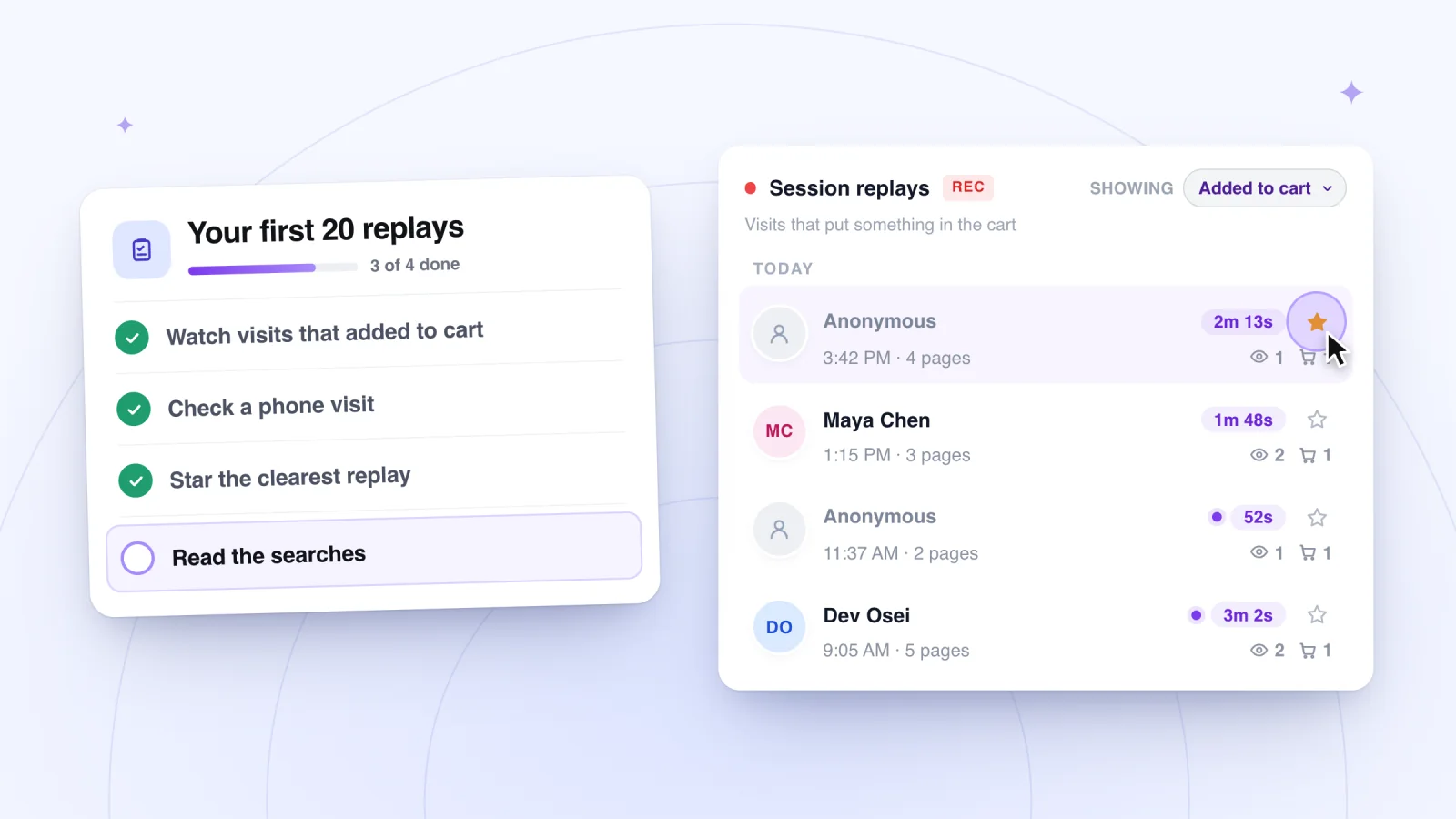
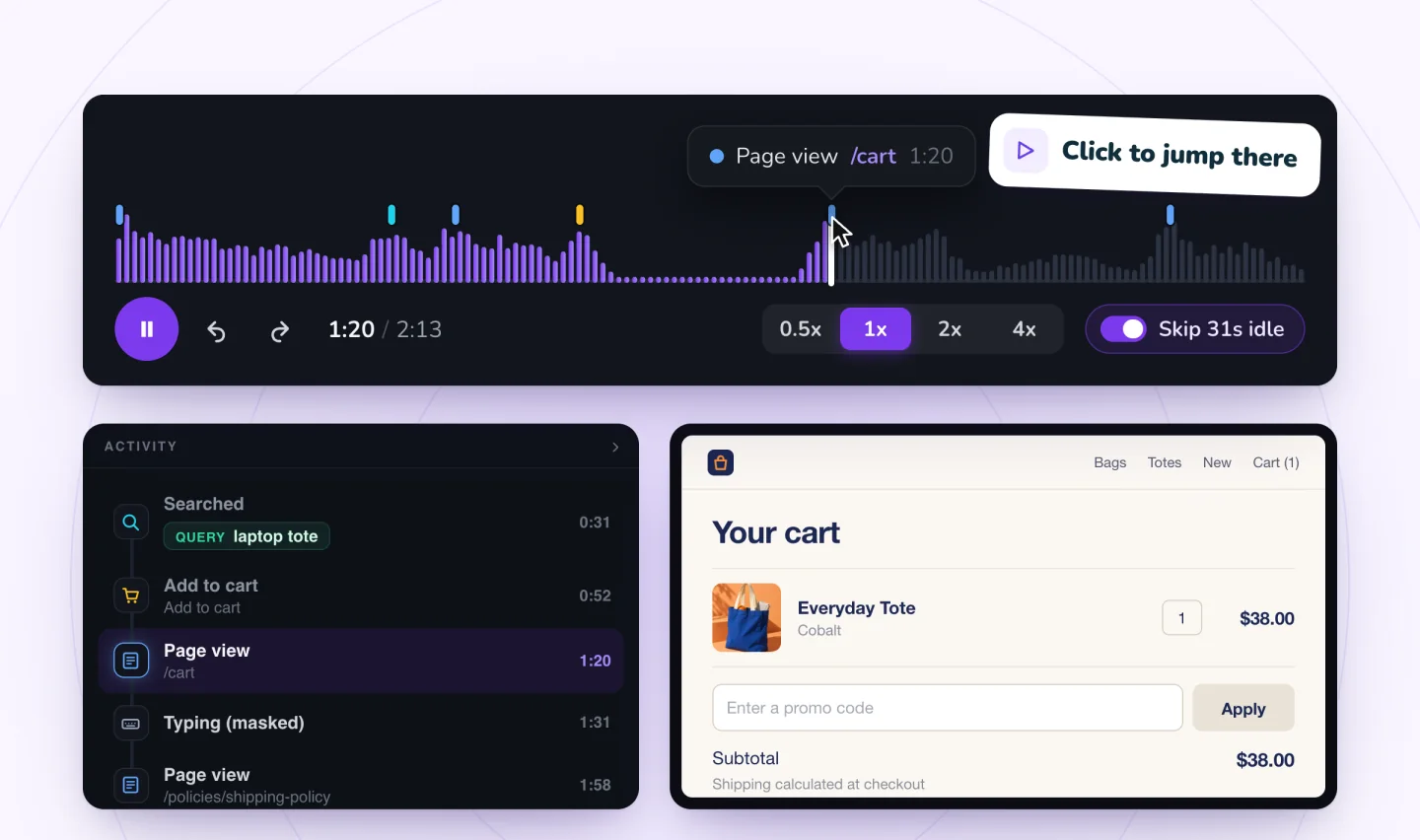
Filter to visits that added to cart or signed up, jump to marked moments and skip the quiet parts.
Add to Wix, it's free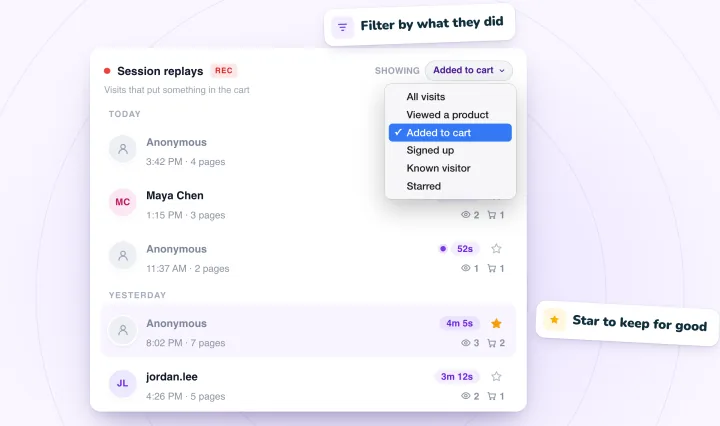
Ask one question on your site
A short on-site question reaches real visitors during real visits. Keep it to one question with a few answers and an Other box. Nielsen Norman Group advises that a feedback survey take around a minute, and that you ask after people finish a real task, not with a pop-up the moment they arrive. A thank-you page is a natural spot.
Answers tell you what people think, not what they did, so treat them as leads. Why visitors leave your website has sample questions.
Where watching real visits fits
A test shows why, because you hear people's reasoning as they get confused. But it covers only the tasks you wrote and the few people you asked. As Sauro notes, change the tasks or the type of users and you need a new sample.
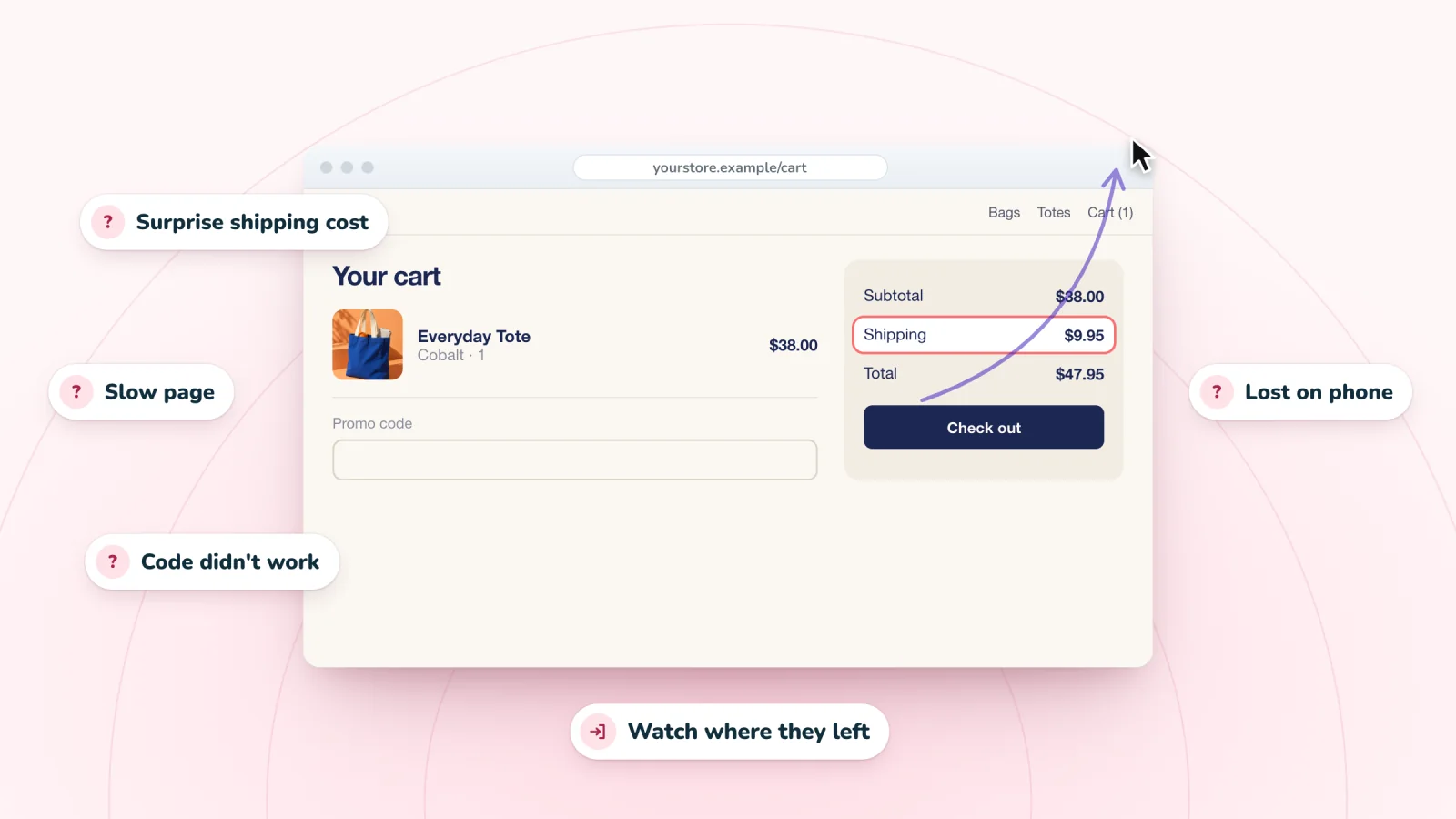
Replays show what real visitors do, with no script. They land on pages you never tested, use phones you don't own and get stuck where you didn't think to look. They also show whether a problem from your test is common. If three testers missed the delivery price, watch ten visits from the Added to cart filter and count how many real shoppers hunt for it.
| Method | What it tells you | Cost | Time |
|---|---|---|---|
| Testing with people | Why people struggle with the tasks you chose | A thank-you for each person | 30 to 60 minutes a session, says GOV.UK |
| Watching replays | What real visitors do, including problems you never tested for | Session Recordings is free for up to 2,000 recordings a month | A few minutes a visit, with idle time skipped |
| A short on-site question | Reasons, in visitors' own words | Little or nothing with a simple form | Around a minute per answer, says Nielsen Norman Group |
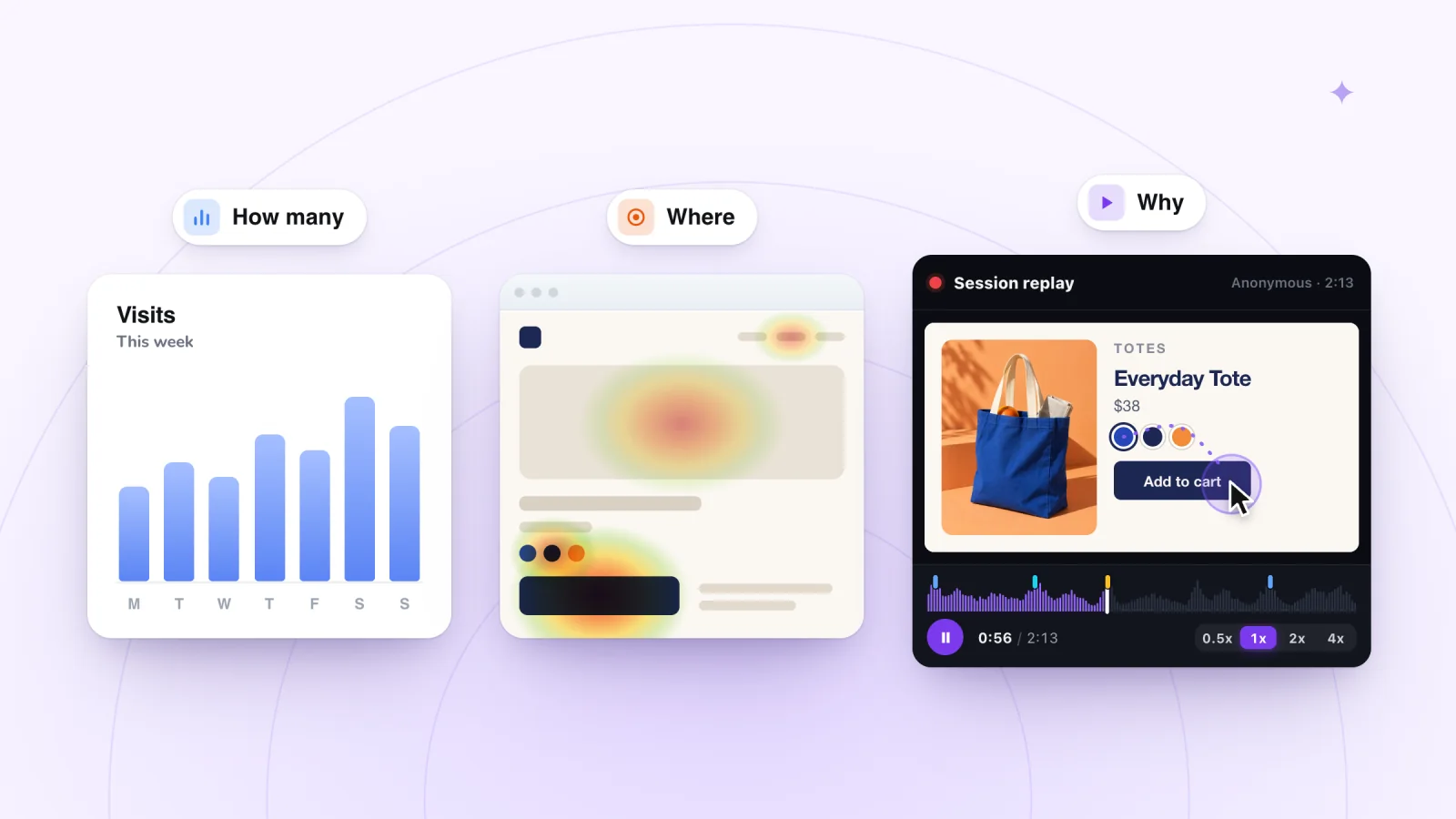
Together, replays point to where people struggle, a test explains why, and a question collects reasons. Visitors who haven't allowed analytics in your cookie banner aren't recorded, so treat replays as a sample for finding problems, not a full count. A free interactive replay demo shows what a replay includes, and this routine for watching replays keeps each sitting short.
Turn findings into a short fix list
After your last session, list each problem in one line with how many testers hit it. Then rate it. Nielsen's severity ratings weigh how often a problem happens, how hard it is to get past and whether it keeps bothering people. Nielsen Norman Group often uses just three levels, which you can define like this.
- High. It stopped someone from finishing a task.
- Medium. It slowed someone down or sent them the wrong way.
- Low. It confused or annoyed someone, but they carried on.
Sort by severity, then by how many people hit each problem. Nielsen Norman Group notes that seeing at least two people struggle with the same thing inspires more confidence than one. Pick the top three and write one line for each.
Delivery price: 4 of 5 testers couldn't find it before checkout. High. Fix: show delivery prices under the Add to cart button.
Make the changes, then test five new people. Watch fresh replays of the same pages too, to check that real visitors stopped struggling. The checklist for your first 20 replays shows how to log what you see.
Frequently asked questions
How many people do you need for a usability test?
About five per round, if they are similar and you are looking for problems. By Nielsen Norman Group's math, five people uncover about 85% of usability problems, though rarer ones can slip through. Three rounds of five beat one round of 15. For reliable numbers, you need about 40.
Can you do usability testing for free?
Nearly. You need a few people, a few tasks and a notepad. For a small business, the main cost is a thank-you for each tester. Nielsen Norman Group's view is that bad user testing beats no user testing. In its research, even poorly run studies found a quarter of the serious problems.
What is the think-aloud method?
You ask people to say what they see, think and try to do as they use your site, so you hear the reasons behind each click. Jakob Nielsen calls it perhaps the most valuable usability method, since you only need to sit beside someone and take notes. It feels unnatural at first, so remind people now and then.
Is it OK to test with friends and family?
Yes, with care. People who know you may soften their reactions, and coworkers know too much about the business. Friends of friends who match your customers work better. Either way, trust what they do over what they say.
Try it on your site
Session Recordings replays real visits to your Wix site, rebuilt from the page rather than filmed. Use it to check whether problems from your test happen to real visitors and to spot ones you didn't test. Phone visits play back in the phone's own shape, and the Free plan includes 2,000 recordings a month.
Sources
- Nielsen Norman Group: Why You Only Need to Test with 5 Users
- Nielsen Norman Group: How to Respond to Skepticism of Testing Small Groups of Users
- MeasuringU: Why You Only Need to Test with Five Users (Explained)
- Nielsen Norman Group: How Many Participants for Quantitative Usability Studies
- Nielsen Norman Group: Recruiting and Screening Candidates for User Research Projects
- W3C Web Accessibility Initiative: Involving Users in Evaluating Web Accessibility
- Nielsen Norman Group: Turn User Goals into Task Scenarios for Usability Testing
- GOV.UK Service Manual: Using Moderated Usability Testing
- Nielsen Norman Group: Usability (User) Testing 101
- Nielsen Norman Group: Talking with Participants During a Usability Test
- Nielsen Norman Group: Thinking Aloud: The #1 Usability Tool
- Nielsen Norman Group: First Rule of Usability? Don't Listen to Users
- Nielsen Norman Group: Usability Testing for Mobile Is Easy
- Nielsen Norman Group: User-Feedback Requests: 5 Guidelines
- Nielsen Norman Group: Severity Ratings for Usability Problems
- Nielsen Norman Group: UX Expert Reviews
- Nielsen Norman Group: Discount Usability: 20 Years

We build marketing apps for online stores: myuser.ai writes and sends emails and texts from a store's own products, and we make Session Recordings and Spin Wheel for Wix sites. Product details in our guides are checked against the apps themselves.