On this page
- Does Wix use Google Analytics?
- Wix Analytics and GA4 side by side
- What does Wix Analytics show?
- What does Google Analytics 4 offer?
- How to connect Google Analytics 4 to a Wix site
- What does Wix send to GA4 automatically?
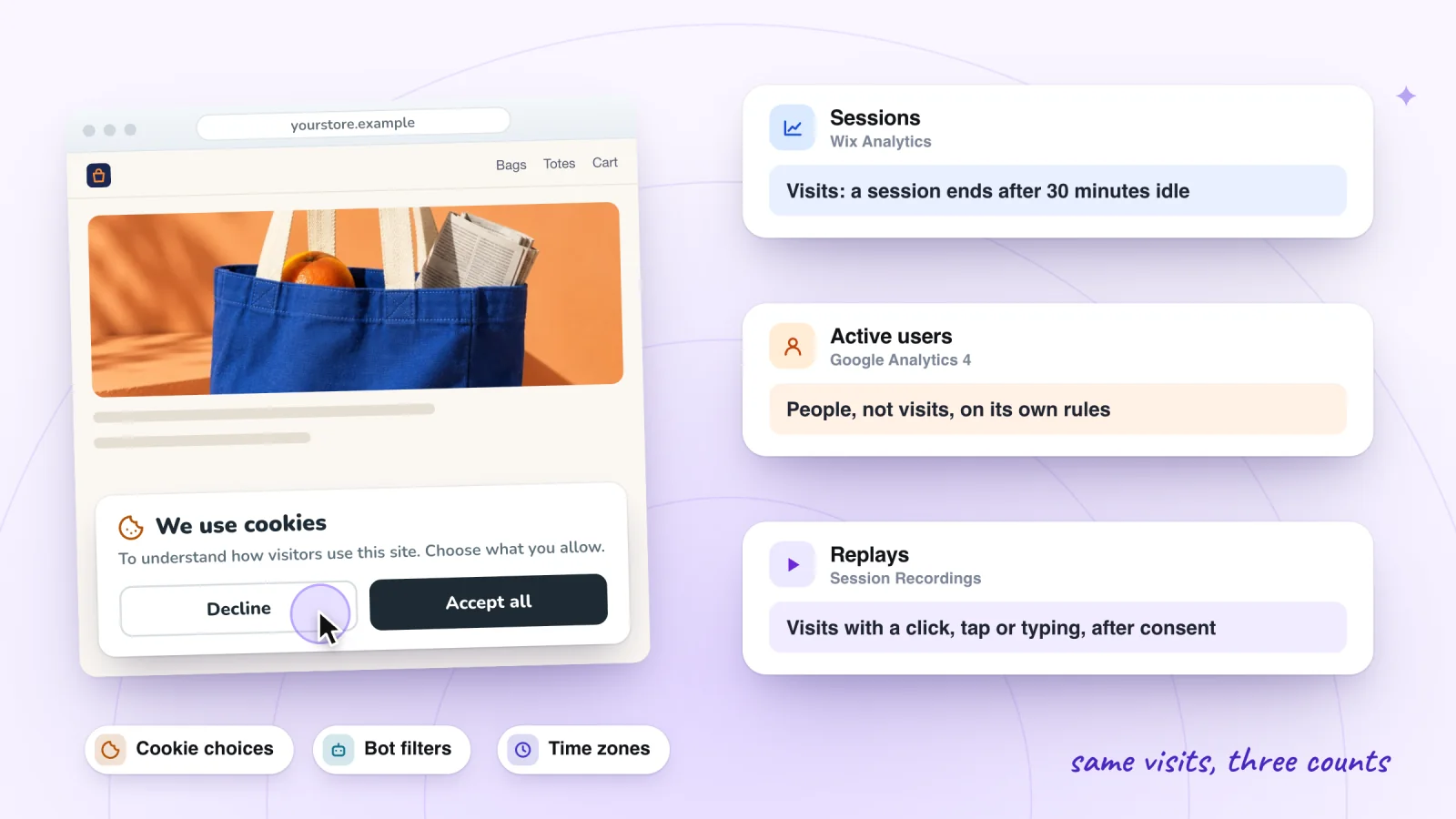
- Why don't Wix Analytics and GA4 numbers match?
- Does Google Analytics have session replay or heatmaps?
- Frequently asked questions
- Try it on your site
- Sources
Wix Analytics and Google Analytics 4 (GA4) cover the same basics, and Wix Analytics is the one you already have: it comes with every Wix site, needs no setup and reads orders and bookings straight from Wix's own records. GA4 is free from Google, but on Wix it needs a Premium plan and a connected domain. It earns its place when you want to build your own funnels and paths, or get more detailed Google Ads conversion reports.
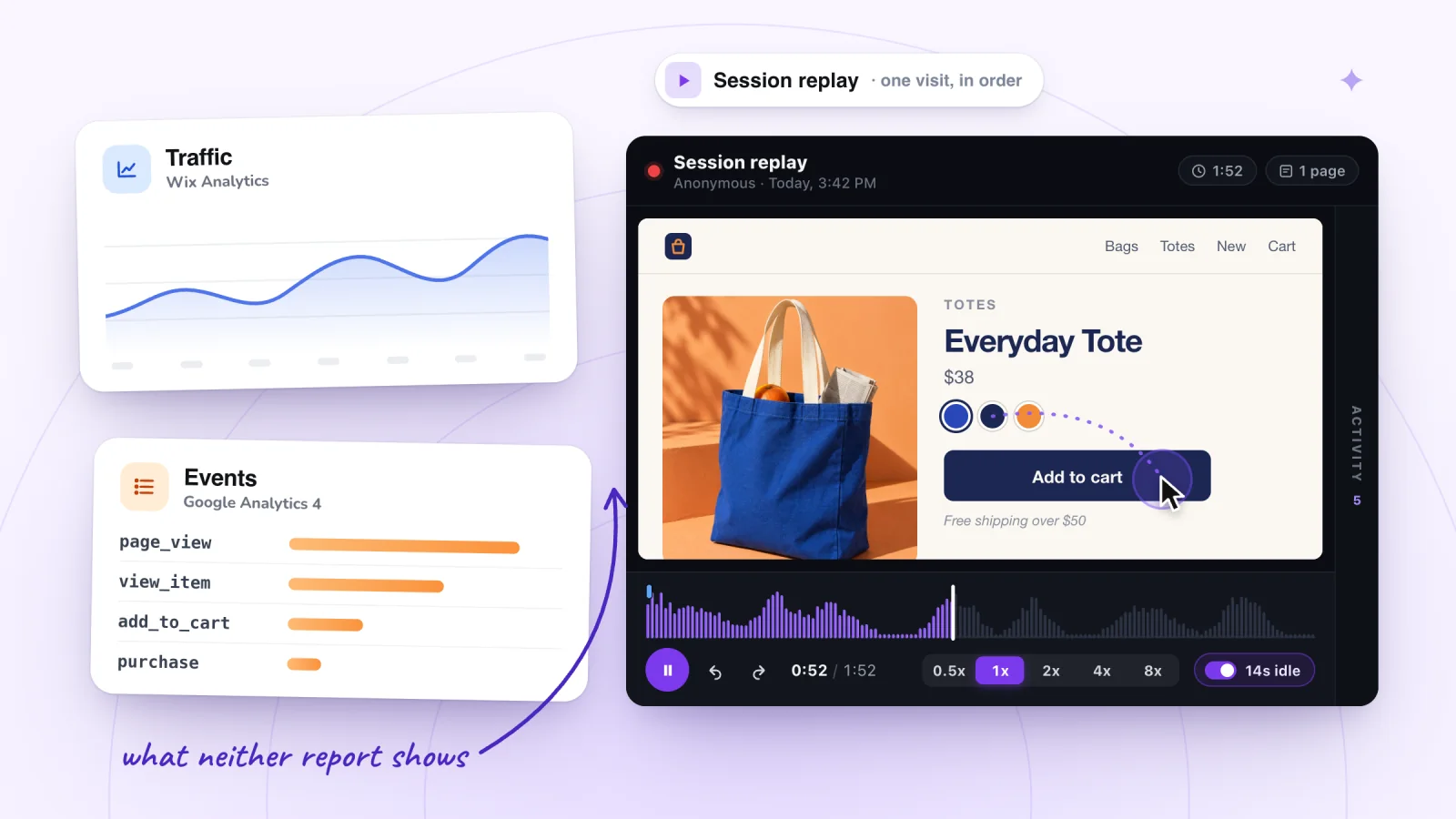
Neither tool's reports show you a visit. GA4's user explorer lists one visitor's events as a timeline and Wix Analytics counts your most clicked buttons, but to watch what someone did on a page you need a replay tool.
Key takeaways
- Wix Analytics comes with every Wix site and needs no setup. GA4 is free from Google, but on Wix it needs a Premium plan and a connected domain.
- Connect GA4 once, under Google Tag in Marketing Integrations. Wix says tracking scripts such as Google Analytics don't work through Custom Code.
- Once connected, Wix sends GA4 a page view for every page and events such as view_item, add_to_cart and purchase from its own apps, with no code.
- Without a cookie banner, Wix says GA4 gets nothing from visitors in countries that require consent, while Wix Analytics still counts them.
- Neither tool's reports replay a visit or draw a heatmap of a page: GA4's user explorer is a list of events, and Wix's Top clicks is a count.
Does Wix use Google Analytics?
No. Wix Analytics is Wix's own analytics, and Wix says all its users get it for their site. Google Analytics is a separate product from Google that you connect yourself, and only once the site has a Premium plan and a connected domain. After that, Wix sends GA4 a page view for every page, plus events from its own apps, such as Wix Stores, Wix Bookings and Pricing Plans, with no code.
Wix Analytics and GA4 side by side
| Wix Analytics | Google Analytics 4 | |
|---|---|---|
| Cost | Included with every Wix site | Free from Google |
| What your site needs | Nothing extra | A Premium plan and a connected domain |
| Setup | None | A Measurement ID in Marketing Integrations |
| With a cookie banner | Counts visitors who click Accept | Collects data only after a visitor consents |
| With no cookie banner | Counts visitors without waiting for consent | Gets nothing from visitors in countries that require consent, Wix says |
| How fresh | Reports update an hour after each event | Realtime within minutes; other reports can take 24 to 48 hours |
| Orders and bookings | Read from your Wix records | Sent as events from visitors' browsers |
| Your own analysis | Pre-built reports you can edit, such as the Store Conversion Funnel | Explorations: your own funnels, paths and segments |
| Bots | Filtered out; Bot Traffic over Time lists crawlers | Known bots excluded; you can't see how many |
| Replays and page heatmaps | No heatmaps; replays only with its Session Recordings add-on, on an upgraded site | Neither |
What does Wix Analytics show?
Traffic, behavior, sales and a live view, with no setup. These are the main places to look, all under Analytics in your site's dashboard:
- Traffic Overview. Sessions and unique visitors, where visitors came from, new versus returning visitors, and sessions by device and by country. Wix counts a unique visitor per device and browser, so one person on a phone and a laptop counts as two.
- Behavior Overview. Average session duration, pages per session and bounce rate, your most clicked elements, an exit rate for each page, and the first four steps visitors take through your site.
- Real-time. Visitors active in the past 5 minutes, everyone from the past 24 hours with their device and location, and a live feed of actions such as viewing a product or adding an item to a cart.
- Store and sales reports. On a Wix Stores site, the Store Conversion Funnel follows sessions from viewing a product to buying. Sales come from Wix's own order records, so free orders count and canceled ones don't.
- Bot reports. Among the SEO reports, Bot Traffic over Time shows which search engine and social network bots crawl your site, and the AI bot reports show crawls by AI platforms.
Wix's reports carry their own glossary: click View report definitions under a report's title. How to see what visitors do on your Wix site shows which reports find a page that loses people.
What does Google Analytics 4 offer?
Ways to ask your own questions. GA4 records each page view and action as an event, and these tools work on those events:
- Explorations. Build your own tables, funnels and paths, compare segments, and follow cohorts or user lifetime value, using the dimensions and metrics you pick.
- User explorer. Pick one visitor and see a timeline of the events they triggered, grouped by date.
- Tech details. A ready-made report of visitors' browsers, operating systems, device models and screen resolutions, which helps when a page breaks in only one browser.
- Enhanced measurement. Events such as a scroll (sent the first time a visitor sees 90% of a page's depth), outbound clicks and file downloads, collected with no code.
- Google Ads reporting. Wix points to Google Analytics or Google Tag Manager when you want more detailed conversion reports than its basic Google Ads conversion setup.
GA4 is also slower to settle. Its Realtime report usually shows activity within a few minutes, but Google says processing can take 24 to 48 hours, and numbers can change during that time.
How to connect Google Analytics 4 to a Wix site
You need a Premium plan and a connected domain first. Wix says Google Analytics can't be used with a free Wix site, because it needs your own domain.
- In Google Analytics, click Admin, then + Create Property. Enter a name, choose your reporting time zone and currency, answer the business questions and click Create.
- Choose Web, then enter your site's address and a name for the data stream.
- Click the settings icon, then Show advanced settings under Page views. Deselect Page changes based on browser history events, turn off Site search and click Save, as Wix's instructions say.
- Click Create stream and copy the Measurement ID, which starts with G-.
- In your site's dashboard, go to Marketing Integrations, click Connect under Google Tag, then Add Google Tag ID, and paste the ID with no spaces before it.
- Tick IP Anonymization if you want to hide visitors' IP addresses from Google, then click Save.
- Open your published site in a private window, accept cookies if a banner asks, and look for your visit in GA4's Realtime report.
Connect it in one place only. Wix's troubleshooting steps say not to add Google Analytics through both Google Tag Manager and Marketing Integrations, or with an HTML element. Custom Code is no route either: Wix says tracking scripts such as Google Analytics, Google Tag Manager and the Facebook and TikTok pixels "do not work through custom code". For the pixels and other tags, see where each tracking code goes on Wix.
Session recordings, private by default
Typing is masked in the visitor's browser and recording follows your cookie banner. Free forever.
Add to site, it's free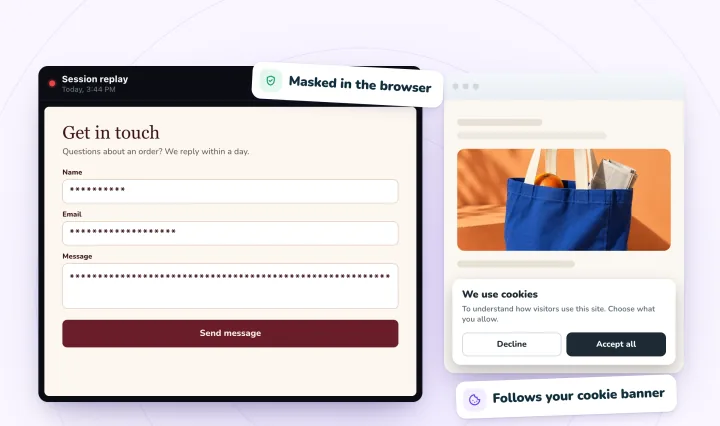
What does Wix send to GA4 automatically?
A page view for every page and, from Wix's own apps, the ecommerce events GA4 expects, with no code. Wix lists these for Google Analytics and Google Tag Manager:
| GA4 event | When Wix sends it | From |
|---|---|---|
page_view | Any page loads | All apps |
view_item_list | A visitor sees a list of items | Stores, Pricing Plans, Bookings, Restaurants |
select_item | An item is picked from a list | Stores, Pricing Plans, Bookings, Events, Restaurants |
view_item | An item is shown | Stores, Pricing Plans, Bookings, Events, Restaurants |
add_to_cart | An item goes into a cart | Stores, Restaurants |
remove_from_cart | An item comes out of a cart | Stores, Restaurants |
begin_checkout | A checkout starts | Stores, Pricing Plans, Bookings, Restaurants, Events |
purchase | Something is bought | Stores, Bookings, Events, Restaurants, Pricing Plans, Gift Cards, Forms with payments |
sign_up | Someone signs up for an account | General |
generate_lead | A form is sent or a chat starts | Forms, the mobile Quick Action Bar, forms in chat |
So on a Wix store you can build a GA4 funnel exploration from view_item to purchase without adding any events yourself.
Why don't Wix Analytics and GA4 numbers match?
They count under different rules, so expect a gap. Wix's help names cookie consent and bot filtering as the most common reasons, and adds time zones, date ranges (Google's "last 7 days" ends yesterday, while Wix's includes today) and its own one-hour delay. GA4's reports also show only active users, and its bounce rate means something different from Wix's. Is Wix Analytics accurate? Why your numbers don't match goes through each reason and gives you a test visit to run.
Does Google Analytics have session replay or heatmaps?
No. Nothing in GA4 plays a visit back or draws clicks on a page:
- No replay. The closest is the user explorer, a timeline of one visitor's events. It can show that someone viewed an item and began checkout, not what they saw or where they tapped.
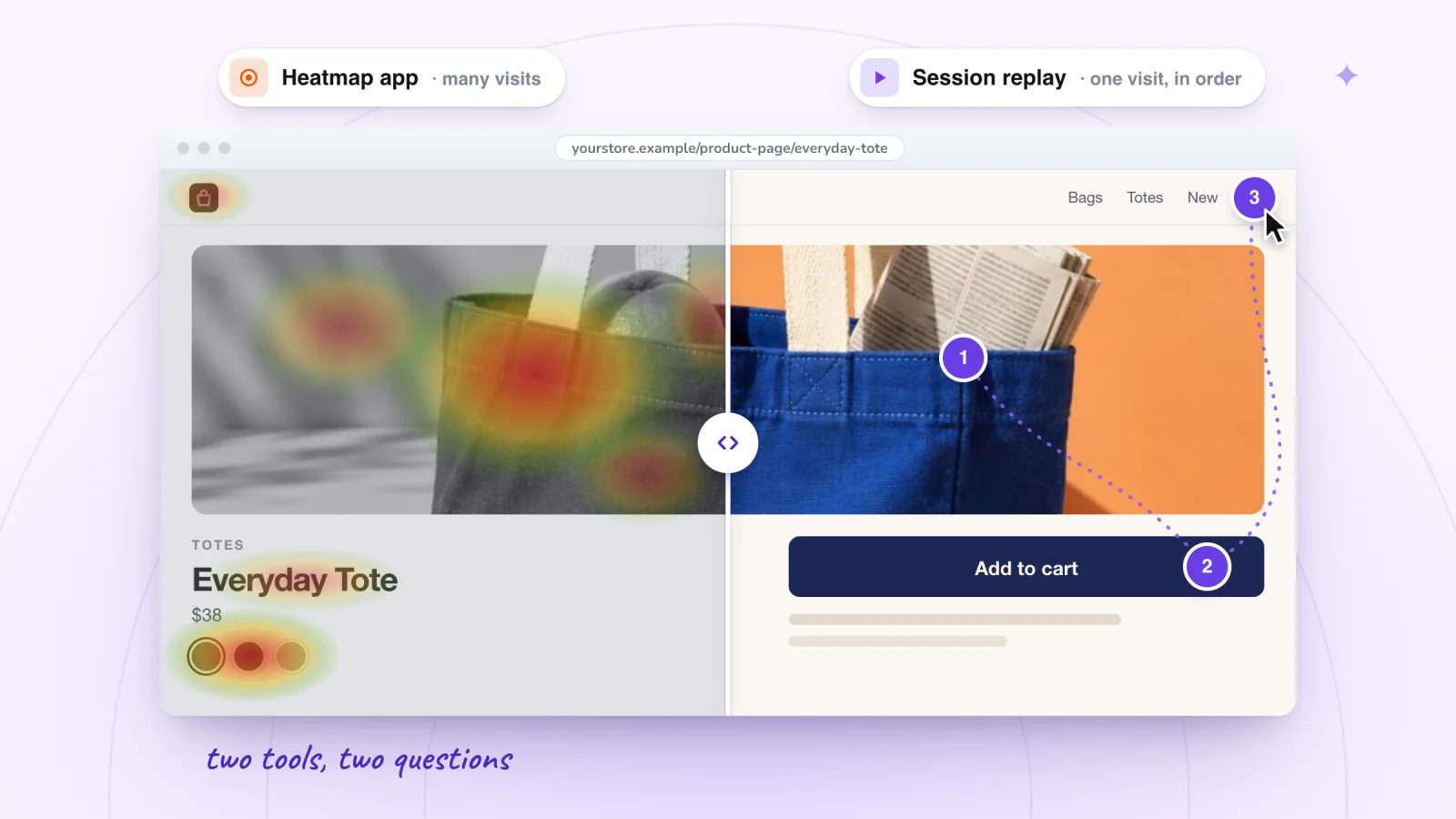
- No page heatmaps. A free-form exploration can shade its table cells as a heat map, and the scroll event marks visitors who reached 90% of a page, but no report paints clicks or scrolling onto the page itself.
Wix Analytics' reports don't either. Top clicks and the Button Clicks report count clicks, and Traffic by Time of Day is a heat map of your busiest hours, not of a page. For replays or heatmaps on a Wix site, you add a tool, Wix's own Session Recordings add-on among them:
| Option | Replays | Page heatmaps | Free tier | On Wix |
|---|---|---|---|---|
| Wix Analytics' Session Recordings (TWIPLA) | Yes | No | 3 new recordings a month | Needs an upgraded site |
| Microsoft Clarity | Yes, kept 30 days | Click and scroll maps | Free, no traffic limits | Registered account domains only, Microsoft says |
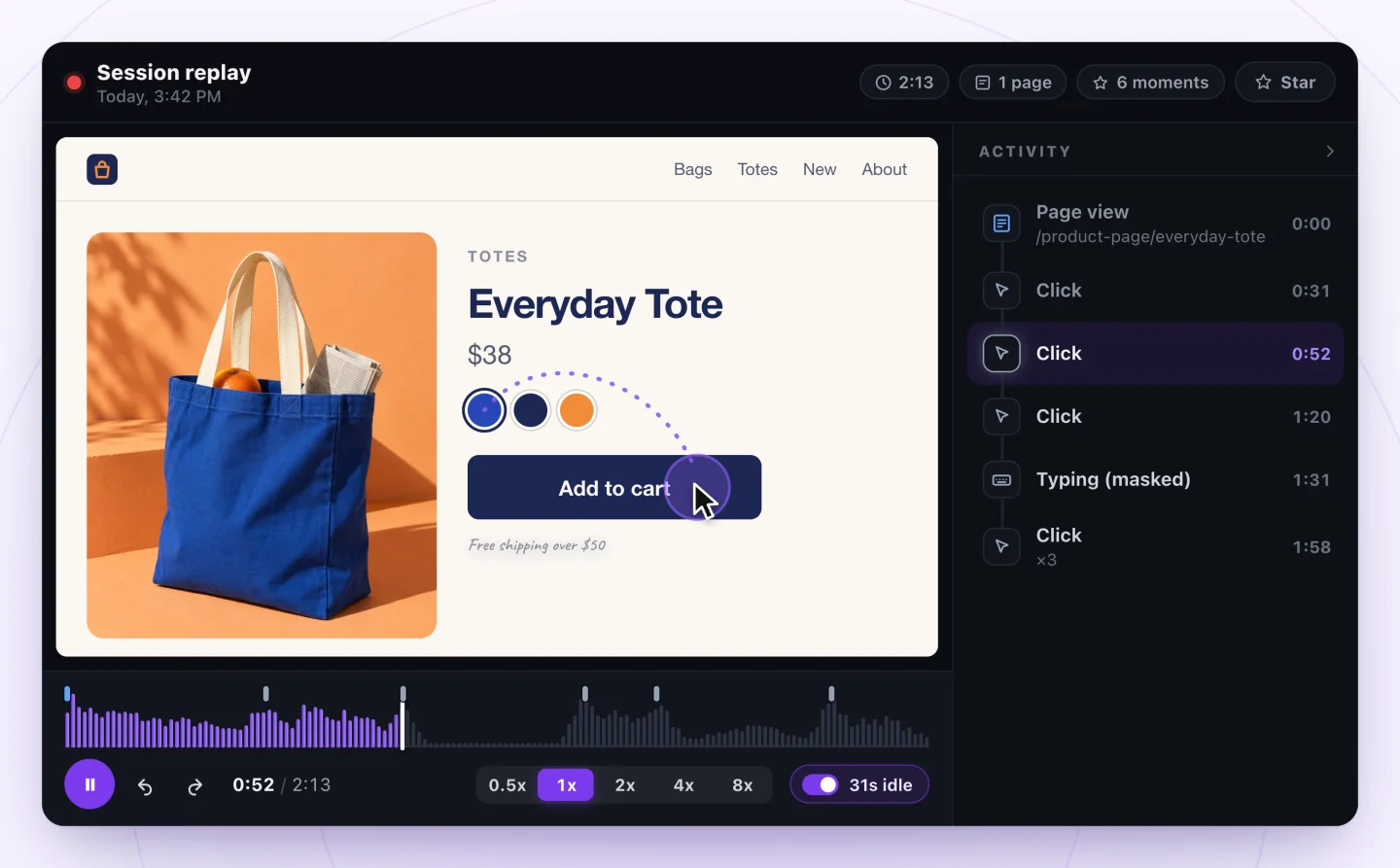
| Session Recordings by myuser.ai | Yes, clicks and typing listed | No | 2,000 recordings a month | Records your published site |
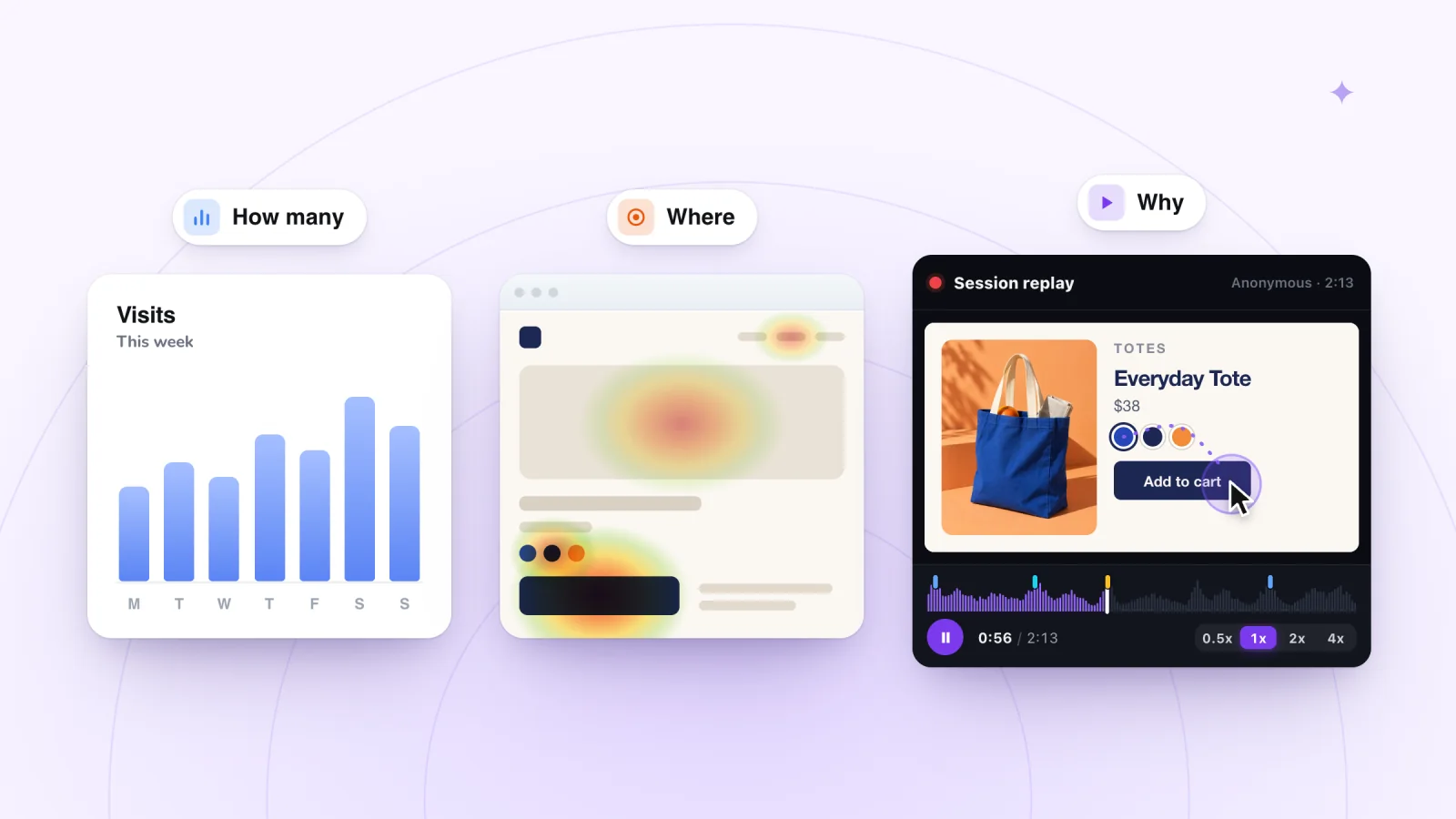
Session replay vs heatmaps vs analytics sets out which question each kind of tool answers, and free heatmap options for Wix compares the heatmap tools. For prices and limits, see session recording tools for Wix, compared.
Frequently asked questions
Do I need both Wix Analytics and Google Analytics?
Not to start. Wix Analytics answers the everyday questions, such as how many people came, from where, and which pages lose them, with no setup. Add GA4 when you need something it does better, such as your own funnels and paths, or more detailed Google Ads conversion reports. If you run both, expect their numbers to differ.
Can I use Google Analytics on a free Wix site?
No. Wix says Google Analytics can't be used with a free Wix site because it requires your own domain, so you need to upgrade the site and connect a domain first. Wix Analytics works on every Wix site without either.
Does Google Analytics work with Wix's cookie banner?
Yes. With a cookie banner on, GA4 collects data only after a visitor consents, so Wix says a drop in your Google Analytics numbers is normal. Without a banner, Wix says no data is sent to Google Analytics from visitors in countries that require consent, such as those covered by GDPR.
How long does Google Analytics take to show data on a Wix site?
A test visit should appear in GA4's Realtime report within a few minutes. Wix says stats typically take 24 to 48 hours to appear in reports. If nothing arrives, Wix's first troubleshooting step is to check that your domain is properly connected to Wix.
Try it on your site
When a report shows you where visitors drop off, Session Recordings shows you what happened: it replays visits to your Wix site with each click and each time the visitor typed listed beside the replay, and typing masked. It's free for 2,000 recordings a month. See session replay for Wix sites.

Sources
All checked October 5, 2026.
- Wix: Website Analytics
- Wix Analytics: About Wix Analytics Reports
- Wix Analytics: Understanding the Traffic Overview
- Wix Analytics: Understanding the Behavior Overview
- Wix Analytics: About Real-time Analytics
- Wix Stores: About Your Wix Analytics Reports
- About Your SEO Reports in Wix Analytics
- Wix Analytics: About Your Behavior Reports
- Wix Analytics: About Your Traffic Reports
- Wix Analytics: FAQs
- Wix Analytics: Discrepancies Between Wix Analytics & Data in Other Tracking Tools
- Tracking Events on Your Wix Site with a Google Analytics Measurement ID
- Wix: Google Analytics FAQs
- Wix: Troubleshooting Google Analytics
- Wix: About Marketing Integrations
- Wix: Event Tracking by Service
- Wix Editor: Embedding Custom Code on Your Site
- Displaying a Usercentrics for Wix Cookie Banner
- Google Analytics
- Google Analytics Help: Get started with Explorations
- Google Analytics Help: User explorer
- Google Analytics Help: Free-form exploration
- Google Analytics Help: Enhanced measurement events
- Google Analytics Help: Tech details report
- Google Analytics Help: Understand user metrics
- Google Analytics Help: Data freshness
- Google Analytics Help: Known bot-traffic exclusion
- Wix Analytics: Adding and Setting Up Session Recordings
- TWIPLA: Wix Analytics enhanced by TWIPLA-powered session recordings
- Microsoft Clarity: How to install Clarity on Wix
- Microsoft Clarity: Frequently asked questions

We build marketing apps for online stores: myuser.ai writes and sends emails and texts from a store's own products, and we make Session Recordings and Spin Wheel for Wix sites. Product details in our guides are checked against the apps themselves.