
Watch live visitors on your Shopify store or Wix site
Visits in progress show as LIVE in your replay list. Open one to follow the visitor around your pages, a few seconds behind.
Free on both. On Shopify, install it, then switch on Session recorder in your theme editor. On Wix, click Add to Site, then Agree & Add.
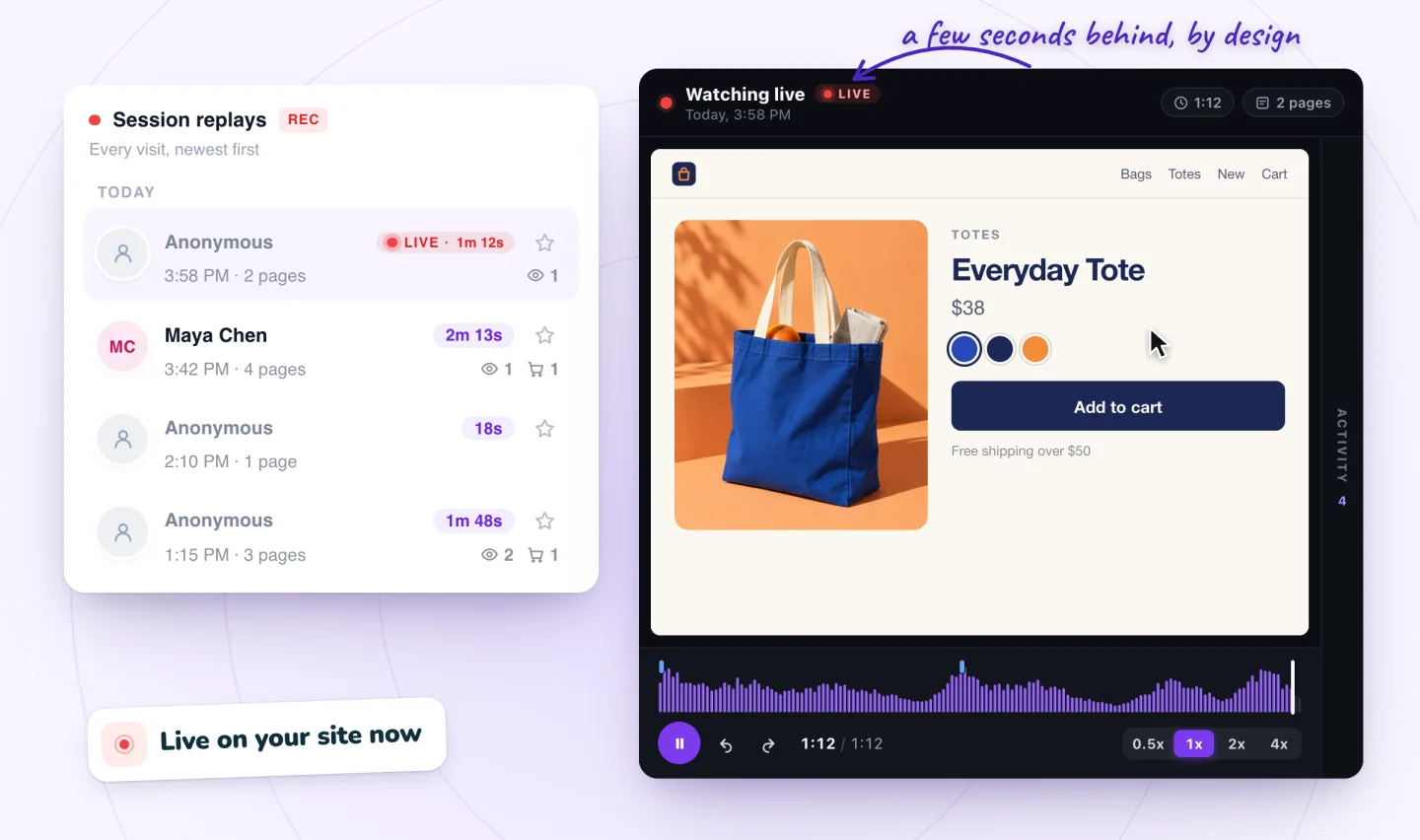
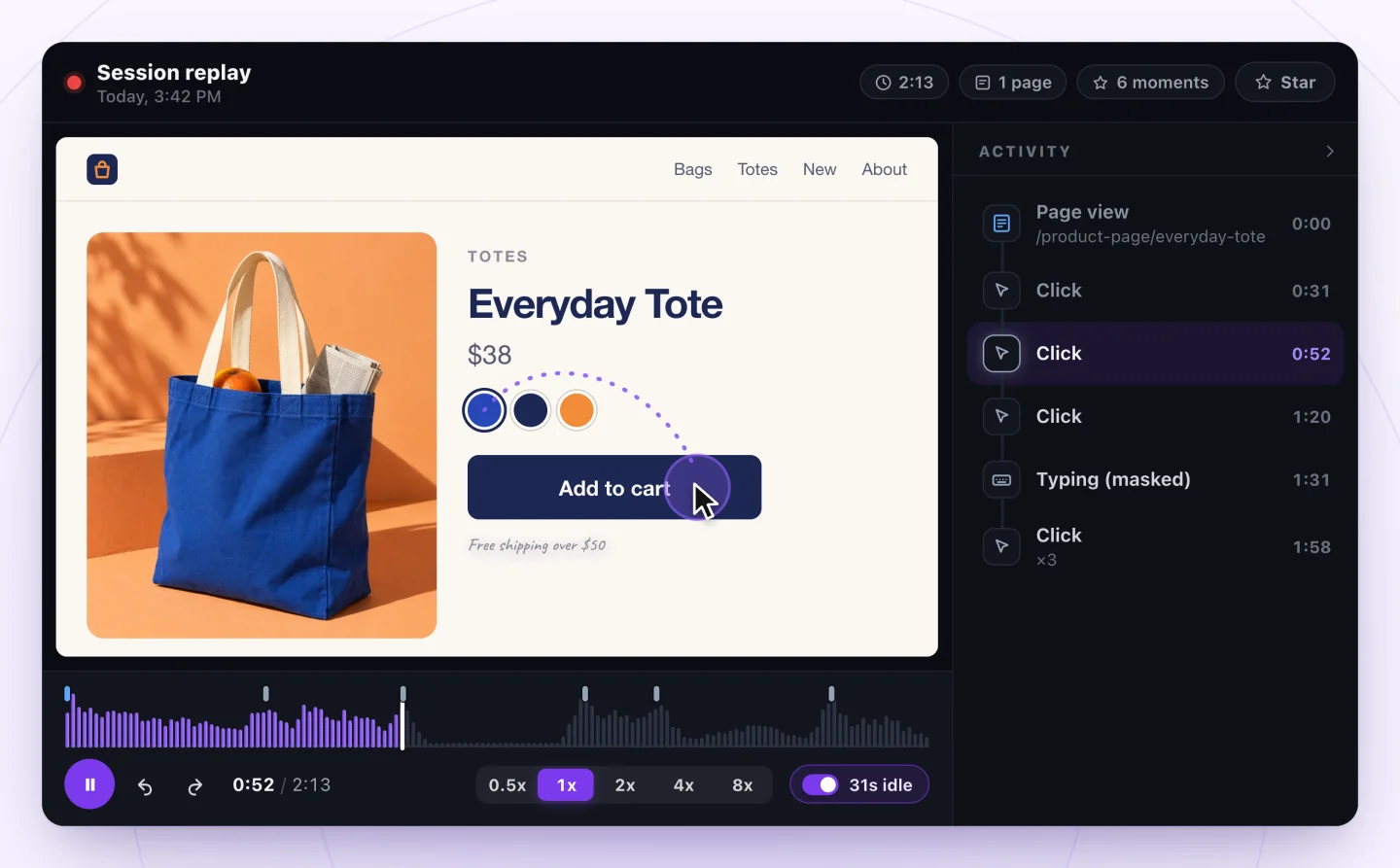
A live visit plays like any replay
Clicks, taps and scrolling play as they happen, and each click and each burst of typing joins the Activity list as the visitor gets there. The visit's running time keeps counting until they leave. On Shopify, searches and cart adds join the list too. A button some themes draw their own way, or an express checkout button, may show as a plain click.
- Follows a few seconds behind
- The Activity list fills in as you watch
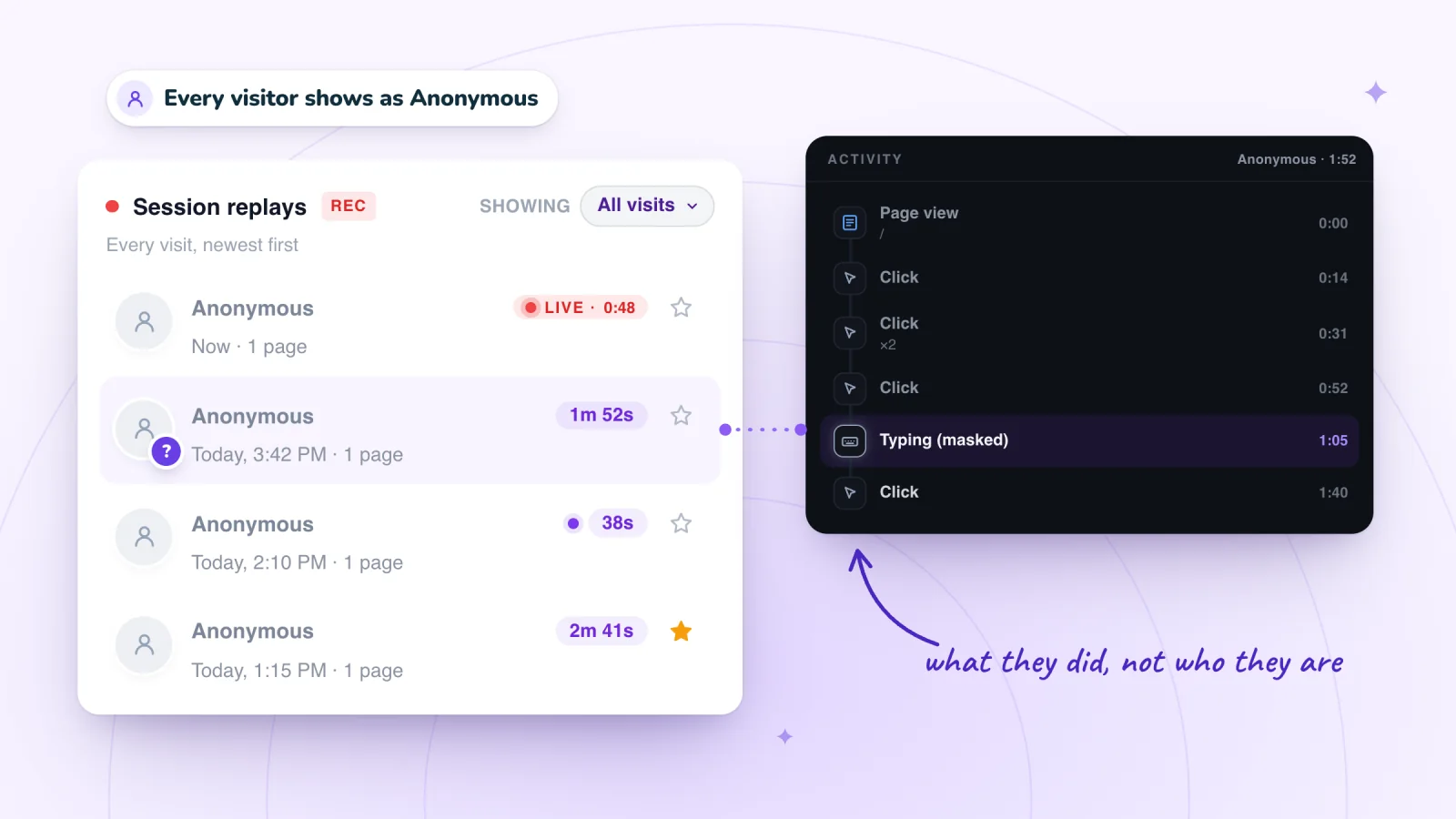
- Form typing masked, as in every replay
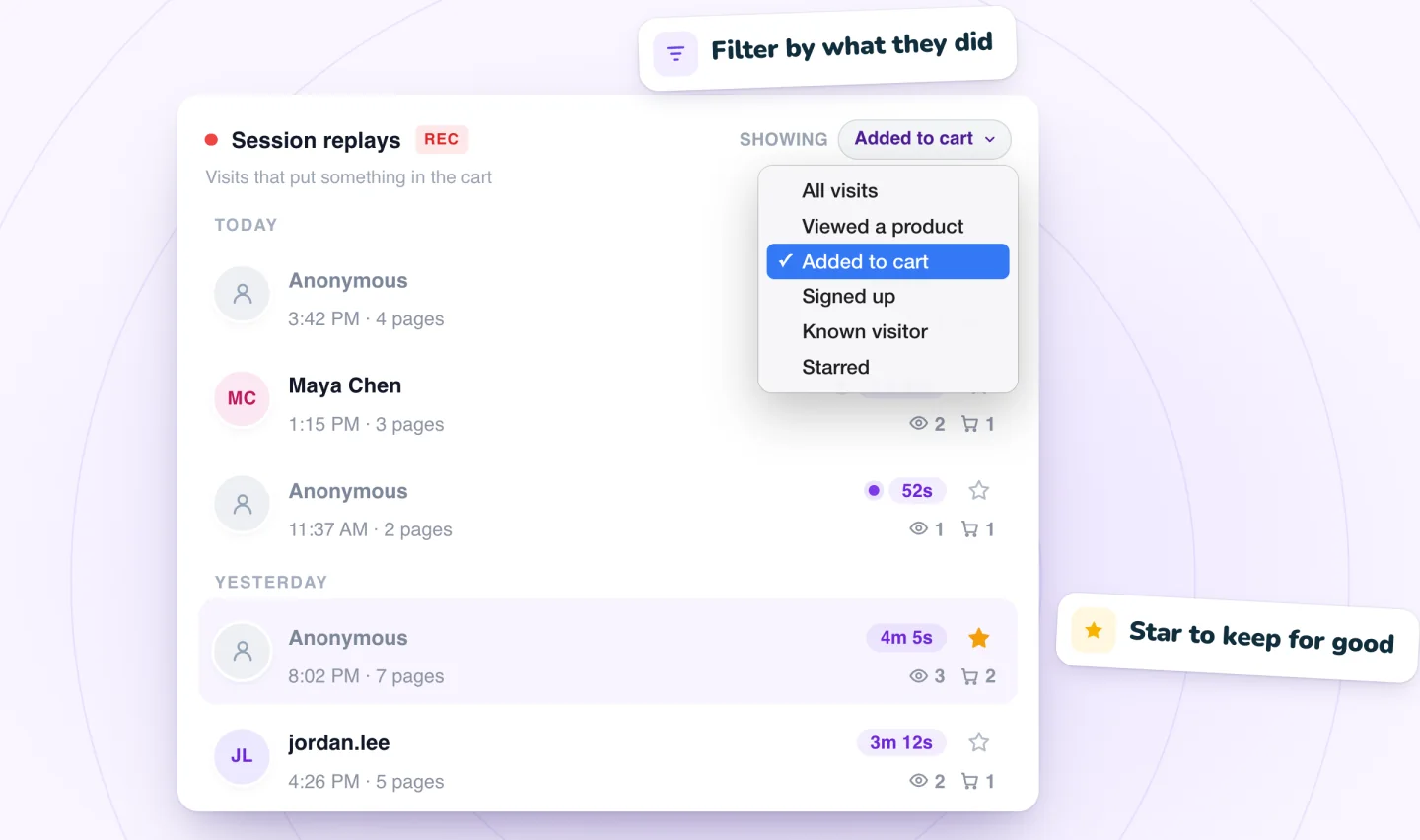
The replay stays when they leave
When the visit ends, it becomes an ordinary replay in your list, ready to watch again from the start, skip through or star.
- Watch it again from the start
- Quiet stretches skipped, up to 8x
- Star it to keep it past its 30 days
How live view works
The recorder sends a visit in small pieces every few seconds while it happens, so a visit in progress appears in your list with a LIVE tag and its running time. Open it to follow the visitor, a few seconds behind. When they leave, the replay is there to watch again.
Shopify's Live View vs a live replay
Shopify has a live view of its own: Analytics, then Live View, in your Shopify admin. It answers a different question. Live View tells you how many people are on your store, where they are and what's selling. A live replay shows you what one of them is doing on your pages.
| Compare | Shopify Live View | Session Recordings live view |
|---|---|---|
| Who counts as live | Visitors active on your online store in the past 5 minutes: they viewed a page or clicked a button | A visit that's still being recorded |
| What you see | A globe of recent sessions and orders, today's sales, sessions, orders, top locations and top products, and how many sessions in the last 10 minutes have a cart, are checking out or bought | The visit itself on your pages: clicks, taps, scrolling and form typing (masked), a few seconds behind |
| Earlier visits | Today's totals, counted from midnight in your store's time zone | Every recorded visit, kept 30 days |
| Visitors who decline cookies | Still counted: Shopify says a cookie banner can stop third-party analytics from tracking them, but Shopify's own tracking isn't affected | Not recorded, where you ask for consent |
Shopify facts from Shopify's help center, Live View, checked October 29, 2026.
Wix's Real-time page vs a live replay
Wix has a live view of its own: Analytics, then Real-time, in your site's dashboard. It answers a different question. Real-time tells you how many people are on your site, where they are and how they found you. A live replay shows you what one of them is doing on your pages.
| Compare | Wix Real-time | Session Recordings live view |
|---|---|---|
| Who counts as live | Anyone who opened a page or did something, such as buying, in the past 5 minutes | A visit that's still being recorded |
| What you see | A live count, where visitors are, traffic sources, devices and top pages, plus a live feed of actions such as product views, cart adds and orders | The visit itself on your pages: clicks, taps, scrolling and typing (masked), a few seconds behind |
| Earlier visits | Recent visitors from the past 24 hours, each with a breakdown of their actions | Every recorded visit, kept 30 days |
| Names | Members, by name if their profile has a first and last name; a visitor who isn't a known contact or member is Visitor # and a number | Members signed in to your site, by name; guests as Visitor plus a short code |
| Visitors who decline cookies | Counted in the live number, page views and purchases only | Not recorded |
| Chat | Start a chat with a live visitor if Wix Chat is installed | None: Session Recordings never contacts visitors |
Use both: Real-time to see that someone is on your booking page right now, and a live replay to watch what they do there. Real-time is also the closest Wix comes to a visitor log; what Wix shows about who visited your site covers it, and what it leaves out. Don't expect its counts to match your replay list: why Wix Analytics numbers differ from other tools explains what each one counts.
Wix facts from Wix's help center, About Real-time Analytics, checked October 5, 2026.
When live view helps
- Launching a new page or a sale and wanting to see the first visitors use it. On Wix, check before a big sale whether your site can handle high traffic.
- Checking a fix you just made with a real visitor.
- Testing your own store or site: open it on your phone, accept analytics cookies if your banner asks, and watch your own visit arrive marked LIVE.
Live view or a recorded replay?
Live view is for the moment: a launch, a sale going out, a fix you want to see working. Most questions are answered faster from recorded replays, where you can jump between moments and skip the quiet parts. Our guide to watching recordings without losing hours covers that routine, and what to check in your first 20 replays gives you a starting list.
Same privacy rules
Live visits follow the same rules as every recording: what visitors type into form fields is masked in their browser before it's sent, and visitors who haven't allowed analytics aren't recorded, where you ask for consent. Nothing changes on the page for the visitor, and watching live shows nothing a replay wouldn't. See how recordings stay private.
Guides to go further
Can You See Who Visited Your Wix Site? What Wix Shows
Wix shows where visitors came from, their devices and what they did, but not who anonymous visitors are. Where to look, visit alerts and what stays hidden.
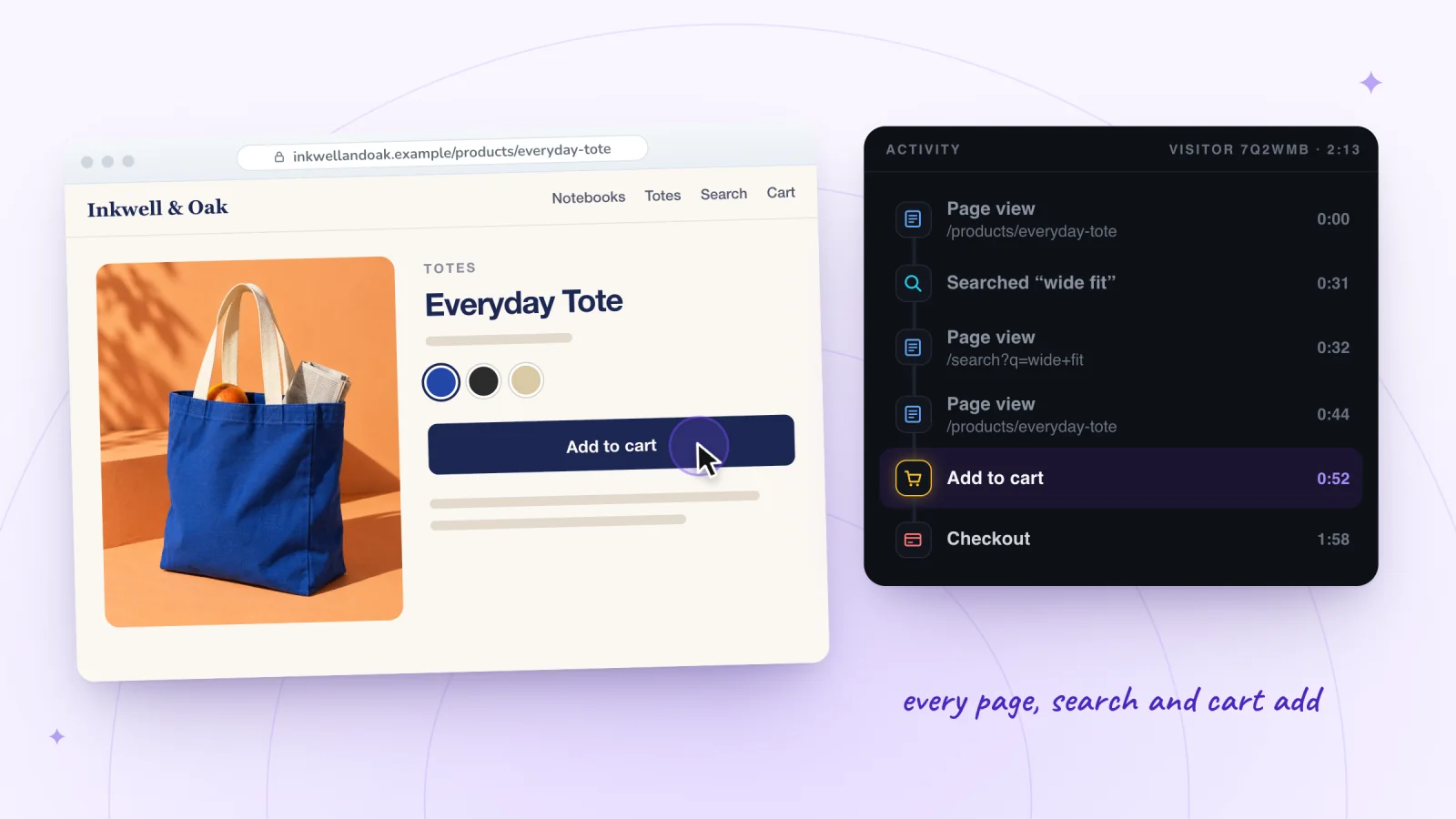
See What Customers Do on Your Shopify Store: 3 Ways
See what customers do on your Shopify store: Live View for right now, reports for the totals, and session replays for what one shopper actually did.
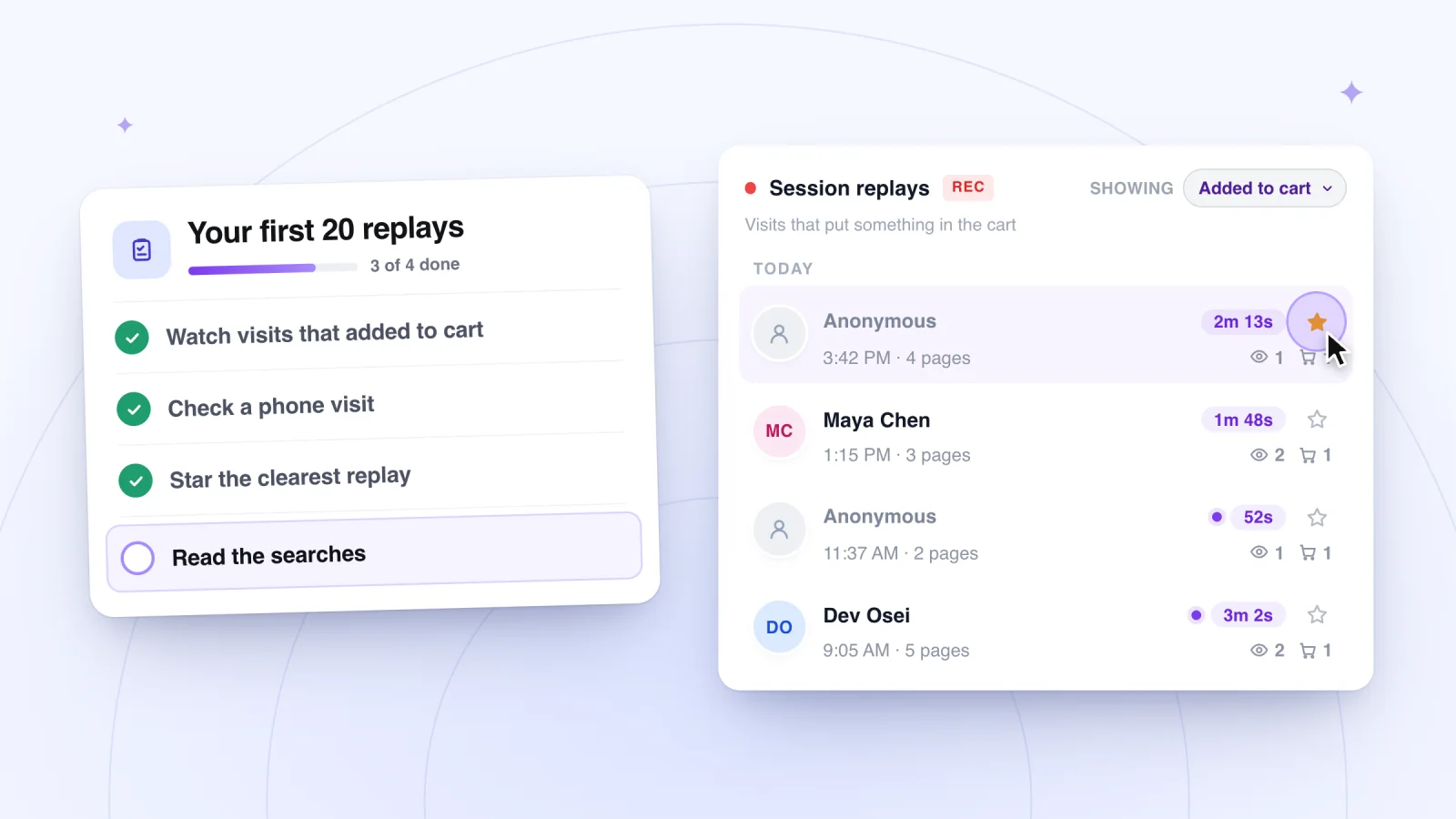
Session Recording Checklist for Your First 20 Replays
Your first replays can feel like noise. Use this checklist of what to look for, from menus to forms, and log each finding in a sheet you can act on.
Where to go next
Session replay
The player, the Activity list and what a replay shows.
OpenPhone visits
Replays at the phone's own size, every tap shown.
OpenPrivate by default
Form typing masked, cookie consent followed, guests anonymous.
OpenHow it compares:Wix Analytics' Session Recordings and TWIPLASession recording tools for Wix, compared
Frequently asked
How far behind real time is live view?
A few seconds. The recorder sends the visit in small pieces every few seconds, and the player picks up each new piece as it arrives.
Is live view free?
Yes. Like every feature of Session Recordings, it's free forever.
Can a visitor tell they're being watched live?
No. Nothing changes on the page for the visitor, live or not, and form typing is masked either way.
Can I see live visitors on Wix without Wix Chat?
Yes. Wix's Real-time page (Analytics, then Real-time) shows live visitors without a chat app. You need Wix Chat or Wix Smart Chat only to chat with them or to get Wix's new-visitor notifications, though one Wix page says the Wix app's live visitor notifications need Wix Chat itself; how to get notified when someone visits has the steps. Session Recordings' live view needs neither.
Can I see live visitors on Shopify without an app?
Yes. Shopify's Live View, under Analytics in your Shopify admin, shows how many visitors were active on your online store in the past 5 minutes, on a globe, with today's sales and orders. Session Recordings adds the visit itself: what one visitor does on your pages, a few seconds behind.
Can I see who the live visitor is?
On Shopify, no: nobody is named, because the app reads no customers, so every visitor shows as Visitor plus a short code. On Wix, only members signed in to your site show by name, live or not, and guests are Visitor plus a short code. Wix's own reports name only members and contacts who told you who they are; see can you see who visited your Wix site? On Shopify, see what Shopify shows about who visited your store.
See your next visit through your visitor's eyes
Install it on Shopify and switch it on in your theme, or add it to your Wix site. Recording starts with your next visitor.