 Session Recordings
Phone visits, replayed tap by tap
Visits from phones replay at the phone's own shape, with every tap marked, so you see your site the way mobile shoppers do.
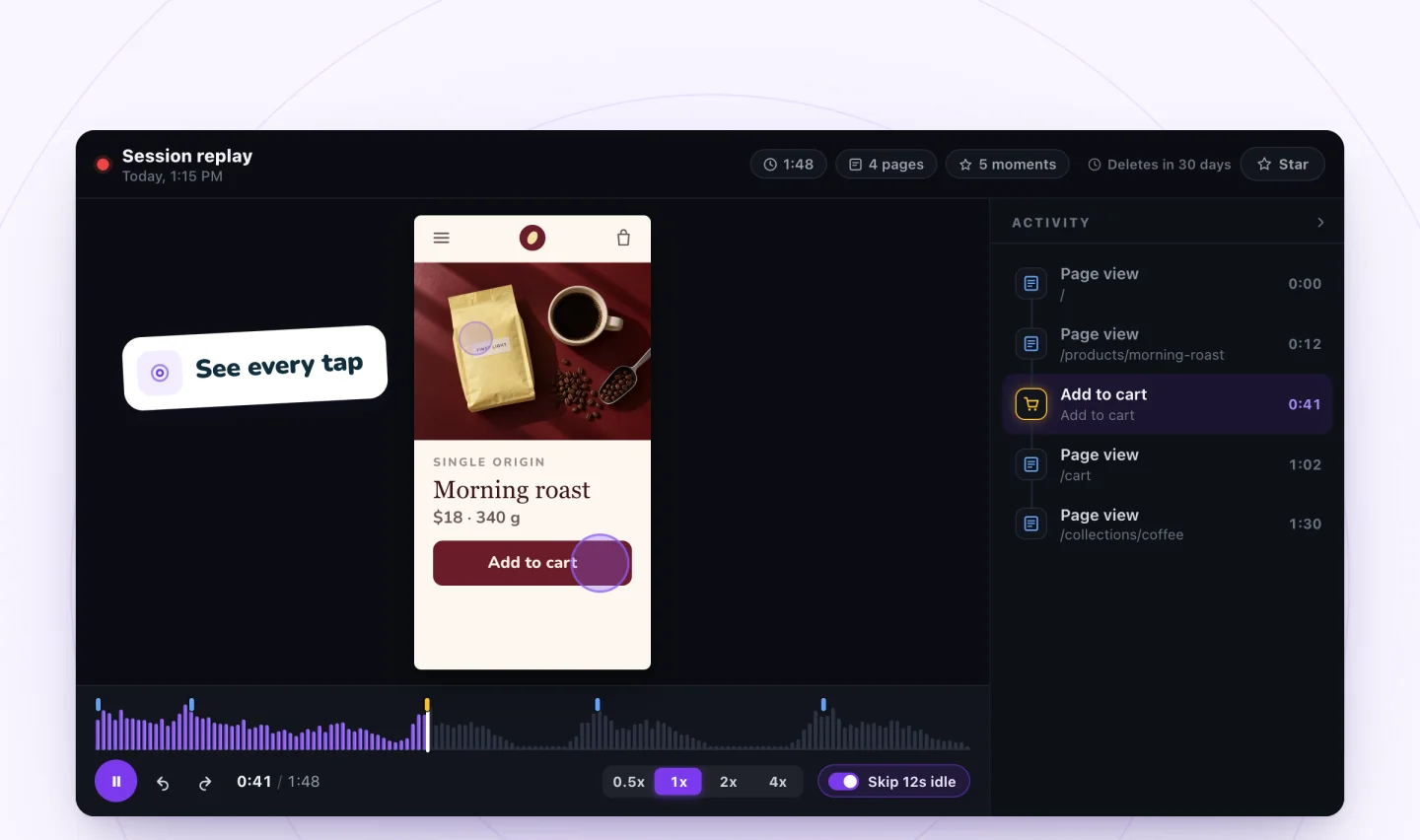
See the small screen
Desktop testing rarely catches what goes wrong on a phone: a button too close to another, a pop-up that covers the page, a menu that won't close. Phone replays show the visit at the size the visitor saw it, with taps marked as they happen.
What to look for
Watch for repeated taps on the same spot, quick scrolling back and forth, and visits that end right after a page loads. Mobile shopping problems you only see in replays has a full list.
The same tools as desktop
Phone replays have the same marked moments, Activity list, idle skipping and speeds as desktop replays, and they appear in the same filtered list.
Guides to go further
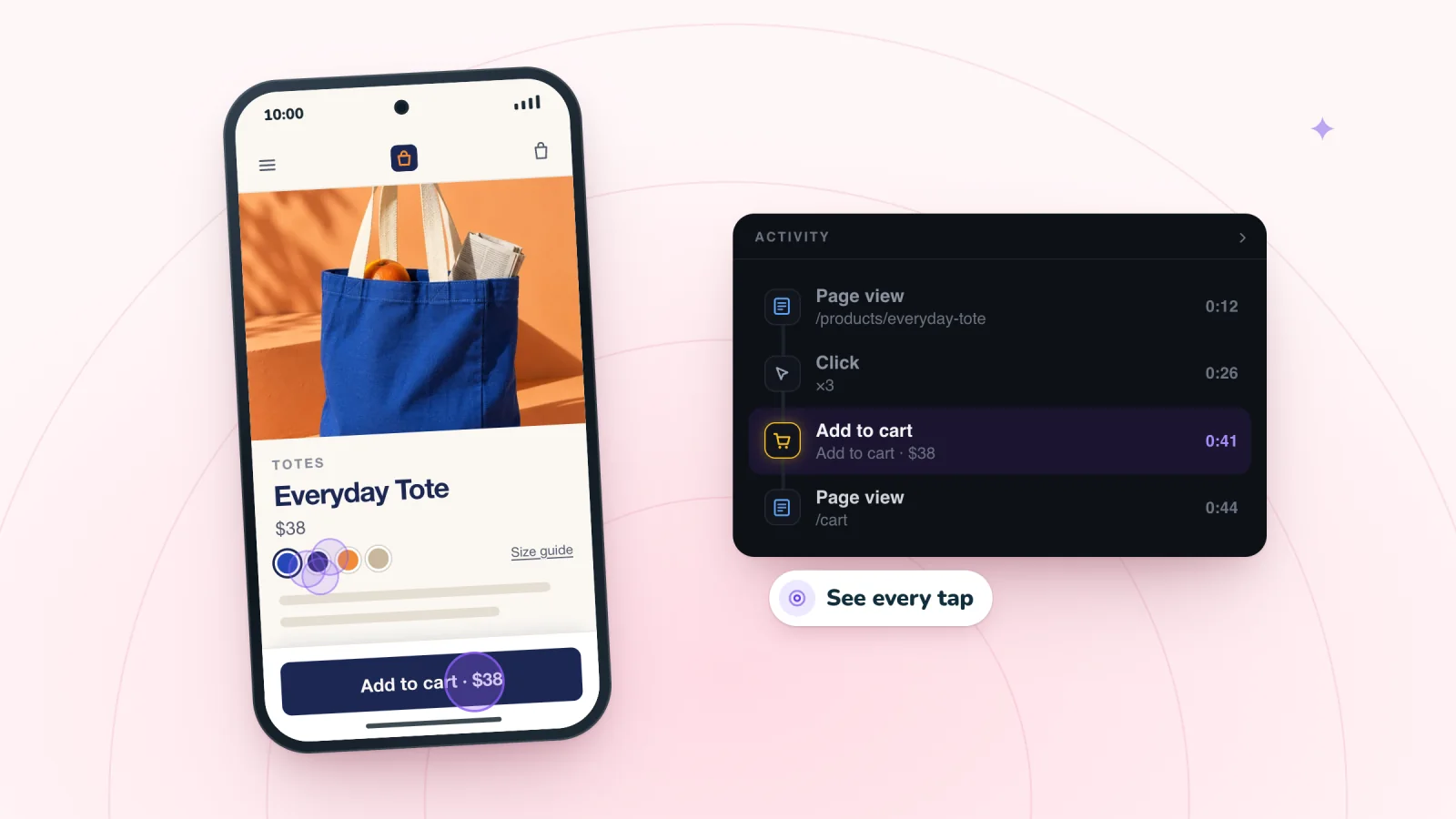
Mobile Ecommerce UX Problems You Only See in Replays
Phone shoppers struggle in ways a quick desktop check never shows. Learn the mobile problems replays reveal, from missed taps to hidden fields, and the fixes.
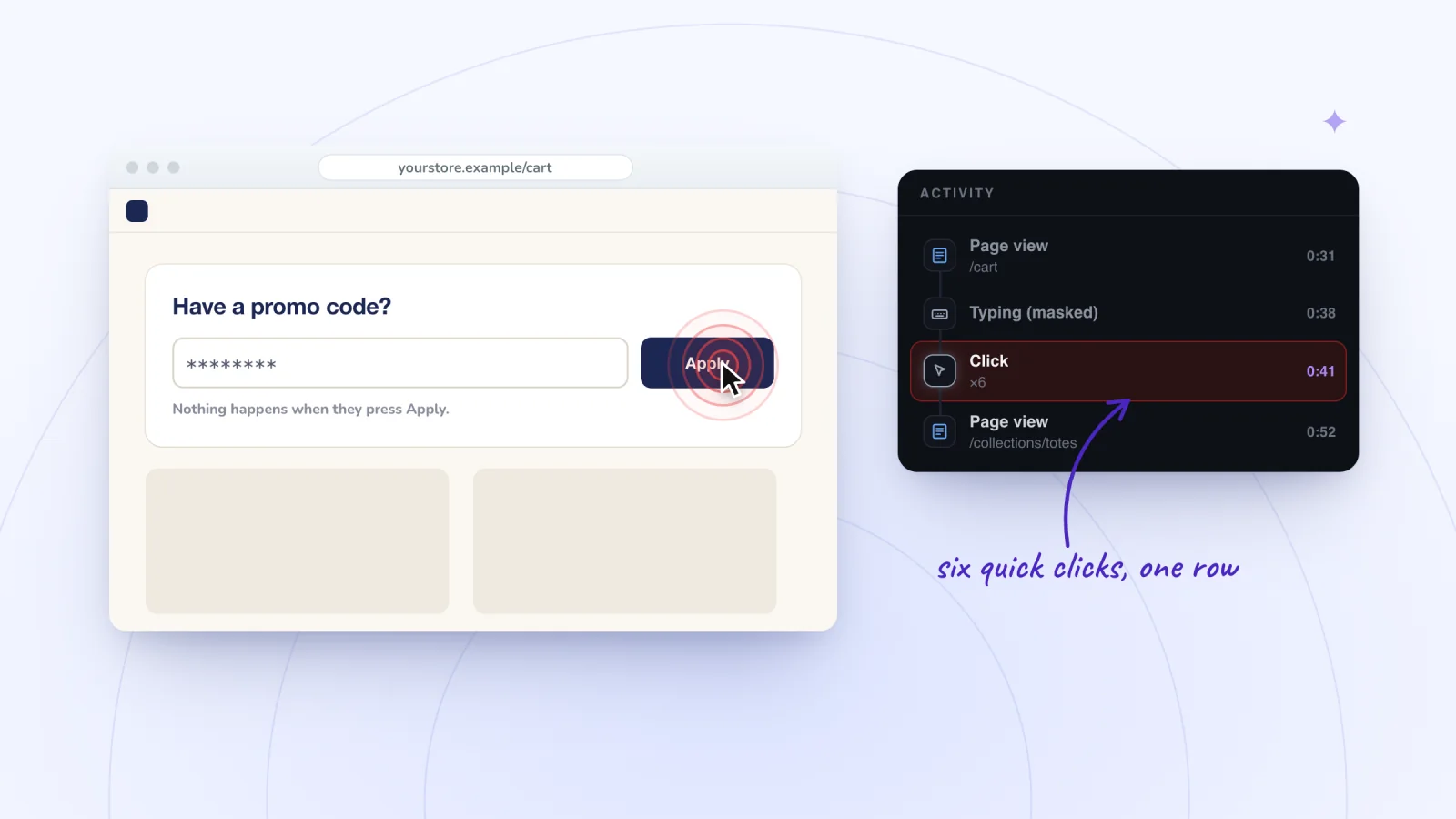
Rage Clicks: What They Mean and How to Spot Them
Rage clicks are bursts of clicks on one spot, and dead clicks get no response. Learn what causes them, how to spot them in replays and how to fix them.
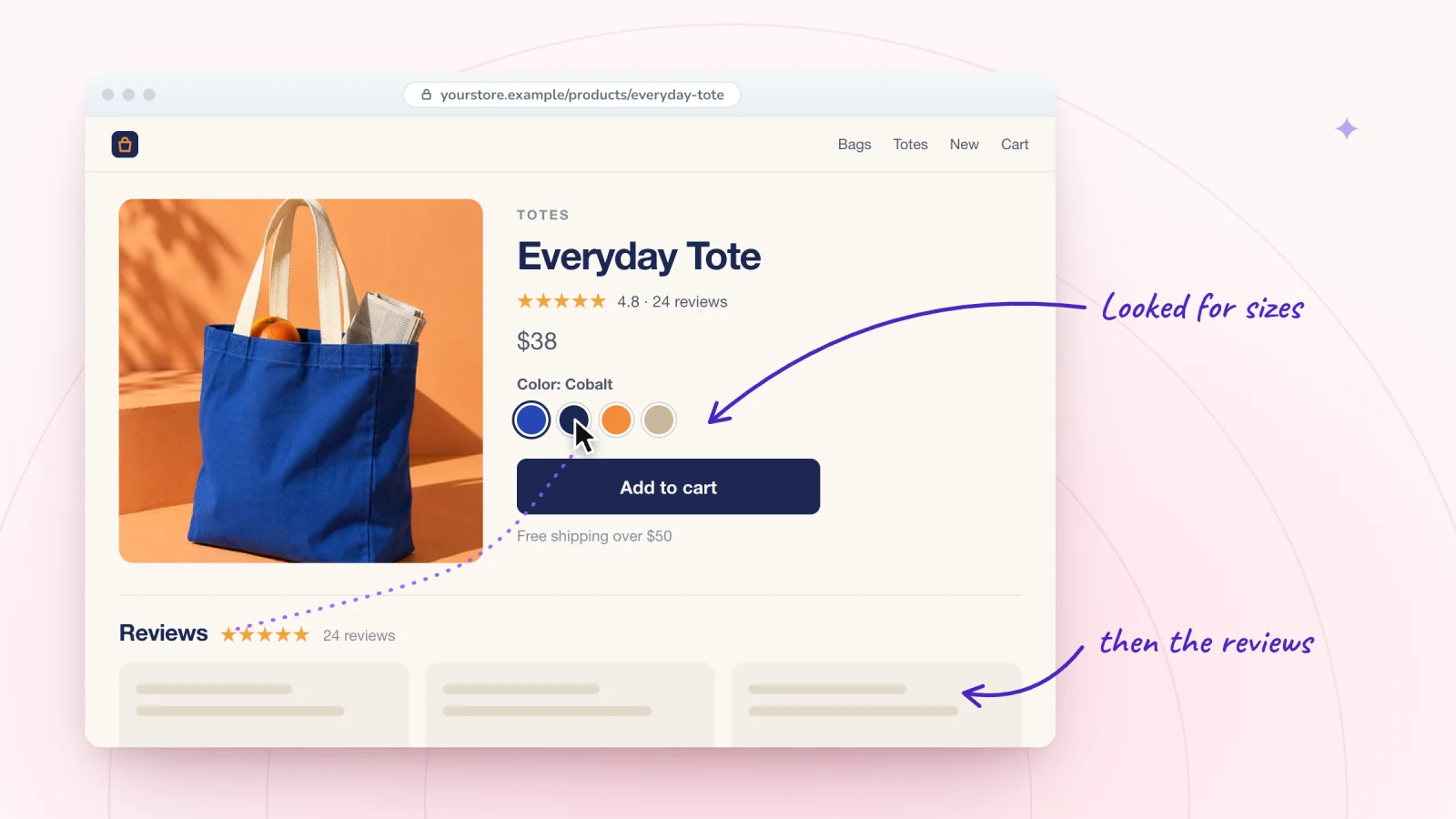
How to Improve Your Product Page With Session Recordings
Replays show how shoppers use your product pages, from the photos they study to the answers they hunt for. Here is what to look for and what to fix first.
Frequently asked
Are taps shown in phone replays?
Yes, each tap is marked where it happened.
Do phone visits count differently?
No. Every visit counts as one recording, whatever the device.
See your next visit through your visitor's eyes
Add Session Recordings and turn it on. Recording starts with your next visitor.