On this page
- Wix Analytics not working or showing no data?
- What does Wix Analytics count?
- Why don't Wix Analytics and Google Analytics match?
- How much traffic does a cookie banner hide?
- What does Wix Analytics leave out on purpose?
- Why do session replays show fewer visits than Wix Analytics?
- Check that every tool is counting
- Frequently asked questions
- Try it on your site
- Sources
Yes, Wix Analytics is accurate for what it counts, under its own rules: with a cookie banner on, it counts only visitors who click Accept; it filters out the bots it recognizes and your own visits while you're logged in; and it runs an hour behind. Google Analytics, Microsoft Clarity and session replay tools each use different rules, so their numbers never line up exactly. A steady gap between two tools is normal. A sudden change in the gap is the thing worth checking.
Key takeaways
- When Wix Analytics shows nothing, first check what it leaves out: your logged-in visits, visitors who haven't accepted the cookie banner and the last hour. A missing Analytics tab is a permissions setting, and no data at all can mean the domain is no longer connected to Wix.
- Wix Analytics is accurate under its own rules: with a cookie banner it counts only visitors who click Accept, and it filters out the bots it recognizes and your own logged-in visits.
- A Wix session ends after 30 minutes without activity, and Wix counts a unique visitor per device and browser, so one person on two devices counts twice.
- Wix's bounce rate counts one-page visits; GA4's counts sessions that weren't engaged, so a long read of one page is a bounce on Wix but not in GA4.
- Wix says about half of visitors accept cookies, so with a banner on, your real traffic may be close to double what the reports show.
- Replays run lower than sessions by design: Session Recordings follows your banner and saves a visit only after a click, tap or typing.
Wix Analytics not working or showing no data?
It may not be broken: Wix Analytics leaves out your own visits while you're logged in, visitors who haven't accepted your cookie banner, and anything from the last hour. If reports stay empty, check access and setup: whether your role can see Analytics, whether your domain is still connected to Wix, and whether Wix has an outage.
- The Analytics tab is missing. Check your role: Wix's Analytics FAQ says to make sure your account has permission to view site analytics under Roles & Permissions, in the dashboard's Settings. Wix's Marketing Manager role, for one, can view site analytics.
- No data in any report. Wix says your site or domain may have moved out of Wix: its reports show data only for sites whose domains are still connected to Wix.
- Today's visits are missing. Reports update an hour after each event. If one still looks stale, click the refresh button above it, and for visits happening now, open Analytics > Real-time.
- Your own visits don't count. While you're logged in to Wix, visits from that device and browser are left out of traffic and conversion reports, so a test from that browser shows nothing. Wix suggests a private window, or being logged out.
- Visitors haven't accepted your cookie banner. With a banner on, Wix Analytics collects data only from visitors who click Accept, and Wix estimates that about half do.
- Ad blockers. Wix's Real-time help says visitors' activity is tracked only if they've accepted cookies and aren't using ad blocking tools.
- A Wix outage. Wix's status page lists current incidents across its services, though Wix notes that issues affecting a small number of users may not show there.
- Visitor notifications show more than the reports. The Wix app sends a notification each time someone accesses your site, while reports count unique visitors and sessions; why notifications run higher has the other reasons.
- It's Google Analytics that's empty. That's a separate setup with its own checks: connecting GA4 to a Wix site and why a pasted tracking code stops working.
To tell which one you have, make one visit you control and watch where it shows up. The test further down takes a few minutes, plus an hour's wait for Wix's reports.
What does Wix Analytics count?
Visits, and the visitors behind them, told apart by device and browser. Wix's glossary defines each number, and GA4 defines several of the same words differently.
What is a site session on Wix?
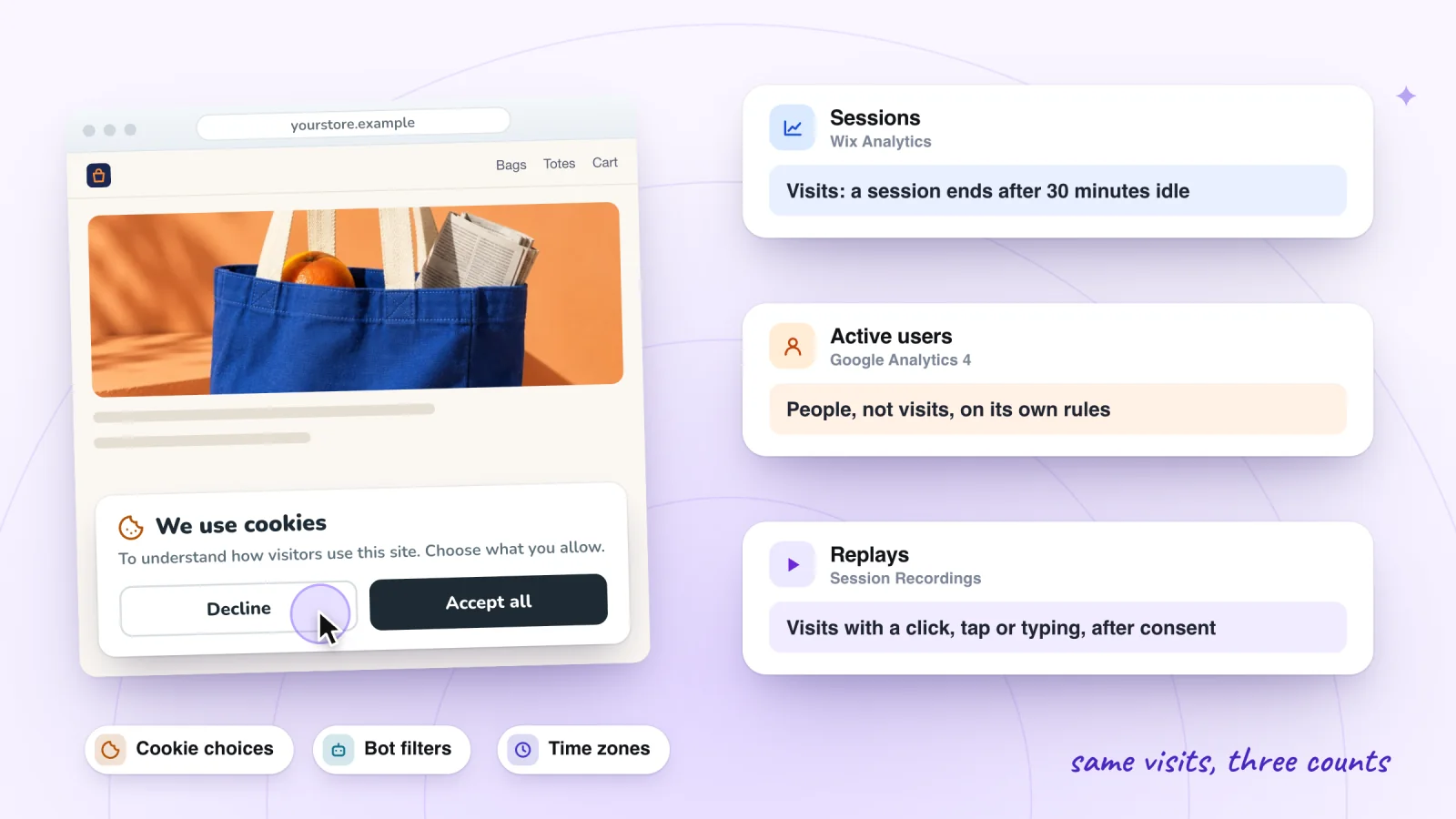
A site session is one visit: everything a visitor does on your site until 30 minutes pass with no activity. A visitor who comes back an hour later starts a new session. GA4 also ends a session after 30 minutes of inactivity by default, though you can change that, and it estimates its session count rather than counting each session one by one.
How does Wix count unique visitors?
By device and browser. Wix treats a visitor as unique when they connect from a different browser or device, so one person who visits from a phone and from a laptop counts as 2 visitors. GA4 also tells visitors apart by browser unless you send it your own user IDs, but its reports show only active users, the people who engaged with your site, so a returning visitor who leaves within seconds without doing anything can be missing from them.
What is bounce rate on Wix?
The percentage of visitors who left your site after viewing only one page. GA4 defines it differently: the share of sessions that weren't engaged, meaning they lasted 10 seconds or less, had no key event and had a single page view. So a visitor who reads one page for two minutes and leaves is a bounce in Wix Analytics and an engaged session in GA4.
What does Direct mean in Wix Analytics?
Traffic that Wix can't trace to a source. Wix counts these visits as Direct:
- addresses typed in, and bookmarks;
- redirects from another domain, and from http to https;
- links shared in messaging apps such as WhatsApp and Messenger, or in private emails;
- QR codes.
So a QR code on your packaging, or a link a customer sends a friend on WhatsApp, shows up as Direct, not as a campaign.
Why does Wix show 0 seconds on a page?
Because Wix measures time on a page as the gap until the visitor opens the next one. The last page of a visit has no next page, so its time isn't counted, and a one-page visit has no session duration at all; some reports show it as Ø. GA4 measures engagement time instead: how long your page was in focus in the visitor's browser, the last page included.
Why don't Wix Analytics and Google Analytics match?
Because each applies its own rules to the same visits. Wix's help names cookie consent and bot filtering as the most common reasons. Go through these:
- Cookie consent. With a cookie banner on, Wix Analytics counts only visitors who click Accept, and GA4 collects data only after consent.
- No cookie banner. Without one, Wix Analytics doesn't wait for consent, but Wix says GA4 gets no data from visitors in countries that require consent, such as those covered by GDPR. The more of your visitors are in those countries, the smaller GA4's numbers look.
- Bots. Both tools filter out bots, with different algorithms. GA4 excludes known bots and doesn't show how many it removed; Wix lists crawlers in its Bot Traffic over Time report.
- Users and bounces. GA4's reports count only active users, and its bounce rate counts unengaged sessions rather than one-page visits.
- Date ranges. Google's "last 7 days" ends yesterday, while Wix's includes today, and the same goes for every "last X" range.
- Time zones. If Wix and GA4 report in different time zones, visits shift between days. Set Wix's under Settings > Languages & Region > Time zone.
- Delays. Wix's reports update an hour after each event. Google says GA4 processing can take 24 to 48 hours, and its numbers can change during that time.
- Orders. Wix reads orders from its own records, so it shows free orders and leaves out canceled ones. GA4 counts purchase events sent from visitors' browsers, so it shows canceled orders, leaves out free ones, and loses events to network problems, disabled cookies or JavaScript that doesn't run.
- Browser settings. Visitors can set their browsers to stop data collection on a site, which Wix lists as another source of gaps.
- Doubled tags. Wix says to add Google Analytics in one place only, not through both Google Tag Manager and Marketing Integrations, because the two can conflict.
When you compare reports side by side, match the names. Wix's help pairs them like this:
| Google Analytics | Wix Analytics |
|---|---|
| Users | Visitors |
| Traffic channel | Referring category |
| Referral | Referring URL |
| Page | Page path |
| Transactions | Orders |
| Revenue | Total sales |
Compare weeks or months, not hours: Wix suggests longer date ranges because of the delays above. To set up GA4 on a Wix site in the first place, see Wix Analytics vs Google Analytics: what each shows.
Ad platforms differ again. One visitor can click an ad twice in one session, and not every click loads the page, so ad clicks run higher than Wix sessions. And if Google Ads auto-tagging is off, Wix counts most of that ad traffic as organic.
Session recordings, private by default
Typing is masked in the visitor's browser and recording follows your cookie banner. Free forever.
Add to site, it's free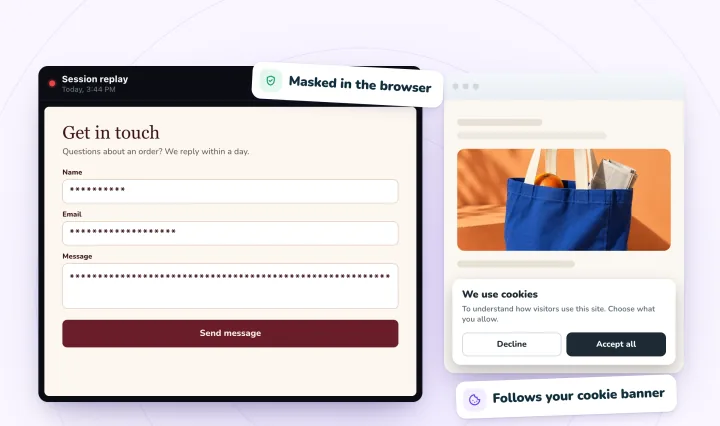
How much traffic does a cookie banner hide?
About half, by Wix's own estimate. Wix says its analysis shows about 50% of visitors accept cookies, so with a banner on, it's fair to assume your real traffic is about double what your reports show. If the Traffic Overview shows 620 sessions this month, the real number could be close to 1,240 (620 × 2). Treat that as a rough multiplier, because your own banner and visitors set your rate.
Visitors who decline still leave a trace. The Real-time page still shows them in the live visitor count, page views and purchases, and their orders still reach your sales reports, so an order can appear there with no session behind it.
What does Wix Analytics leave out on purpose?
Your own visits, bots and internet providers that Wix links to bots. That's why the Real-time page, which shows all traffic unfiltered, can run higher than your traffic reports.
- Your visits while logged in. Visits from the device and browser you're logged in to Wix on don't count in traffic and conversion reports. Your orders, RSVPs and blog post views still count elsewhere. To leave out another device, open a traffic report, click Filter, choose IP address and untick its address.
- Bots. Traffic reports filter out bots and internet providers that Wix identifies as bot-related. Wix updates that list regularly, so older numbers can change when you look again.
- Crawlers, reported separately. Bot Traffic over Time, among the SEO reports, shows which search engine and social network bots crawl your site.
- Test orders, which stay. You can't delete data from Wix Analytics, but canceling a test order removes it from your sales reports, within about an hour.
Why do session replays show fewer visits than Wix Analytics?
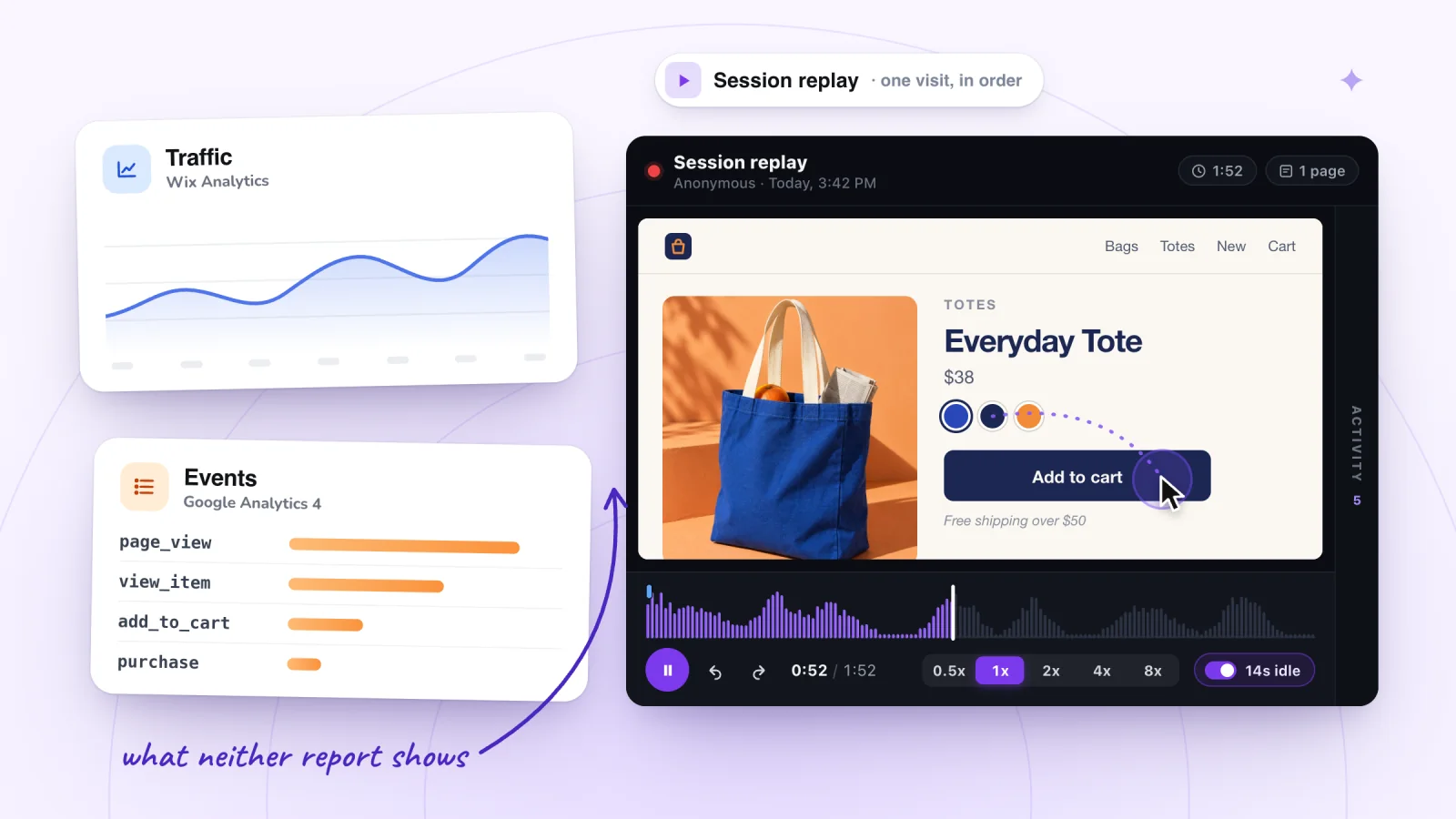
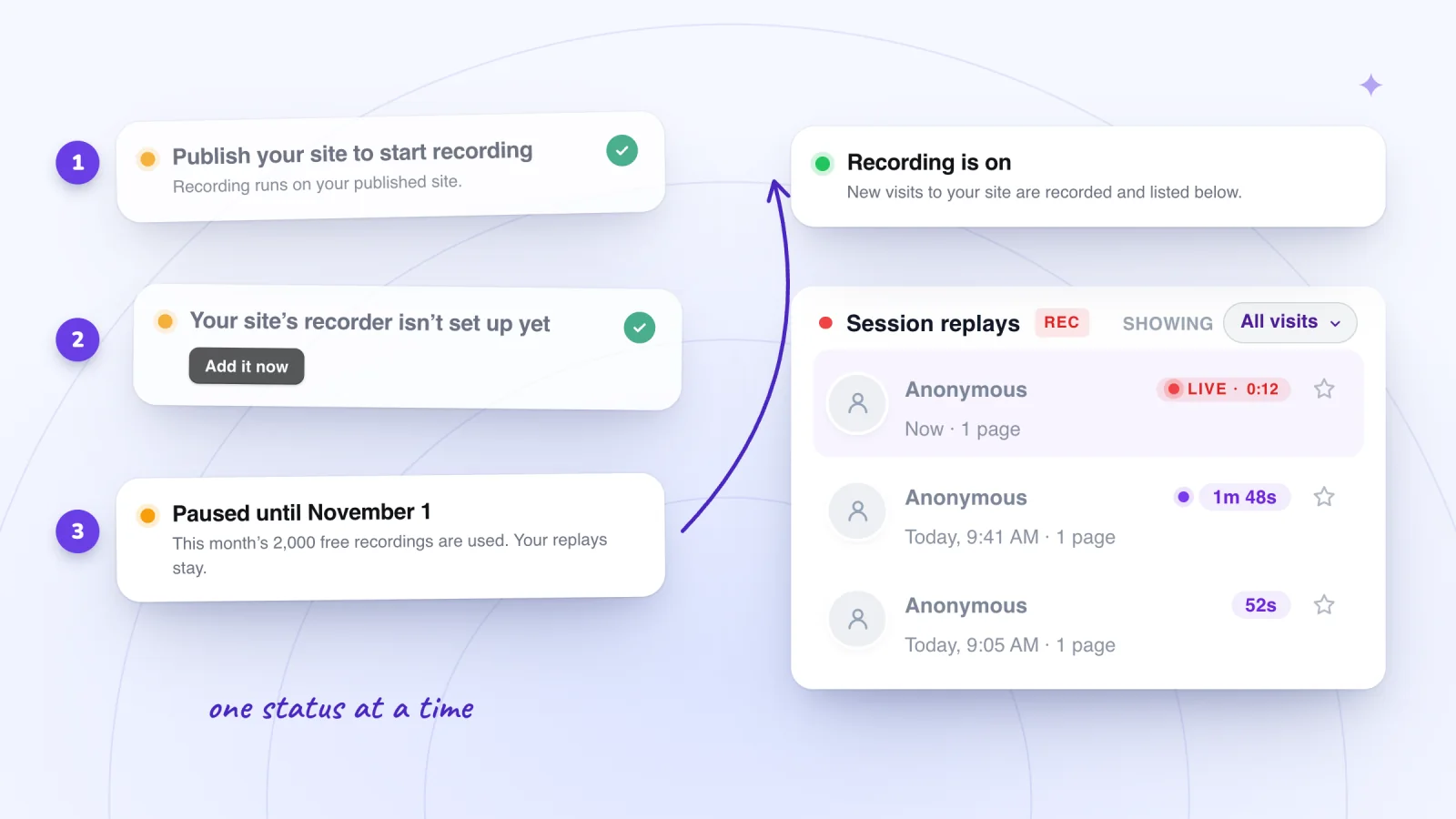
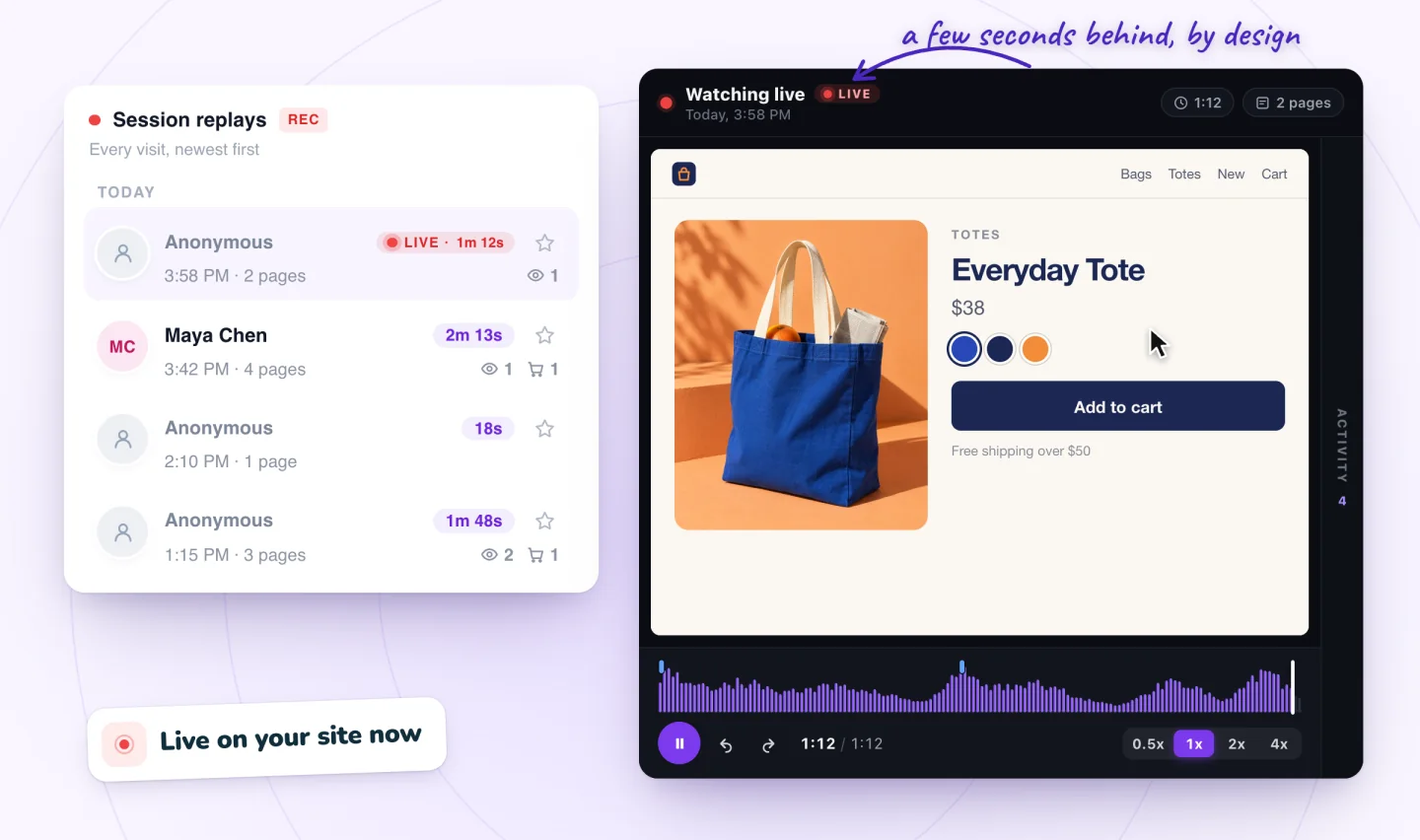
Because replay tools save fewer visits by design. Session Recordings, our app, follows your cookie banner as Wix Analytics does, then saves a visit only once the visitor clicks, taps or types, so a look-and-leave visit that Wix counts as a bounce leaves no replay. It records your own visits, which Wix leaves out, and pauses at 2,000 recordings a month until the 1st. The side-by-side table in our troubleshooting guide lines the two counts up.
Other replay tools have gaps of their own:
- Wix Analytics' Session Recordings, which TWIPLA runs, lists private browsers and visitors who refuse cookies among the reasons it records fewer sessions than your site gets, and it stops at the month's limit: 3 new recordings on its free plan.
- Microsoft Clarity needs a consent signal for visitors from the EEA, the UK and Switzerland. Without consent, Microsoft says sessions are fragmented and full replays aren't available.
So compare replay counts with each other over time, not with Wix's sessions. If replays drop to zero while Wix still shows sessions, recording has stopped; why session recordings might not be showing has the checks.
Check that every tool is counting
Make one visit you control and watch it arrive in each tool. Wix suggests the same test for its own reports.
- Open your published site in a private or incognito window, so you aren't logged in to Wix and no earlier cookie choice carries over.
- If a cookie banner appears, accept all cookies.
- Open a second page and click a button or link.
- In your dashboard, open Analytics > Real-time. You should be listed as a live visitor; hover over your visit and click Session info to see your actions.
- If GA4 is connected, open its Realtime report, which Google says usually shows activity within a few minutes.
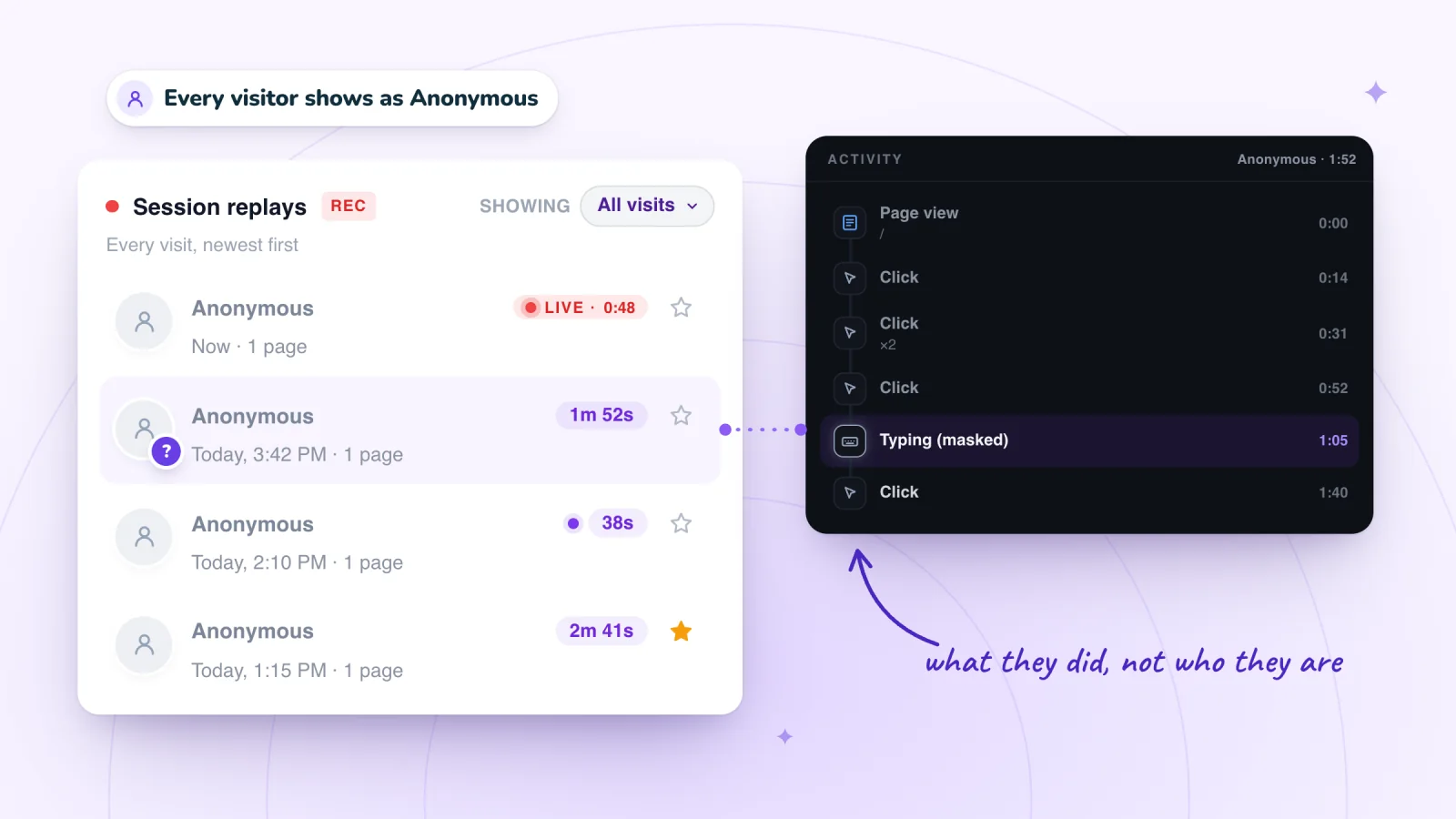
- In Session Recordings, open Replays. Your visit appears a few moments after your first click, marked LIVE.
- Repeat in a new private window, but decline cookies. Real-time still counts you as a live visitor, while GA4 and Session Recordings get nothing from that visit.
- An hour later, your first visit shows in Wix's traffic reports. Filter out your IP address there if you don't want test visits counted.
Frequently asked questions
Why is the Analytics tab missing from my Wix dashboard?
Check your account's role. Wix's Analytics FAQ says that if Analytics isn't in your dashboard's left-hand menu, you should check that your account was given permission to view site analytics under Roles & Permissions, in the dashboard's Settings. The site owner can see everything, and Wix's Marketing Manager role includes viewing site analytics, so the owner can give you that role or a custom one with that permission.
Does Wix Analytics use cookies?
Yes. Wix lists Wix Analytics with Google Analytics and Hotjar among the analytics tools that wait for consent when a cookie banner is on, and its reports leave out visitors who haven't accepted. Without a banner, Wix loads all cookies and scripts when a visitor arrives.
Is Wix Analytics updated in real time?
No. Reports update an hour after each event. The Real-time page is the exception: it shows traffic as it happens, unfiltered, so it can show more visitors than your reports, you included.
Which is more accurate, Wix Analytics or Google Analytics?
Neither, across the board. For sales, Wix reads your actual orders, while GA4 relies on purchase events from visitors' browsers, which can go missing. For traffic, each is accurate under its own rules, so compare trends within one tool rather than totals across two.
Why did my older Wix Analytics numbers change?
Wix regularly updates its list of internet providers it treats as bot-related, and traffic reports filter those visits out, so numbers for past dates can change when you check them again.
Try it on your site
Numbers tell you where to look; a replay shows what happened there. When Wix Analytics points at a page that loses visitors, add Session Recordings and watch the visits that reached it, with the quiet stretches skipped. See session replay for Wix sites.

Sources
All checked October 5, 2026. Roles & Permissions and Wix Status were added on October 6, 2026, when the Wix Analytics FAQs and Real-time help were checked again.
- Wix Analytics: FAQs
- Roles & Permissions: An Overview
- Wix Status
- Wix Analytics: Discrepancies Between Wix Analytics & Data in Other Tracking Tools
- Wix Analytics: Reports Glossary
- Wix Analytics: Understanding the Traffic Overview
- Wix Analytics: About Your Traffic Reports
- Wix Analytics: About Real-time Analytics
- Wix Analytics: Understanding the Behavior Overview
- Wix Analytics: About Wix Analytics Reports
- About Your SEO Reports in Wix Analytics
- Displaying a Usercentrics for Wix Cookie Banner
- Tracking Events on Your Wix Site with a Google Analytics Measurement ID
- Wix: Troubleshooting Google Analytics
- Wix: About Marketing Integrations
- Google Analytics Help: About Analytics sessions
- Google Analytics Help: Understand user metrics
- Google Analytics Help: User explorer
- Google Analytics Help: Engagement rate and bounce rate
- Google Analytics Help: User engagement
- Google Analytics Help: Data freshness
- Google Analytics Help: Known bot-traffic exclusion
- Wix Analytics: Adding and Setting Up Session Recordings
- Microsoft Clarity: Frequently asked questions

We build marketing apps for online stores: myuser.ai writes and sends emails and texts from a store's own products, and we make Session Recordings and Spin Wheel for Wix sites. Product details in our guides are checked against the apps themselves.