On this page
- Does Wix have heatmaps?
- The options side by side
- Option 1: Microsoft Clarity's app
- Option 2: TWIPLA's app
- Option 3: heatmap tools you add with code
- How do you read a heatmap on a Wix page?
- When a heatmap is the wrong tool
- Heatmaps and Session Recordings together
- Frequently asked questions
- Try it on your site
- Sources
Wix doesn't draw heatmaps of your pages, so to get one you add a tool. The quickest free route is Microsoft Clarity, which installs from the Wix App Market and makes click and scroll maps at no cost; TWIPLA's app has heatmaps on a free plan of 400 page visits a month, and code-based tools such as Contentsquare (now home to Hotjar) and Mouseflow work through Wix's Custom Code.
Each comes with a catch on Wix, from domain requirements to pages it can't see. One thing to say up front, since you're reading our site: our app, Session Recordings, doesn't make heatmaps. It replays single visits, which answers a different question.
Key takeaways
- Wix Analytics has no click or scroll maps of a page; it offers Top clicks, a Button clicks report and an hour-by-hour traffic heat map.
- Microsoft Clarity is the free option: add it from the Wix App Market, then make a test visit, since Microsoft limits it to registered domains on Wix.
- Heatmap code pasted into Custom Code needs a connected domain, and Wix treats it as essential, loaded before consent, unless you set its Code Type to Analytics.
- Trust a map only once removing one visitor's clicks wouldn't change it, read phone and desktop maps separately, and start fresh after a redesign.
- Session Recordings makes no heatmaps; reach for replays when you need the order of events in one visit, not a summary of many.
Does Wix have heatmaps?
Not of your pages. Wix Analytics has three features that sound close, but they give you numbers, not a picture of the page: none of them draws clicks on the page itself, shows how far down people scroll or shows what they skip.
- Traffic by Time of Day. A traffic report whose heat map shows the hours people visit your site most. Handy for timing a sale or a post. It says nothing about any page.
- Top clicks. A section of the Behavior Overview (Analytics > Overviews > Behavior Overview) that lists your most clicked elements: buttons, text links, images, FAQs and more.
- Button clicks. In Analytics > All Reports, the Behavior reports include one that counts clicks on buttons, links, clickable images and expandable text. The first time you open it, click Enable Click Tracking.
Wix Analytics' own Session Recordings feature, which TWIPLA runs, doesn't add heatmaps either. TWIPLA's write-up of the partnership describes its heatmap tools as an option Wix could add, not part of the feature today.
The options side by side
| Option | Free to start | Heatmaps | Watch out for |
|---|---|---|---|
| Microsoft Clarity (App Market app) | Free, no traffic limits | Click, scroll, area, conversion and attention maps | Microsoft limits it to registered domains on Wix; maps open for up to 9 months |
| TWIPLA Website Intelligence (App Market app) | 400 page visits a month | Yes | Stops tracking new visits at the limit |
| Contentsquare (now home to Hotjar), Mouseflow and similar (Custom Code) | Varies by vendor | Yes | Needs a connected domain and the Analytics code type; Hotjar can't record Wix Stores |
| Session Recordings (Wix app) | 2,000 recordings a month | None | Replays only, no maps |
Option 1: Microsoft Clarity's app
Clarity is Microsoft's free behavior analytics tool, and Microsoft says it has no traffic limits and never asks you to upgrade to a paid version. Its heatmaps cover clicks, scrolling, chosen areas, conversions and attention, and they're built for desktop, tablet and phone by default, so you can compare them. A single heatmap draws on up to 100,000 page views, new clicks show up within 30 minutes, and you can open heatmaps for up to 9 months. Clarity also records sessions and keeps them for 30 days, or up to 9 months for recordings you mark as favorites.
The catch on Wix is the domain. Microsoft's Wix guide says Clarity "can only be used with registered account domains on Wix" and doesn't define the phrase further. Read it as a domain of your own connected to the site, which Wix lets you add once you upgrade to a site plan. If your site still runs on a free wixsite.com address, install Clarity, make a test visit and check that it appears in Clarity's recordings before you count on its maps.
Consent is simpler. Since October 31, 2025, Clarity has needed a consent signal for visits from the European Economic Area, the UK and Switzerland. On Wix, once Wix's cookie banner is on, Clarity reads each visitor's choice by itself, with nothing to set up. Without consent, Microsoft says Clarity still collects page views and basic interactions, but sessions break into fragments and full replays aren't available.
Adding Clarity to your site
- In your site's dashboard, go to Apps > App Market and search for Microsoft Clarity.
- Click Add to site.
- In the Clarity app, click Sign in. Choose an existing Clarity project and click Connect, or click Add new project, enter your site's details and save.
- Open Microsoft Clarity from your dashboard's left menu to reach its dashboard, recordings and heatmaps.
- Open Heatmaps. Clarity lists your pages by number of sessions, so start with the top one.
If you're weighing Clarity's recordings against ours too, Clarity and Session Recordings, feature by feature lays out the differences.
Option 2: TWIPLA's app
TWIPLA Website Intelligence lists heatmaps alongside session recordings, visitor surveys and polls on its Wix App Market listing. The app was called Visitor Analytics until its rebrand as TWIPLA in October 2023, and the listing's address still says visitor-analytics (both checked October 6, 2026). Its free plan includes 400 page visits a month, and TWIPLA's Wix FAQ says that once the limit is reached it stops tracking new visits until the next month starts.
TWIPLA counts a page visit every time any page on your site is viewed, reloads included, not just views of the page you want a map of. A small site with 40 page views a day uses the free allowance in 10 days (400 ÷ 40), and the heatmap stops growing for the rest of the month. Paid plans raise the limit; check the listing for current prices.
Two more points from TWIPLA's Wix FAQ. Visitors with Do Not Track turned on, or with an ad blocker running its EasyPrivacy list, aren't tracked. And in its recordings, content inside nested iframes can show as "Content Unavailable", because TWIPLA can't access iframes. Don't confuse this app with Wix Analytics' Session Recordings, which TWIPLA also runs; TWIPLA, Wix Analytics' recordings and our app, compared untangles the three.
Option 3: heatmap tools you add with code
Contentsquare (now home to Hotjar), Mouseflow and similar tools give you a tracking code to paste into your site. On Wix, that goes in Settings > Custom Code, under Development & integrations: click + Add Custom Code, paste the code, choose All pages and place it in the Head. Before you click Apply, open the Code Type tab and choose Analytics. Mouseflow's Wix page describes the same Custom Code route. Three things to know before you rely on any tool added this way:
- You need a connected domain. Wix says custom code needs a published site with a connected domain.
- The Code Type matters. Wix treats custom code as essential by default, which means it loads before a visitor's consent and can't be switched off. Choosing Analytics marks it as non-essential, the kind of code privacy laws say visitors must be able to decline.
- Check what it can record. Hotjar's Wix guide says Hotjar can't collect data from Wix Stores, Wix Forum, Wix Pro Gallery or Wix Events. Contentsquare says new Hotjar accounts can no longer be created and points new users to its own free plan. For any other tool, ask the vendor whether it records your store pages before you rely on its maps.
For what happened to Hotjar and how the code route compares with an app, see a Hotjar alternative for Wix sites. Smartlook, another heatmap tool added with code, is shutting down: Cisco stopped selling it on May 31, 2026, and the platform goes off on September 30, 2027. Smartlook alternatives for Wix sites covers exporting your data and what to switch to. Prices and recording limits for Clarity, TWIPLA and Contentsquare sit side by side in session recording tools for Wix, compared.
Session recordings, private by default
Typing is masked in the visitor's browser and recording follows your cookie banner. Free forever.
Add to site, it's free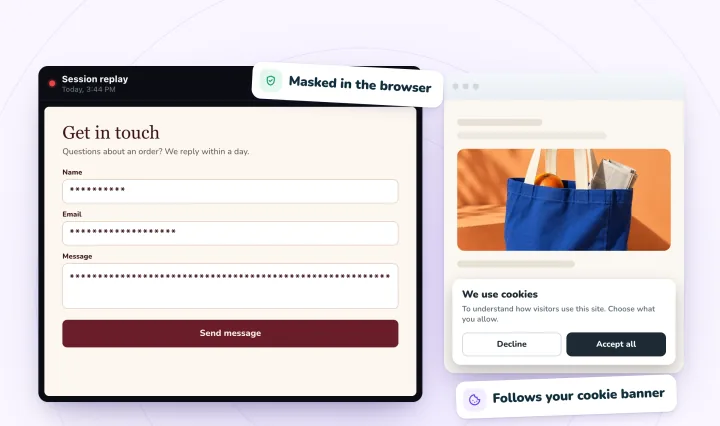
How do you read a heatmap on a Wix page?
Trust a map only once it rests on enough visits that one visitor's clicks wouldn't change it, and read phone and desktop maps separately. Then check elements that only open on a click, read the cold parts as well as the hot spots, start a fresh map after a redesign and follow up clicks on things that aren't links.
Check the traffic before the colors. Clarity draws a map from any amount of traffic, so a map built on 20 page views shows where those 20 views happened to land. Before you act on a hot spot, ask: if one visitor's clicks were removed, would the picture change? If yes, wait for more visits. Wix Analytics' Page Visits report (All Reports, under Behavior) shows how often each page is viewed, so you can judge how long that will take. Clarity prints the page views behind each map below it.
Read phone and desktop maps separately. Wix lays pages out differently on phones, so a button that sits beside a photo on desktop may sit below it on a phone. A desktop click map says nothing about your mobile menu. Clarity builds a map per device; switch to Mobile first if most of your traffic is on phones.
Check lightboxes, menus and slideshows separately. Microsoft notes that the page snapshot under a click map may not show the element a visitor clicked, which is likely for anything that only opens after a click. Clarity's left panel still ranks every clicked element, so look for yours there, and use Change screenshot to pick a snapshot where it's visible.
Read the cold parts too. A scroll map shows how far down people get. If your shipping details, reviews or booking button sit below the point where most visitors stop, moving them up is a cheap test.
Start a fresh map after a redesign. A map spanning two layouts blends both into nonsense. Set Clarity's time frame to begin the day after the change, or use Compare to put the before and after maps side by side.
Follow up clicks on things that aren't links. Clarity's click maps can show dead clicks and rage clicks on their own. Clicks piling onto a photo or a heading usually mean people expect it to do something; our guide to rage clicks and dead clicks covers what to change.
When a heatmap is the wrong tool
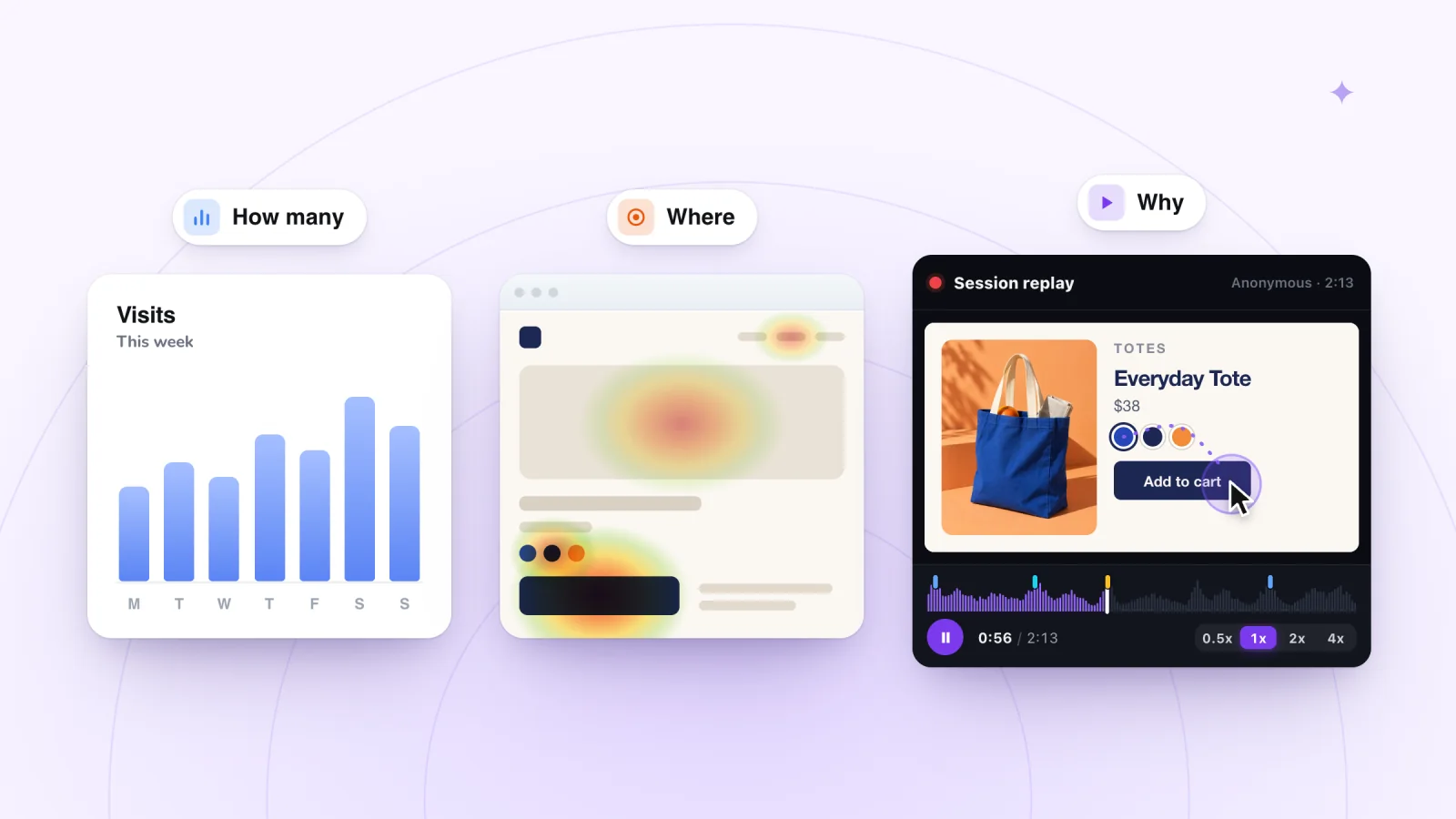
A heatmap adds up many visits to one page. In doing so it throws away two things: the order of events, and the single visit. Questions that need either one go elsewhere.
- "What did people do just before they left?" A map has no before and after.
- "A customer says the form won't send." One failure disappears into a map of thousands. Find that visit and watch it.
- "Why did nobody book this week?" A page with a dozen visits won't build a useful map, but a dozen visits is a short list of replays you can watch in one sitting.
- "Where do people get lost between pages?" A heatmap covers one page, or a group of similar pages, and getting lost happens between them.
These are replay questions. A session replay plays one visit back on your real pages, in order. Session replay vs heatmaps vs analytics sets out which question each tool answers.
Heatmaps and Session Recordings together
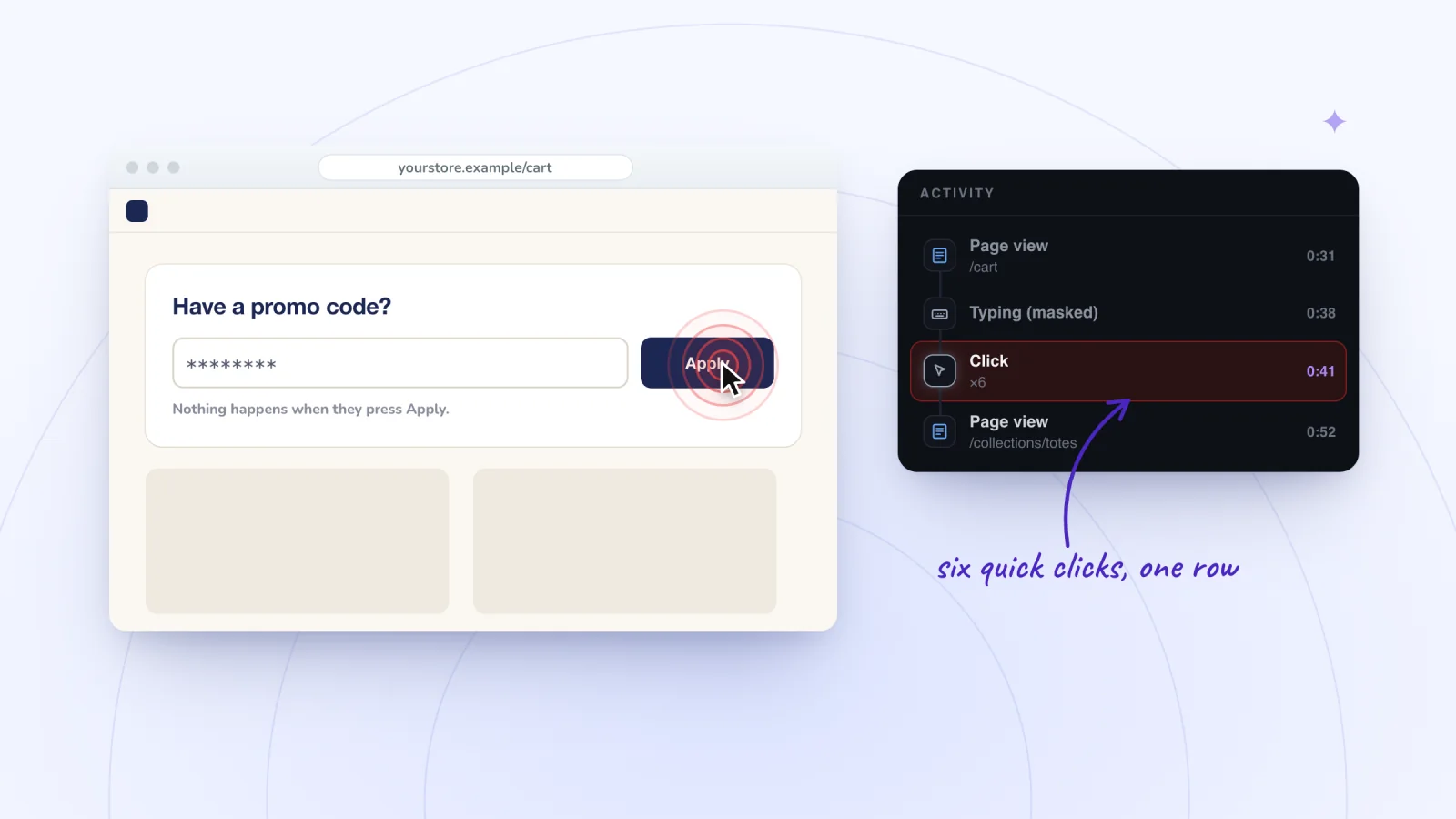
Session Recordings doesn't flag rage clicks or dead clicks for you. Quick repeated clicks merge into one row in a replay's Activity list with a count, such as ×6, so you spot them as you watch a visit, not from a report. If you want maps and automatic flags, Clarity gives you both for free.
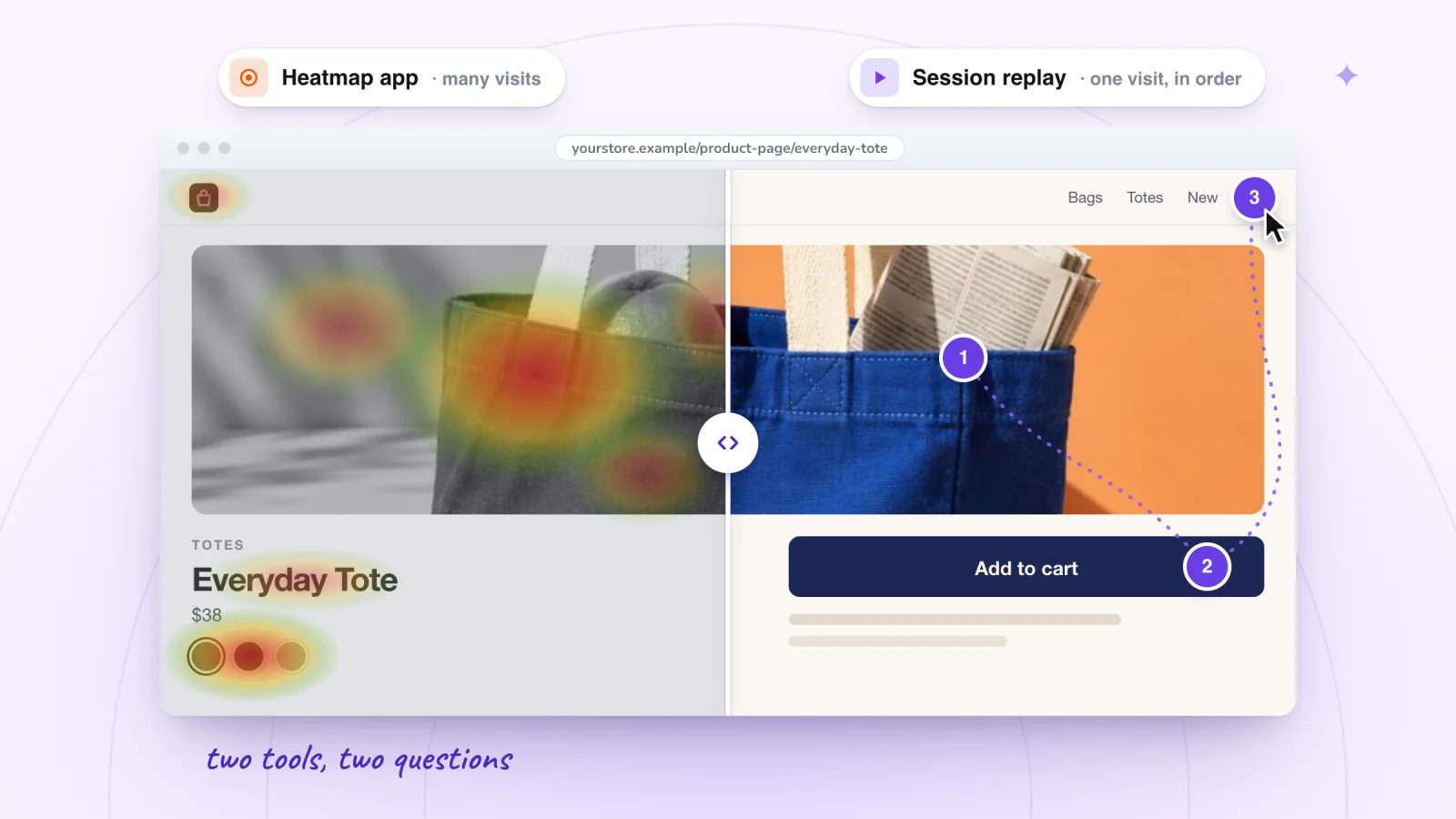
Running two tools is fine if each answers a question you actually ask. A heatmap tool tells you where on a page attention goes; replays tell you what happened in a visit. Many small sites only need one of those most weeks. If you run both, each adds a script to your site and a line to your privacy policy, and each should follow your cookie banner. Clarity reads Wix's banner on its own, and so does Session Recordings: visitors who haven't allowed analytics aren't recorded. If Clarity's replays already cover what you need, one tool is enough.
Frequently asked questions
Is there a free heatmap for Wix?
Yes. Microsoft Clarity is free with no traffic limits and installs from the Wix App Market, though Microsoft says it can only be used with registered account domains on Wix. TWIPLA's app also includes heatmaps, with a free plan of 400 page visits a month. Code-based tools go in Wix's Custom Code, which needs a connected domain.
Do I need a premium plan for heatmaps on Wix?
For code-based tools, yes: Wix's Custom Code needs a connected domain, and you can connect one only after upgrading to a site plan. Microsoft says Clarity can only be used with registered account domains on Wix, which points the same way, so test it on a free site before relying on it. TWIPLA's Wix App Market listing doesn't mention a plan requirement.
Do heatmaps work on Wix Stores pages?
It depends on the tool. Hotjar's Wix guide says it can't collect data from Wix Stores, Wix Forum, Wix Pro Gallery or Wix Events. Microsoft's and TWIPLA's Wix pages don't say either way. After you install a tool, open its map of one product page and check that clicks on your Add to Cart button show up before you rely on it.
Try it on your site
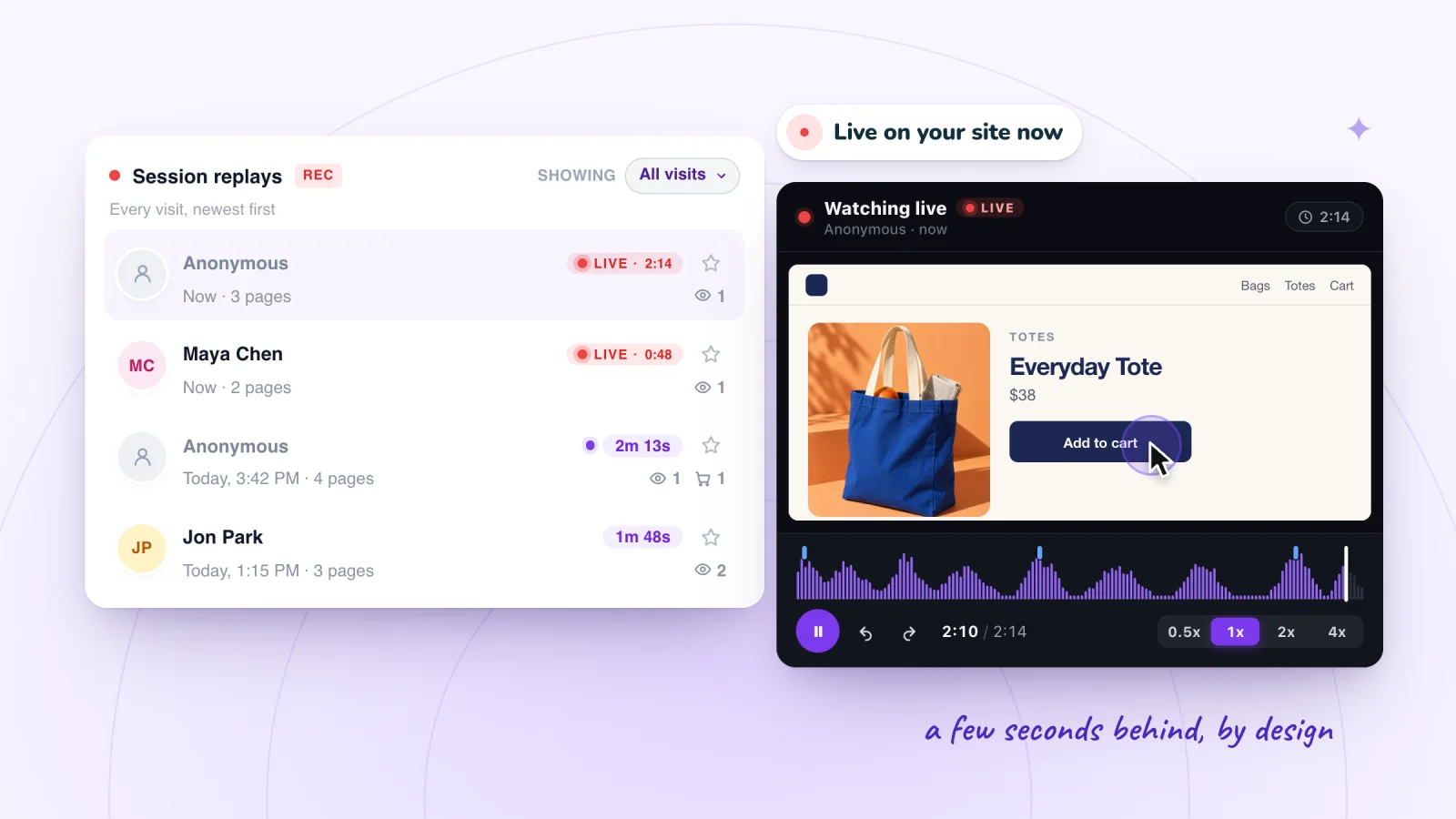
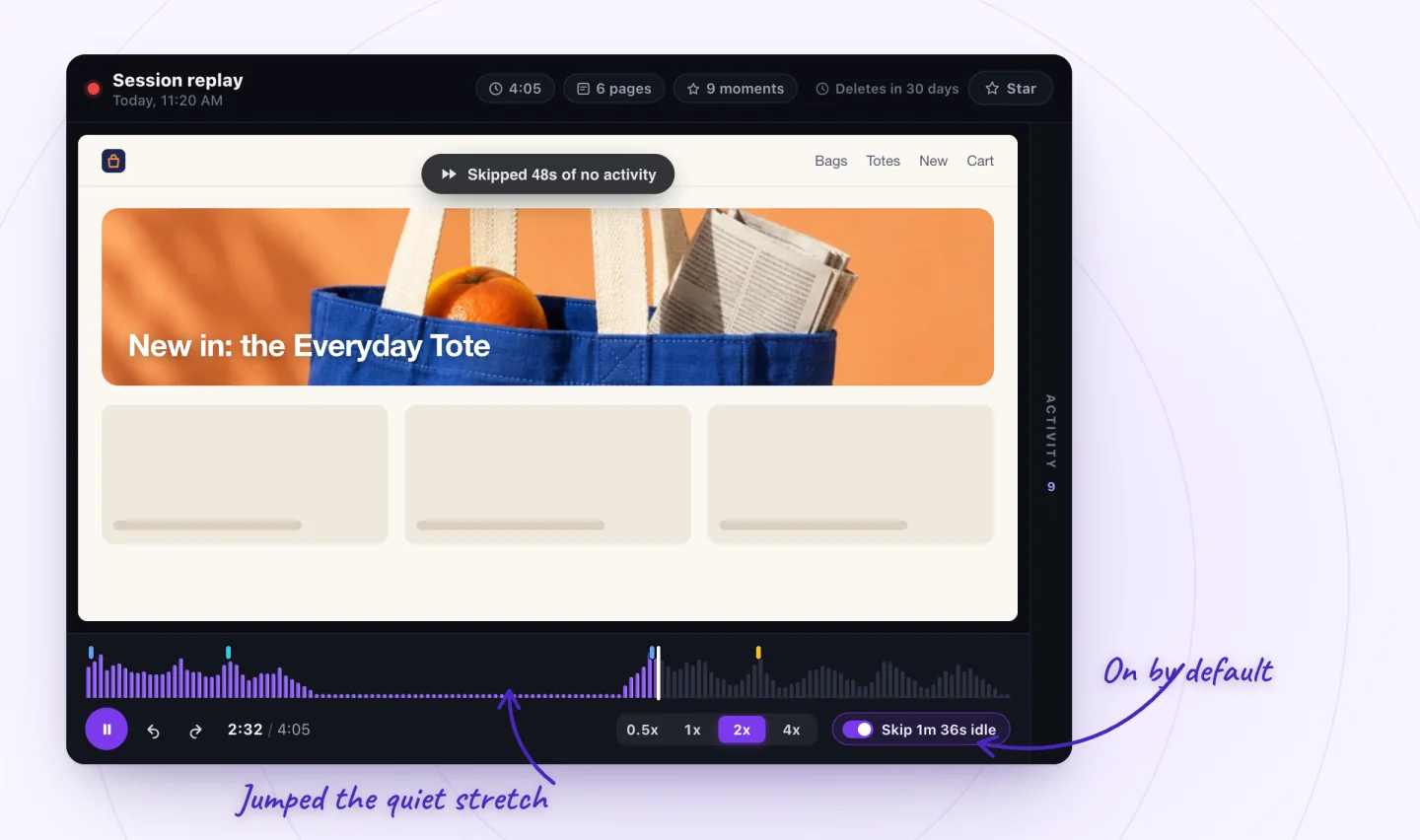
When a map leaves you asking what one visitor was trying to do, Session Recordings plays that visit back with the quiet stretches skipped: Wix visits replayed click by click.

Sources
- Wix Analytics: About Your Traffic Reports
- Wix Analytics: Understanding the Behavior Overview
- Wix Analytics: About Your Behavior Reports
- Wix Analytics: About Wix Analytics Reports
- TWIPLA: Wix Analytics enhanced by TWIPLA-powered session recordings
- Microsoft Clarity: How to install Clarity on Wix
- Microsoft Clarity: Heatmaps overview
- Microsoft Clarity: Click maps
- Microsoft Clarity: Frequently asked questions
- Microsoft Clarity: Cookie consent for third-party platforms
- Microsoft Clarity, Wix App Market listing
- TWIPLA Website Intelligence, Wix App Market listing
- TWIPLA press release: TWIPLA unveils new branding (October 3, 2023)
- TWIPLA: Frequently asked questions about using TWIPLA on Wix
- TWIPLA glossary: Page visits
- Wix: Embedding Custom Code on Your Site
- Wix: Categorizing Your Custom Code
- Wix: Domain Structure after Purchasing a Site Plan
- Hotjar Documentation: Wix
- Contentsquare: Hotjar is now part of Contentsquare
- Mouseflow: Wix integration
- Smartlook: The future of Smartlook, FAQ

We build marketing apps for online stores: myuser.ai writes and sends emails and texts from a store's own products, and we make Session Recordings and Spin Wheel for Wix sites. Product details in our guides are checked against the apps themselves.