Session Recordings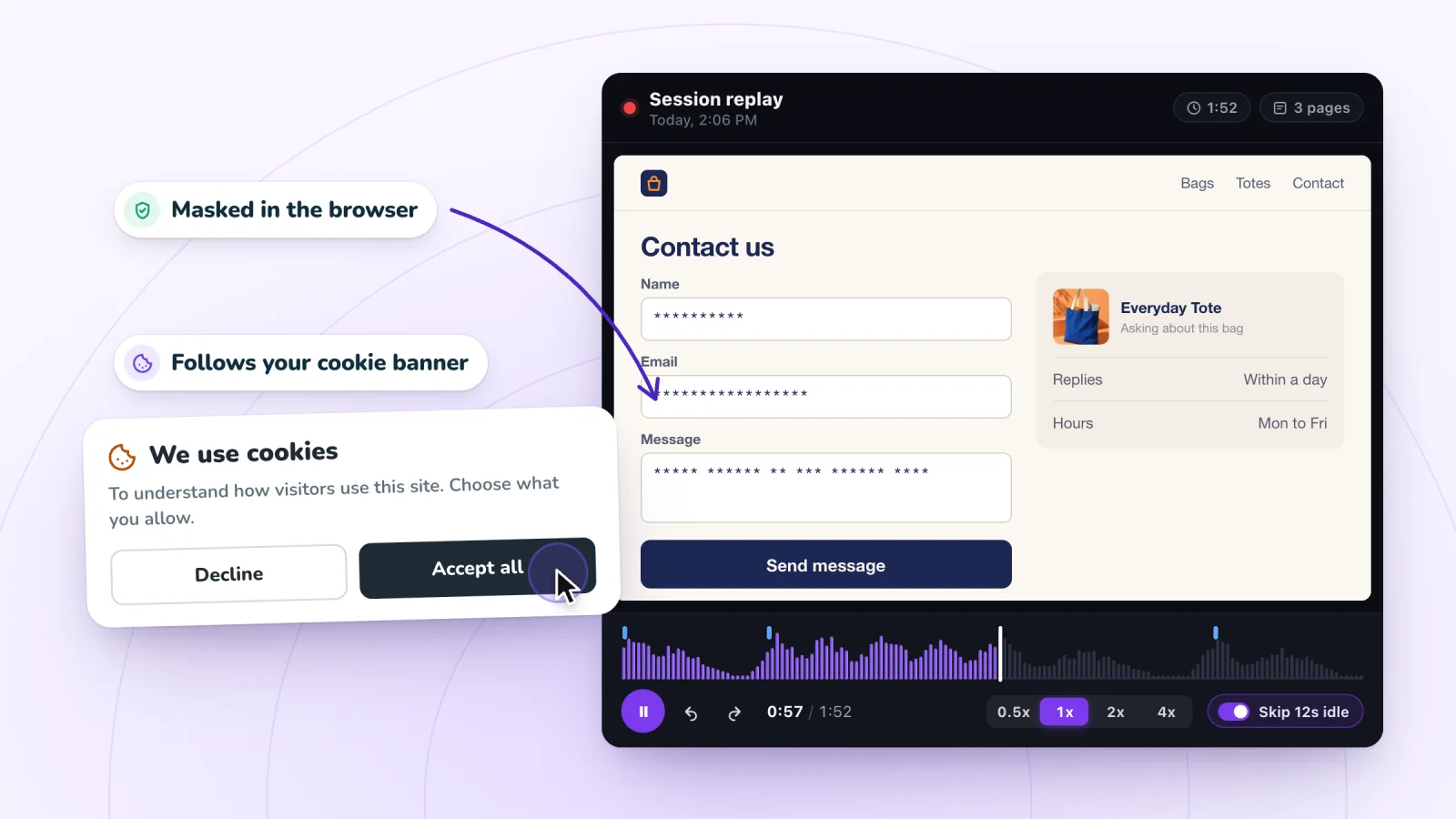
On this page
Watching how people use your site helps you fix it. It also means holding a record of what real people did, and that calls for care. This guide walks through masking, consent, notices, retention and access, in that order.
This article is general information. It is not legal advice. Privacy rules differ by country and state, so check the ones that apply to your business and to the people who visit your site.
Key takeaways
- Choose recording that masks typing in the visitor's browser, and treat any search terms you see as visitor data.
- Record only visitors who allow analytics cookies, and test your banner in a private window to confirm it works.
- Say in your privacy policy what you record, that typing is masked, how long you keep it and how to opt out.
- Give dashboard access only to people who need it, and share replay links only in private channels.
Masking keeps typed details out of replays
Masking replaces what a visitor types with placeholder characters. Where it happens matters. If text is masked after it reaches a server, the real text still made the trip. If it is masked in the visitor's browser, the real text never leaves their device.
Session Recordings masks anything a visitor types before it leaves their browser, and it shows as asterisks in the replay. You can see that someone filled in a field and where they paused. You cannot see what they wrote. That protects you as well. Nobody on your team can stumble across a visitor's typed details, because those details were never recorded.
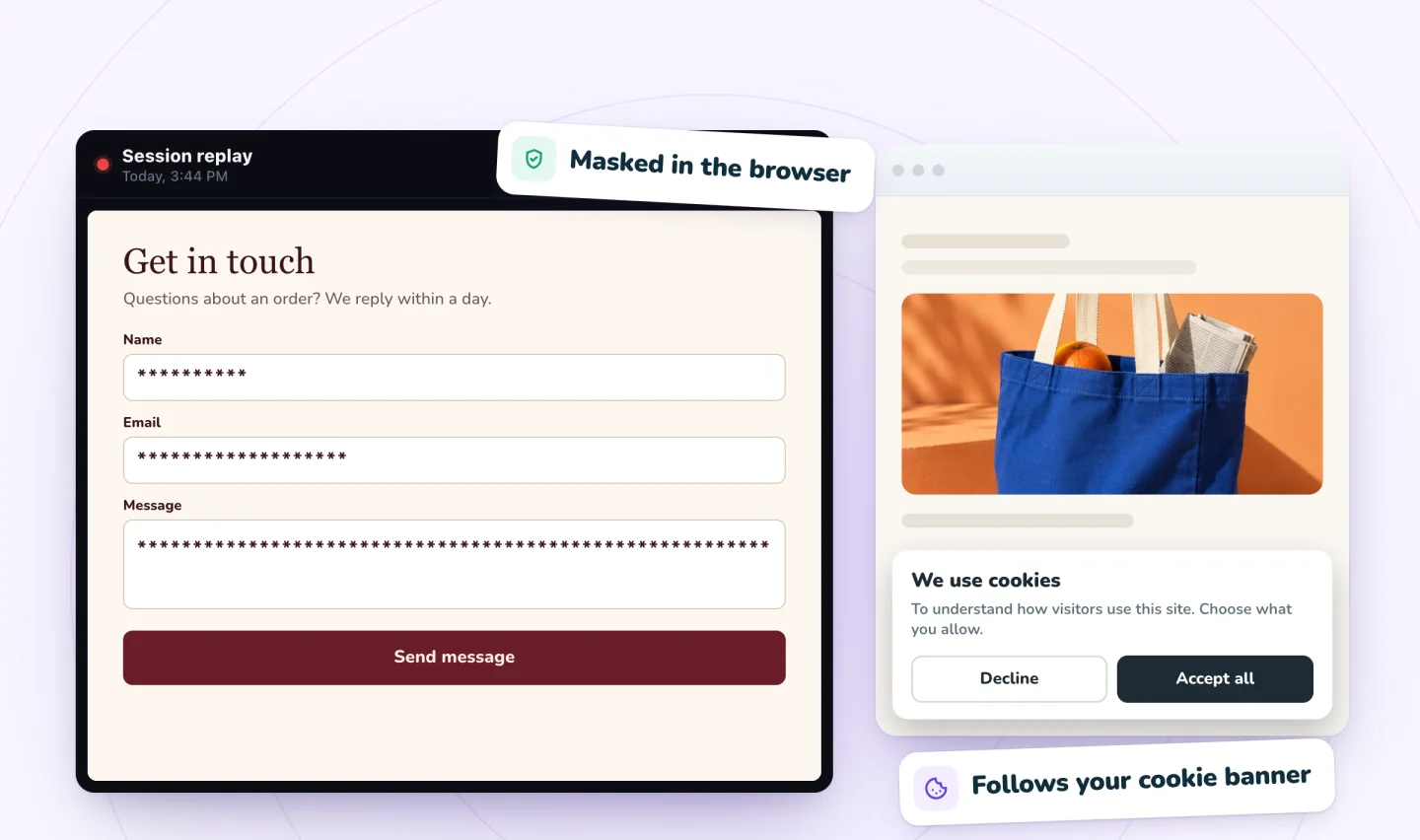
Search works differently. The words a visitor submits in your store's search box can be shown, so you can learn what people look for. Visitors sometimes type surprising things into a search box, like an order number or their own name. Treat search terms as visitor data, and keep them inside your team.
| What the visitor does | What you see in the replay |
|---|---|
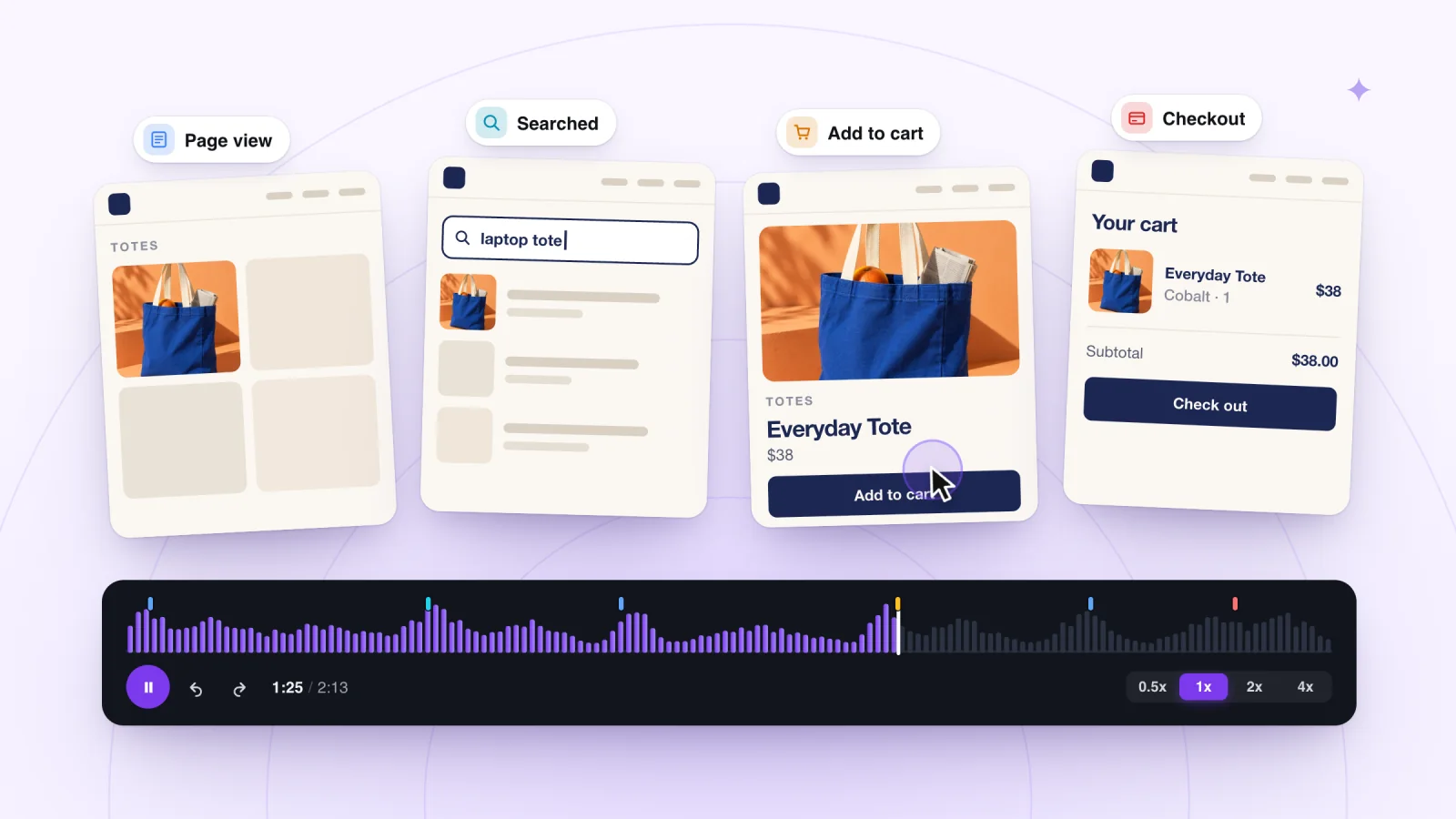
| Views pages, clicks, scrolls and taps | Each action, in order, on the rebuilt page |
| Types into a form field | Asterisks in place of the text |
| Submits a search in your store's search box | The search words can be shown |
| Declines analytics cookies | Nothing, because the visit is not recorded |
What your pages display
Masking covers what visitors type. Your pages can also display personal details on their own, such as a name in an account area or an address on an order confirmation. Know which of your pages do this. Keep it in mind when you watch replays, and even more when you share them.
Consent means recording only people who agreed
Session Recordings follows your site's cookie consent. Visitors who have not allowed analytics cookies are not recorded.
That puts your cookie banner at the center of things. A few habits help.
- Ask in plain words. "We use analytics cookies, including recordings of visits, to improve this site" is clear.
- Make declining as easy as accepting. A choice hidden behind a settings link is hard to call a choice.
- Let visitors change their mind later, with a link in your footer.
- Describe the analytics category honestly, and mention recordings in it.
Test your banner
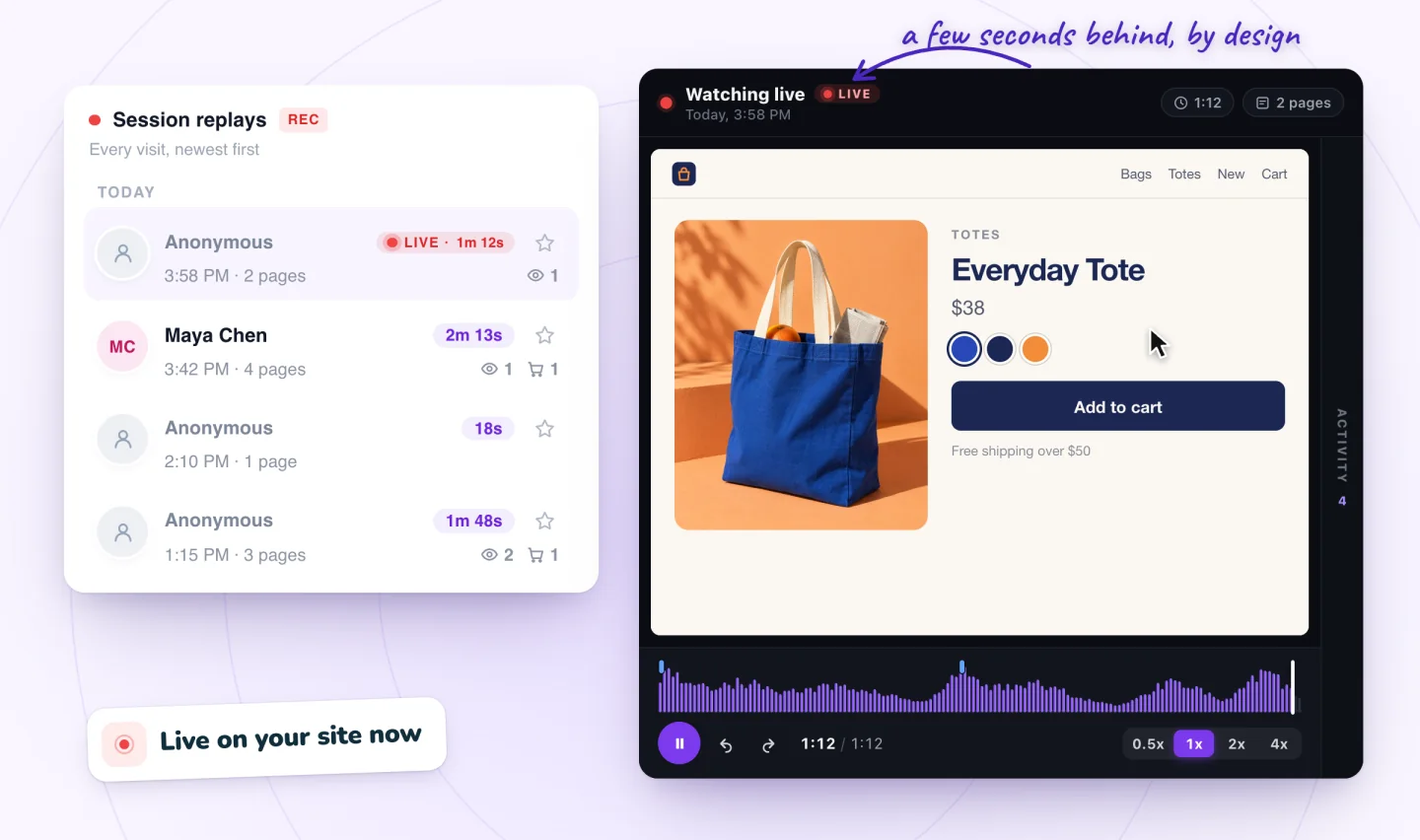
Open your site in a private browser window. Decline analytics cookies and click around for a minute. Then check your list of visits, or watch visits live, and confirm your test visit does not appear. Repeat with analytics allowed and confirm that it does.
Session recordings, private by default
Typing is masked in the visitor's browser and recording follows your cookie banner. Free plan included.
Add to Wix, it's free
Notices tell visitors what you record
Your privacy policy should say that you record visits, in words a visitor can follow. Cover these points.
- That you record how visitors use the site, to find and fix problems
- What a recording includes, such as pages viewed, clicks, scrolling and taps
- That typed text is masked, and that search terms may be recorded
- Which service records the visits
- How long you keep recordings
- How visitors can say no, or change their mind, in your cookie settings
- How to contact you with questions or a request to delete their data
Keep the wording short. A visitor should understand it in one read. Here is a sample paragraph to adapt. Have it checked against the rules that apply to you.
We record how visitors use our site, such as the pages they view, clicks, scrolling and taps, so we can find and fix problems. Text you type is masked in your browser before it is sent, though the words you submit in our search box may be recorded. We only record visitors who allow analytics cookies, and we keep recordings for your retention period. You can change your choice at any time in our cookie settings. To ask about your data or request its deletion, email your contact address.
Retention limits how long recordings stay
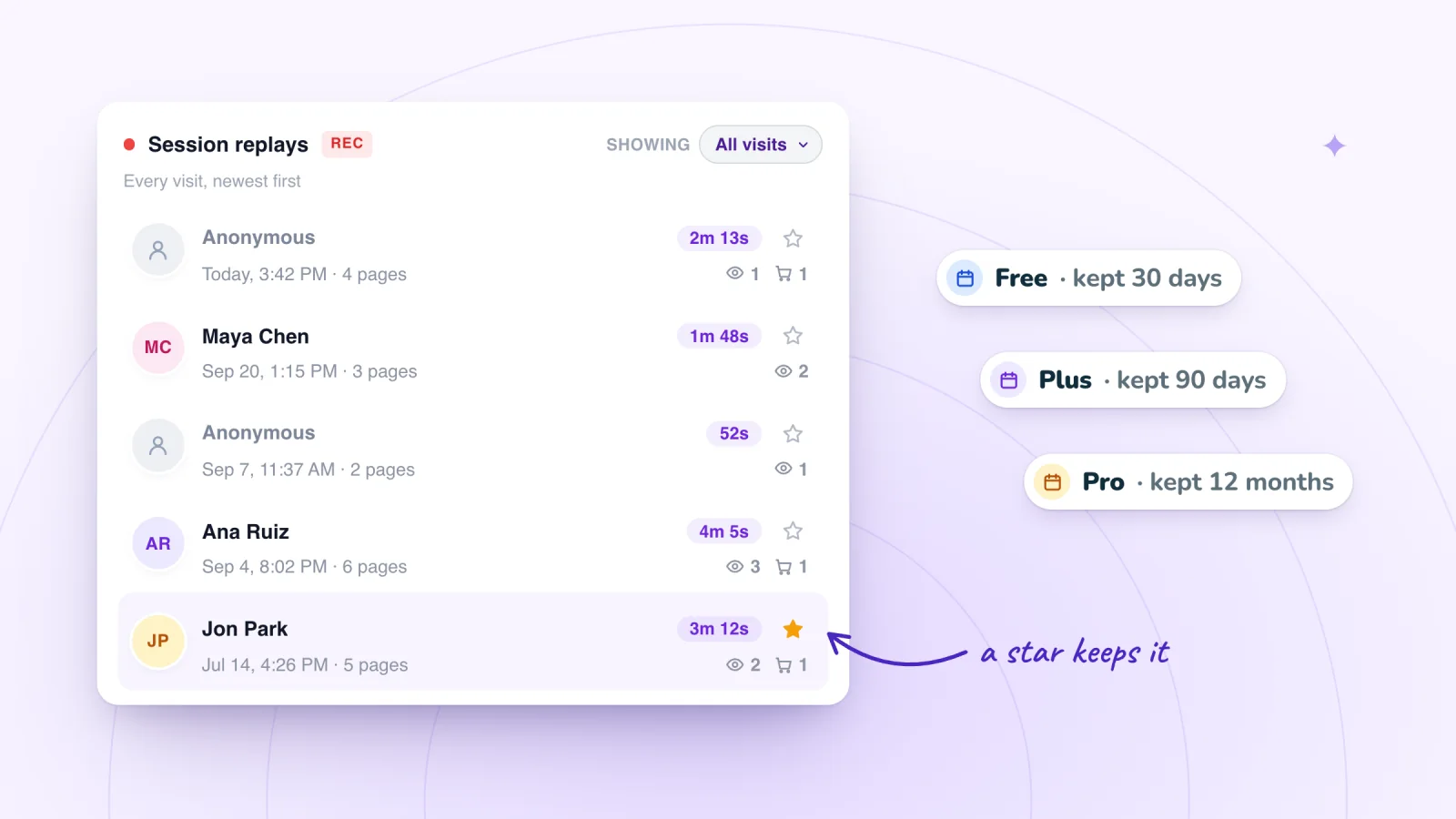
Keep recordings only as long as they are useful, and say how long in your notice. The Free plan keeps replays for 30 days, Plus for 90 days and Pro for 12 months, as the pricing page shows.
Starring a replay keeps it past that period. The guide on how long to keep recordings covers choosing a period and handling deletion requests.
Access decides who can watch
A replay is only as private as the people who can open it.
- Give dashboard access only to people who need to watch replays.
- Give each person their own login, so you can remove one person's access without affecting anyone else.
- Remove access when someone leaves or a project ends.
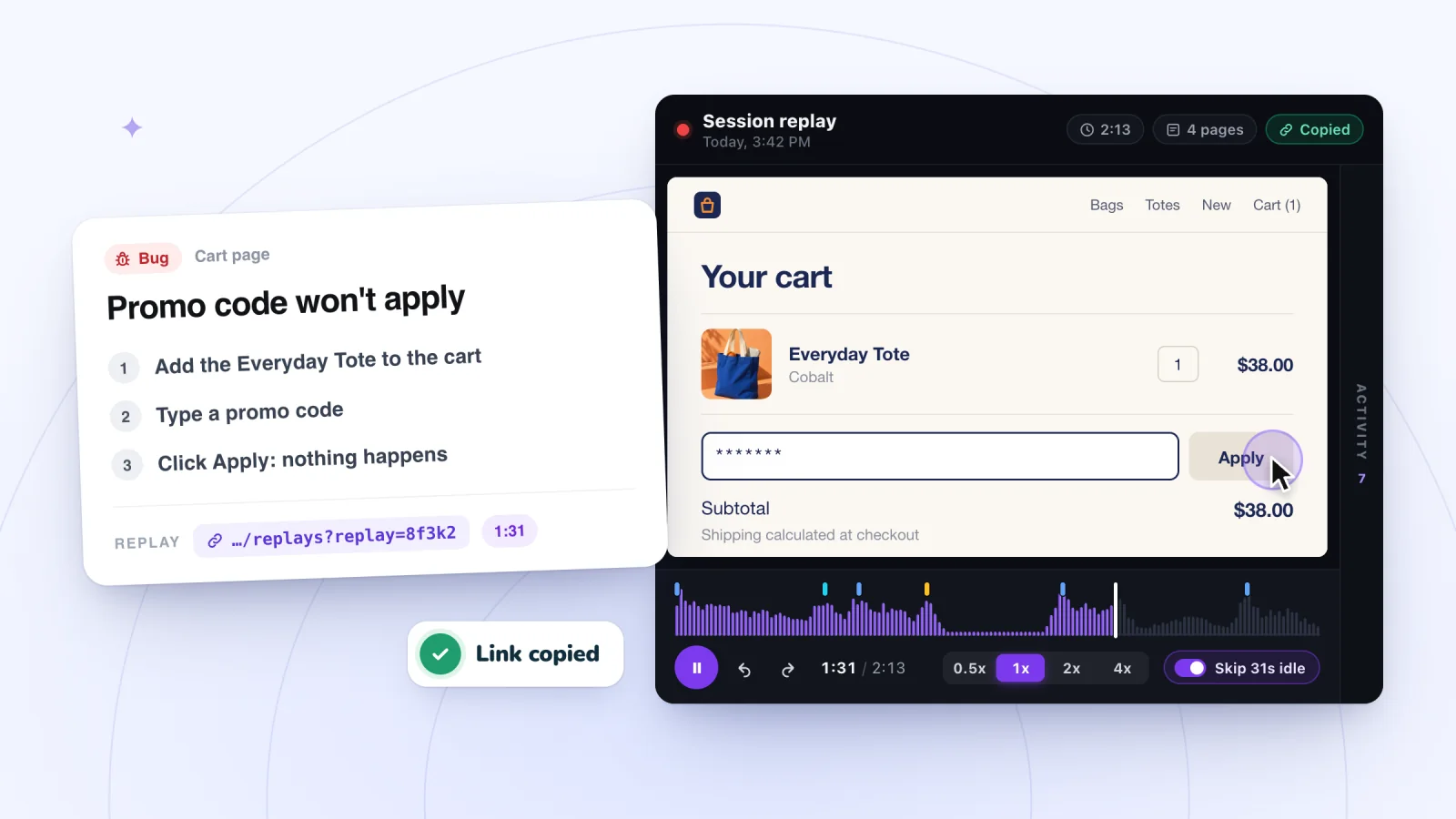
- Share replay links only with teammates who have dashboard access, and only in private channels.
- Keep screenshots of replays out of public places. If you need one for a presentation, crop out anything personal.
- Use replays to improve the site. Avoid browsing one person's visits out of curiosity, especially a known visitor's.
For a wider look at what store owners learn from replays, read how online stores put session recordings to use.
Write down your team's rules
If more than one person watches replays, put the rules in a short note everyone can find. A few lines will do.
- Why you watch replays, in one sentence
- Who can open the dashboard, and who decides that
- Where replay links may be shared, and where they may not
- What to do if a replay shows something personal, such as a name on an order page
- Who answers when a visitor asks about their data
A note like this takes ten minutes to write. It saves guesswork every time someone new joins.
A five-minute privacy check
Run through this once, and again whenever you change your site or your tools.
- Decline analytics in a private window and confirm you are not recorded.
- Read your privacy policy and confirm it mentions recordings, masking and search terms.
- Make sure the retention period in your policy matches your plan.
- Review who has dashboard access.
- Check that the cookie link in your footer still lets visitors change their choice.
Frequently asked questions
Do you need consent for session replay?
Often, yes, depending on where your visitors live. In many places, analytics tools that store or read information on a visitor's device need consent first, and session replay is usually treated the same way. Asking through your cookie banner and recording only visitors who agree is a common approach. This is general information, not legal advice, so check the rules that apply to you.
Is session recording GDPR compliant?
It can be, but compliance depends on how you use it, not on the tool alone. The GDPR, the European Union's privacy law, expects a lawful basis such as consent, a clear notice, collecting only what you need, limited retention and a way to honor requests to access or delete data. Masking typed text and following your cookie banner help. This is general information, not legal advice.
Can session recordings capture passwords or card numbers?
Not when typing is masked in the visitor's browser. Masking replaces each typed character before the recording is sent, so passwords and card numbers never reach the recording. Card fields run by a payment provider often sit outside your own pages too. Still, review pages that display personal details on their own, like an account area, and share those replays with care.
Can a visitor ask you to delete their session recording?
Yes, and it helps to be ready. Confirm the request comes from the right person, look for their visits, and follow your recording tool's deletion process. With Session Recordings, site owners can ask for any recording to be deleted sooner than the plan's retention period. Privacy laws differ on what you must do and how fast. This is general information, not legal advice.
Try it on your site
Session Recordings masks typed text in the visitor's browser and only records visitors who allow analytics cookies. Read more on the private recording page.

We build marketing apps for online stores: myuser.ai writes and sends emails and texts from a store's own products, and we make Session Recordings and Spin Wheel for Wix sites. Product details in our guides are checked against the apps themselves.