Session Recordings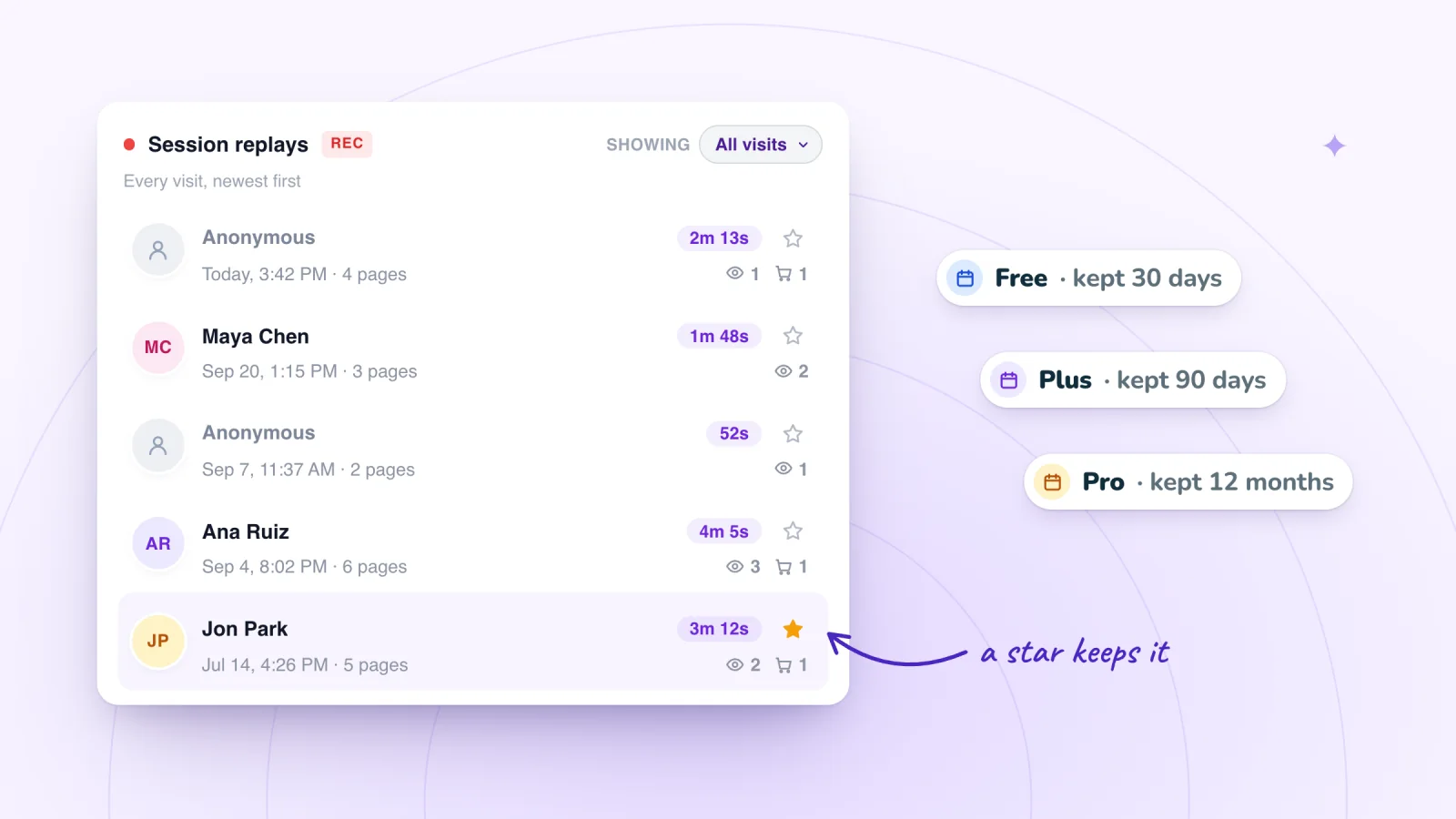
On this page
Recordings pile up fast. It is tempting to keep all of them in case you need one someday. A shorter retention period, plus a habit of saving the few replays that matter, is easier to manage and easier to explain to the people you record.
Key takeaways
- Match your retention period to how you use replays, from fixing bugs in weeks to comparing seasons over a year.
- Star only replays with a clear reason, and review the Starred filter monthly to drop the ones without one.
- Write each lesson down with the date, page and change, so the finding lasts after the replay is deleted.
- Keep a written plan for deletion requests, and never star replays of someone who asked you to delete their data.
Why shorter retention is good practice
- Less data, less risk. Every replay is a record of a real person's visit. The fewer you keep, the less there is to protect.
- Old replays go stale. After a redesign, a replay from before it shows a site that no longer exists. It can mislead more than it helps.
- Simpler promises. "We keep recordings for 30 days" is easy to write in a privacy policy and easy to keep.
- Easier reviews. A shorter list of replays is quicker to work through, and the starred ones stand out.
- It matches what some rules expect. Some privacy rules ask businesses to keep personal data only as long as they need it. Check the ones that apply to you.
Retention is one part of recording visits responsibly, along with masking, consent and access.
Match retention to how you work
How long you need replays depends on what you use them for.
- Fixing bugs takes days or a few weeks.
- Checking a change needs replays from a few weeks before and after it.
- Comparing seasons needs replays from the same time last year.
- Your review rhythm matters too. If you only watch replays once a month, they need to last at least that long.
Say you redesign your product pages in March. To compare summer visits with the weeks before the change, you need replays that last a few months, or a few starred examples from before.
Plans differ in how many recordings they include each month and how long replays are kept.
| Plan | Recordings a month | Replays kept | Price |
|---|---|---|---|
| Free | 2,000 | 30 days | $0 |
| Plus | 10,000 | 90 days | $12 a month |
| Pro | 50,000 | 12 months | $29 a month |
If you review weekly and fix things as you find them, 30 days gives you room to spare. If you want to compare before and after a change across a season, 90 days fits better. Twelve months suits year-over-year comparisons.
Keep the replays you need with stars
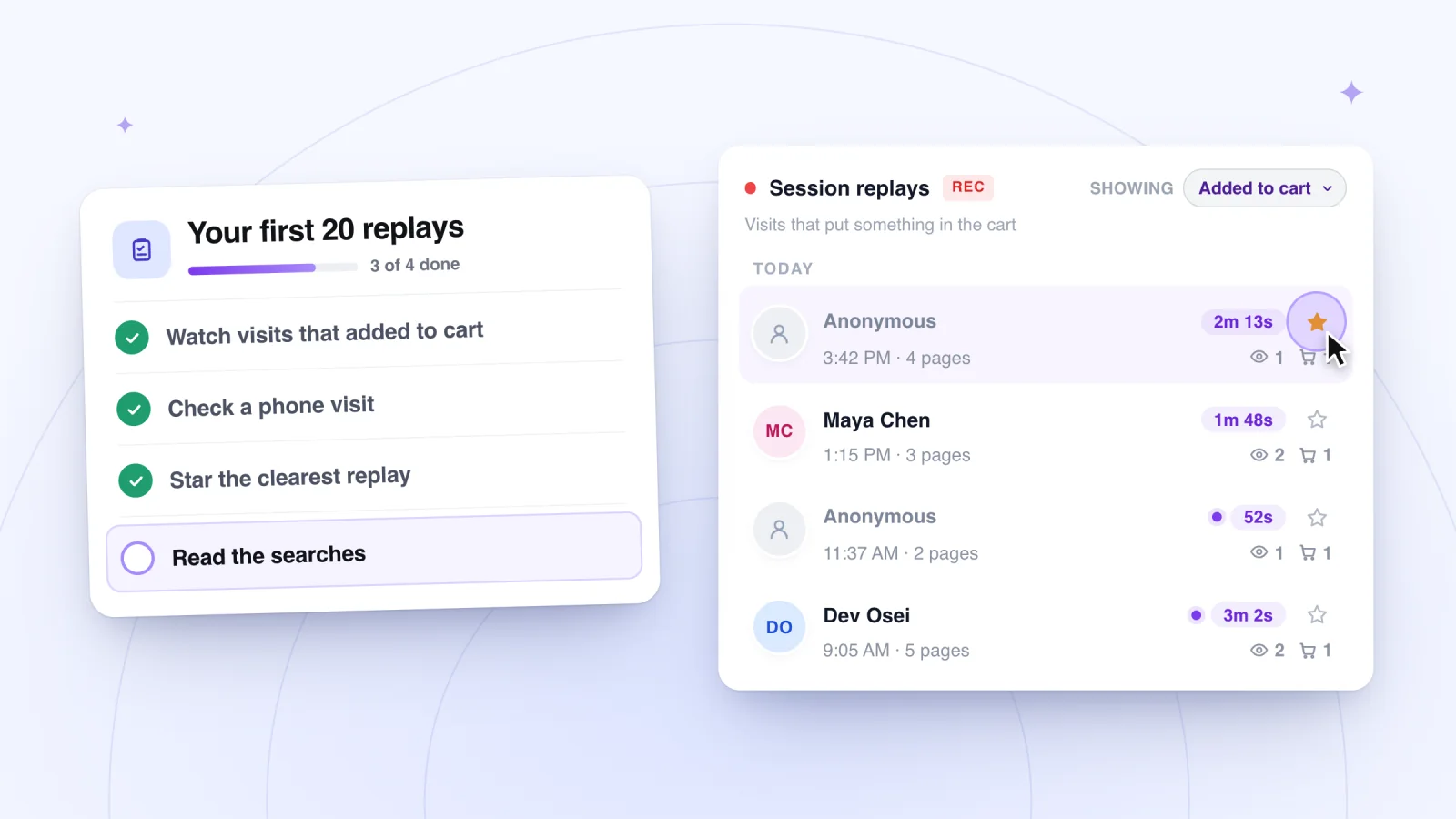
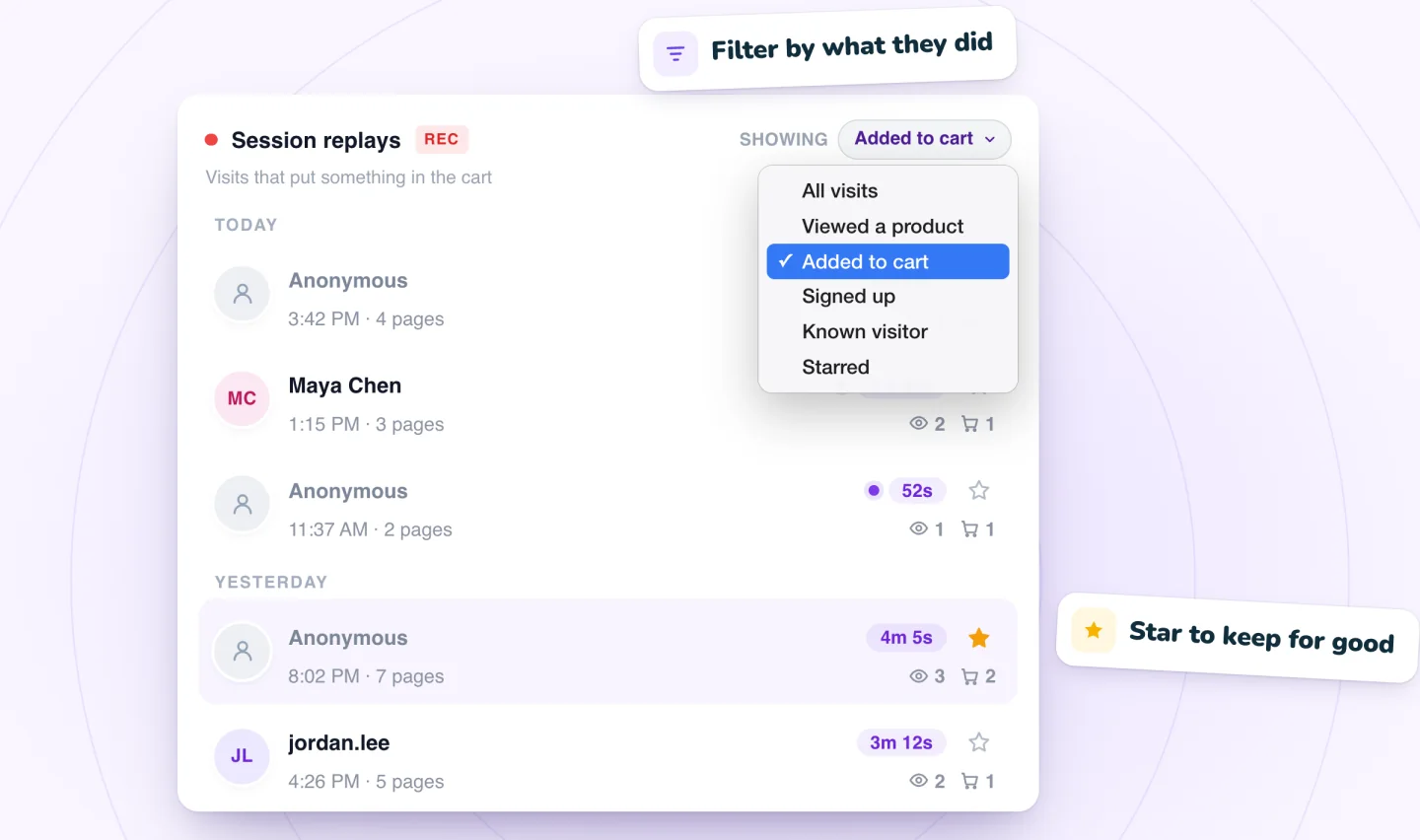
Starring a replay keeps it past your plan's retention period. That makes each star a decision, so give every one a reason.
Worth a star
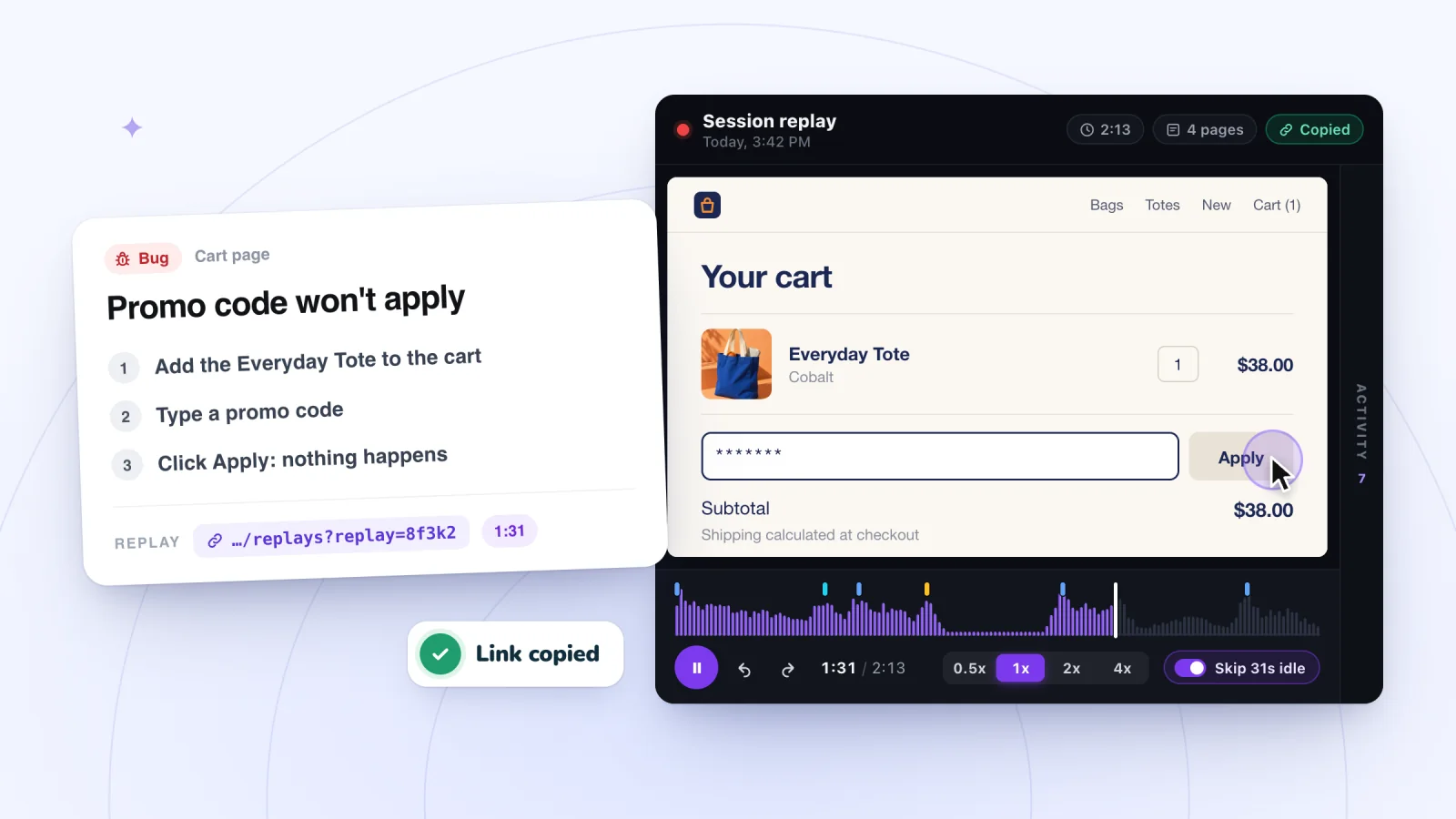
- The clearest replay of a bug, until the fix is confirmed
- The best example of each problem you found in a review
- A few replays from before a redesign, to compare with after
- A replay linked from a bug report or a customer's complaint
Not worth a star
- Replays that are interesting but tied to no action
- Replays of anyone who has asked you to delete their data
Once a month, use the Starred filter to look at what you are keeping and why. If you cannot name the reason a replay is starred, it probably does not need to be.
Session recordings, private by default
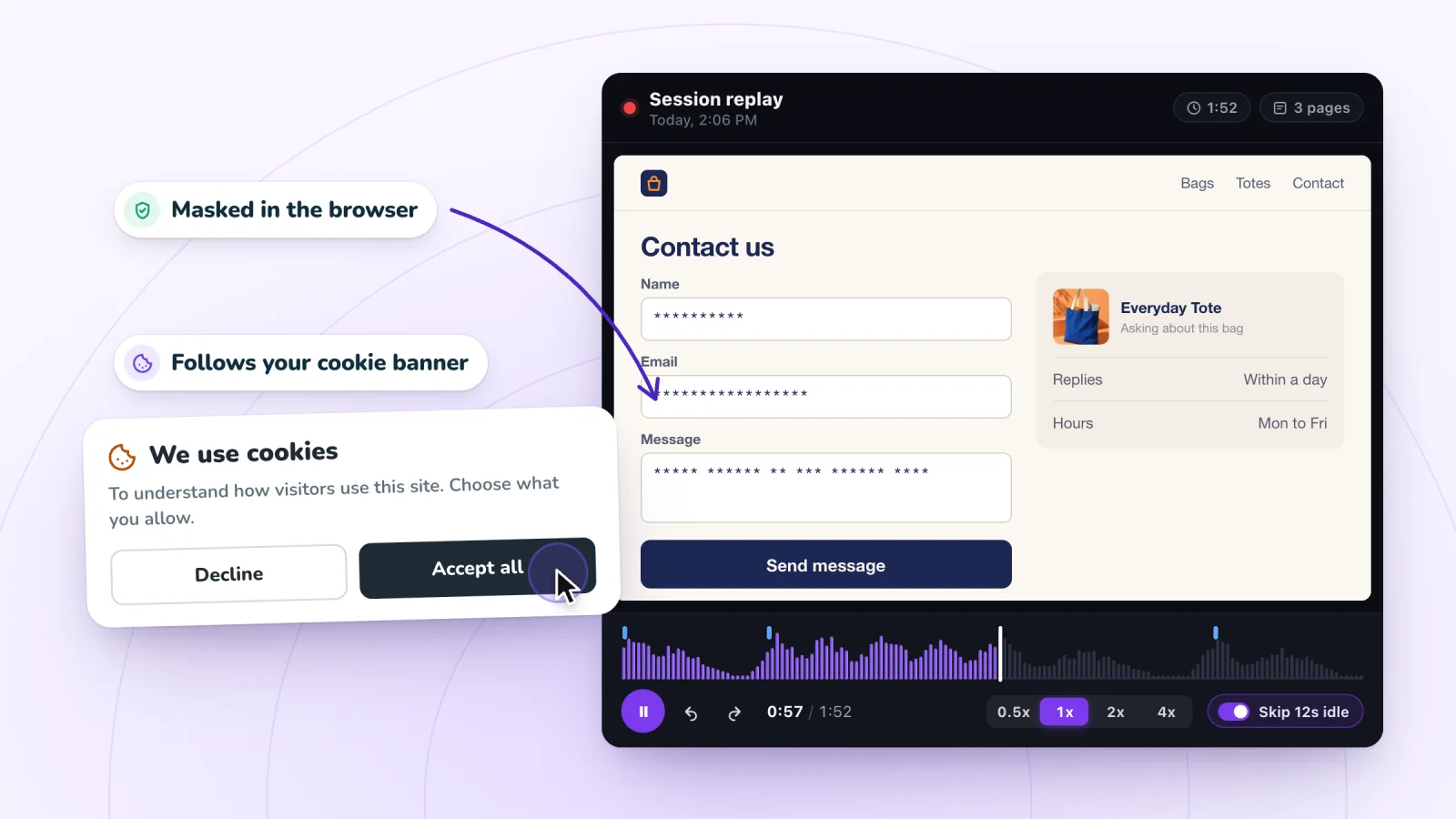
Typing is masked in the visitor's browser and recording follows your cookie banner. Free plan included.
Add to Wix, it's free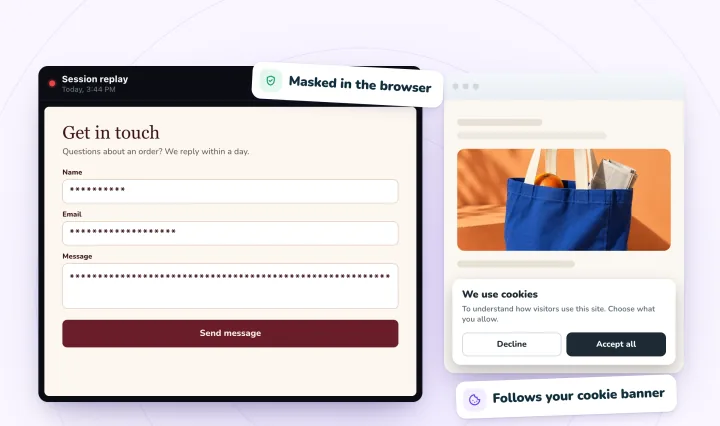
Put your retention period in writing
Your privacy notice should say how long you keep recordings, and it should match your plan. Stars need a mention too. If you keep some replays longer by starring them, say that a small number of recordings may be kept longer when needed to fix a problem. Then make sure that stays true. Review the wording whenever you change plans, since each plan keeps replays for a different length of time.
Keep the lesson after the replay is gone
The lesson from a replay can fit in a sentence or two. Write it down with the date, the page and what you changed because of it. Describe what the visitor did in plain words, so the note makes sense to someone who never saw the replay.
A plain document of findings keeps the knowledge long after the recording itself is gone, and it holds no visitor data. When someone asks why the checkout looks the way it does, you will have the answer without needing the replay.
Plan around monthly limits
Each plan includes a set number of recordings a month. When a month's recordings run out, recording pauses until the next month starts. There are no surprise charges.
That means a busy month can use up your recordings early. A holiday sale, a mention in the press or a big email or text campaign can each bring a rush of visits. Plan for it in one of these ways.
- Check your analytics for visit numbers from the same period last year, or from your last big promotion.
- If a sample of the rush is enough, your current plan may cover it. Recording simply pauses if you run out.
- If you want the whole busy period recorded, choose a plan with more recordings before it starts.
Deleting on request
Sooner or later, someone may ask you to delete their data. A written plan lets you answer quickly and calmly.
- Confirm the request. Make sure it comes from the person whose data it is.
- List what you hold. Their data might sit in orders, your email list, contact form entries and recordings.
- Find their visits. If the person is known to your site, the Known visitor filter can help you find their visits.
- Do not star them. A star would keep their replays past your retention period.
- Remove the data. Check how each tool you use deletes data, including your recording app, and follow its process. Confirm it is done.
- Reply and record. Tell the person what you did. Note the date and the action, without saving more personal details than you need.
Rules on deletion requests, including how fast you must respond, differ from place to place. This section is general information. It is not legal advice, so check what applies to your business. For questions about how the app works, see the FAQ.
A monthly retention routine
- Review the Starred list and confirm each replay still has a reason.
- Look ahead for sales or campaigns that could use up recordings early.
- Copy any new lessons into your findings document.
- Confirm that every deletion request from the past month was completed.
Frequently asked questions
What should a data retention policy include?
It should list the kinds of data you keep, why you keep each one, how long you keep it and how it is deleted. Name who is responsible, explain how exceptions work, such as replays kept longer to fix a problem, and say how people can ask for deletion. Keep it short and specific, match it to your actual tools and plans, and review it when either changes.
Can you keep a session recording forever?
Yes, for the replays you choose. In Session Recordings, starring a replay keeps it for good, past your plan's retention period, while everything else is deleted on schedule. Keep that list short. Give each starred replay a reason, such as an open bug or a before-and-after comparison, and check the Starred filter each month for any that no longer need keeping.
How quickly do you have to respond to a data deletion request?
It depends on the privacy laws that apply to you, and some set firm deadlines. Treat every request as time-sensitive: confirm it, find the person's data in each tool you use, remove it and reply. Writing these steps down ahead of time helps you act fast. This is general information, not legal advice, so check the rules for your business.
Try it on your site
Session Recordings keeps replays for 30 days on Free, 90 days on Plus and 12 months on Pro, and a star keeps any replay longer. Compare the plans on the pricing page.

We build marketing apps for online stores: myuser.ai writes and sends emails and texts from a store's own products, and we make Session Recordings and Spin Wheel for Wix sites. Product details in our guides are checked against the apps themselves.