Session Recordings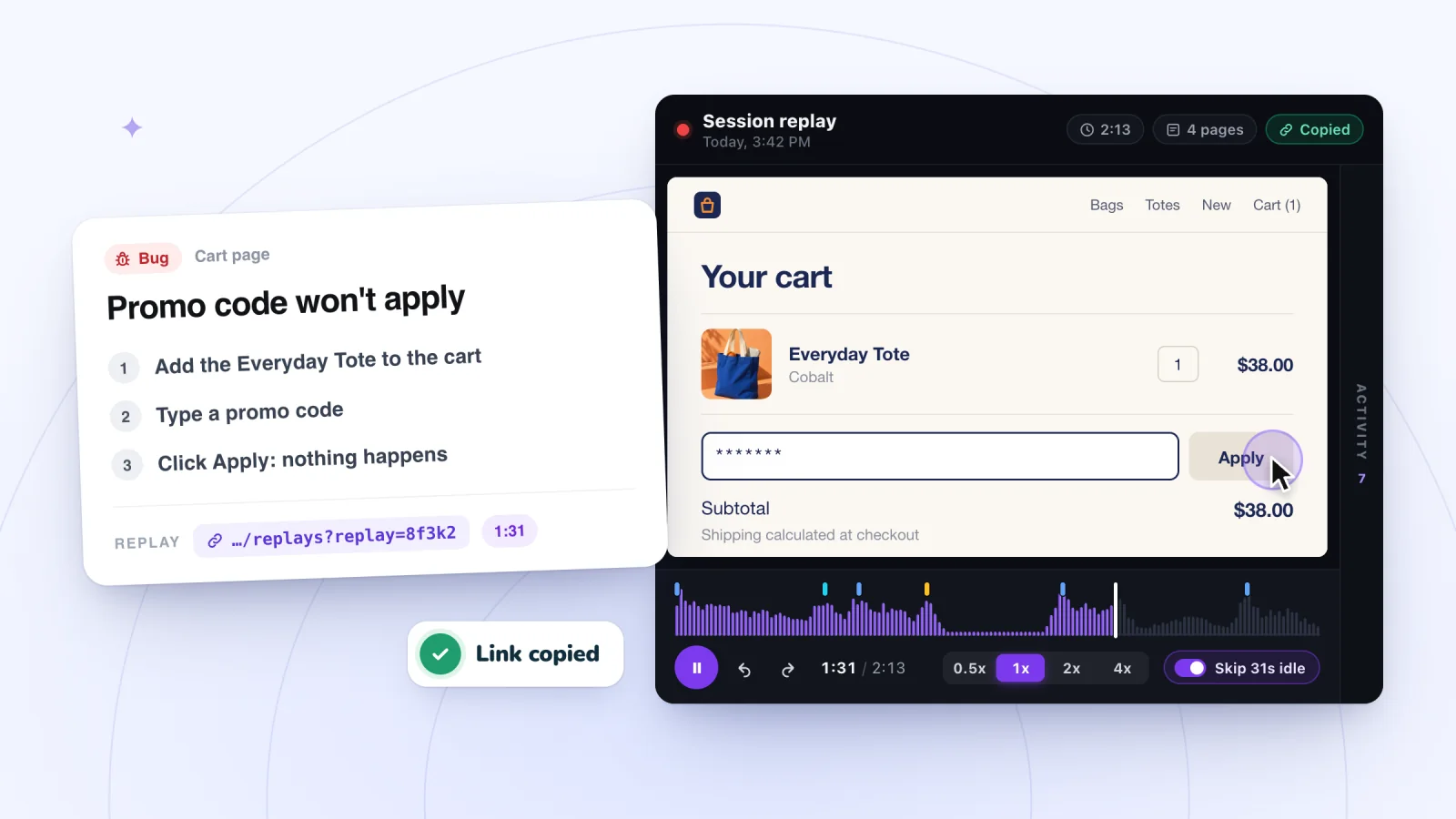
On this page
"The site is broken" is hard to fix. "On phones, Add to cart does nothing on the linen napkins page after choosing a size, see 1:42 in this replay" is something a developer can start on right away. A session replay gives you what you need to write the second kind of website bug report.
Key takeaways
- Star the replay as soon as you spot a bug, so the evidence outlasts your plan's retention period.
- Use the Activity list as a script to repeat the visitor's steps on the same kind of device.
- Keep each report to one bug: what broke and where, the steps, expected and actual results, and the replay link with the time.
- Share replay links only with teammates who have dashboard access, in private channels, and confirm the fix with new visits.
Make sure it is a bug
Not every struggle is a bug. A bug is something that does not work the way it was built to work. A confusing label or a hidden shipping policy is a design problem, and it needs a different kind of fix, like the ones in the checkout friction checklist. If you are unsure, report it anyway and say so. A developer can tell you quickly which kind it is.
These are signs of a bug in a replay.
- Several clicks or taps on the same spot with no change on the page
- An error message, or a page that loads only partly
- A broken layout, like text running off the screen or buttons on top of each other
- A visit that ends right after an action that should have worked
Find the right replay
If a customer reports the problem, ask when it happened and what device they used. Ask what they were trying to do and which page they were on, too. Their answers tell you which moments to look for. Then look at visits from around that time. If the person is known to your site, the Known visitor filter can narrow the list.
If the problem may be happening right now, watch visits live, a few seconds behind real time, to catch it as it happens.
Reproduce it yourself
Use the Activity list beside the replay as your script. It lists every moment of the visit in order, such as page views, searches and adding to cart. Click a moment to jump to it and see exactly what the visitor did.
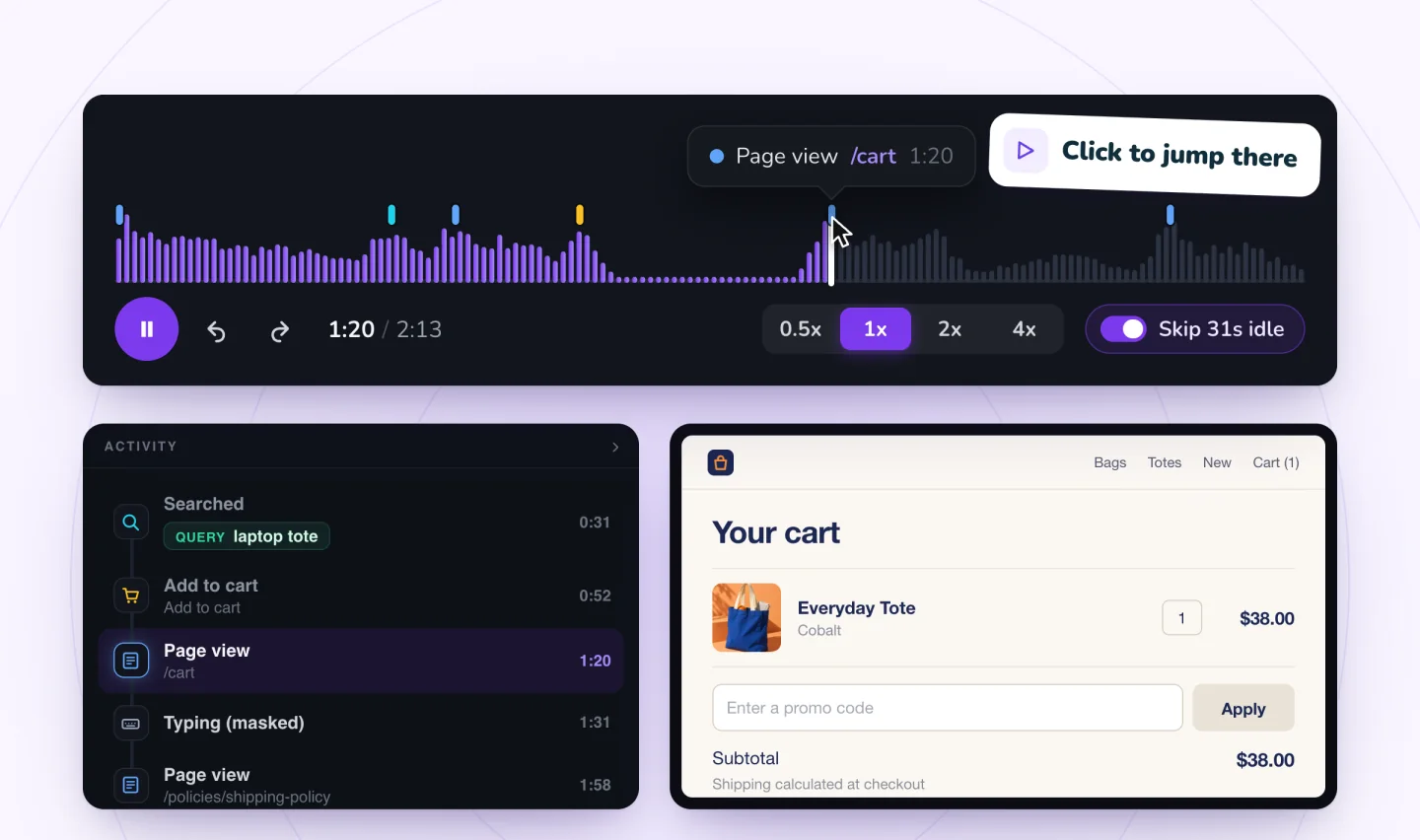
Then try the same steps yourself.
- Use the same kind of device. Phone visits play back in the phone's own shape, so you will know if it happened on a phone.
- Start on the page where the visitor started, if it seems to matter.
- Repeat each action in the same order.
- If it works for you, try another browser, or your phone on a cellular connection.
Write down each step as you go, in the order you did it. Those notes become the steps in your report.
If you cannot make it happen, say so in the report. The replay is still evidence. Some bugs depend on conditions that are hard to recreate, like an old browser, a browser extension or a weak connection.
What to note
| Detail | Why it matters | Example |
|---|---|---|
| Replay link | Lets the developer watch the visit | The link copied from the replay |
| Time in the replay | Skips straight to the problem | 1:42 |
| Page | Shows where it happened | The linen napkins product page |
| Device | Layout bugs can depend on screen size | Phone |
| Steps before the problem | Lets someone repeat it | Chose Large, tapped Add to cart |
| What should happen | Defines the fix | The cart count goes up |
| What happened | Defines the bug | Nothing changed |
| Your own attempt | Shows whether it repeats | Happens on my phone. Works on my laptop. |
Find the visits worth watching
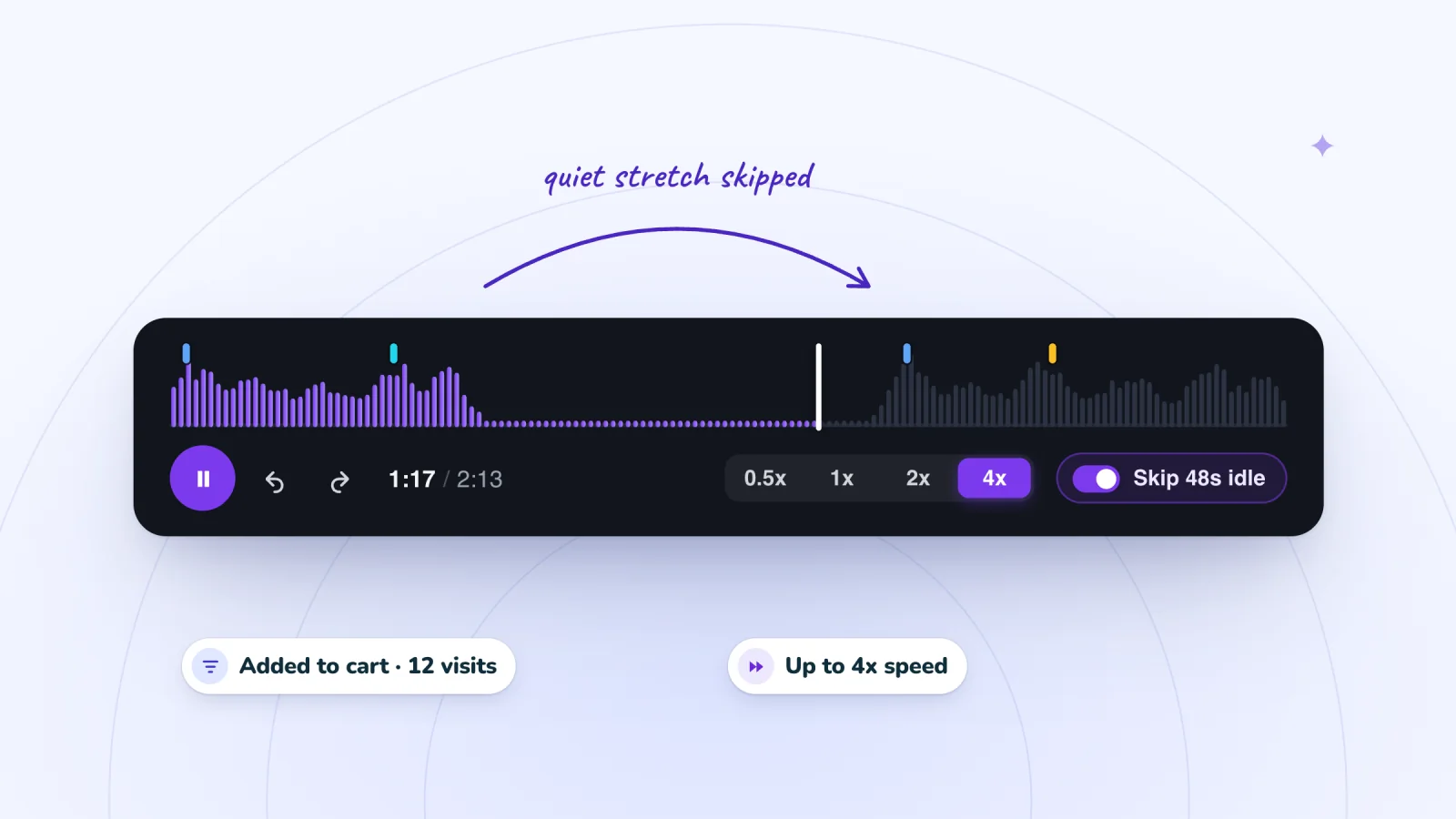
Filter to visits that added to cart or signed up, jump to marked moments and skip the quiet parts.
Add to Wix, it's free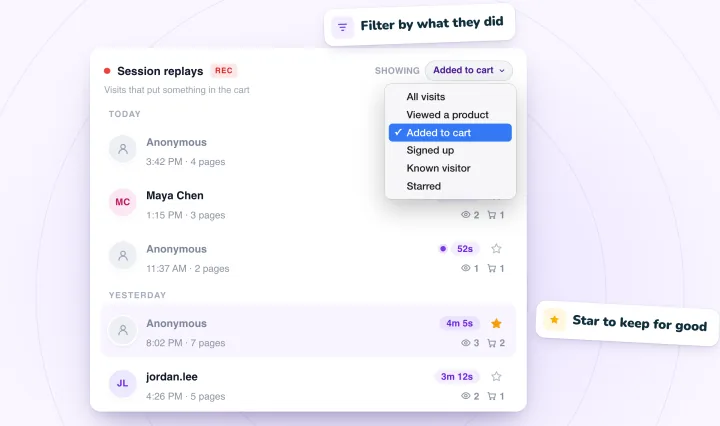
Write the report
Keep each report to one bug, and keep it short. Lead with one sentence that says what broke and where. Then give the steps, what you expected, what happened, and the replay link with the time.
Here is an example.
On phones, tapping Add to cart on the linen napkins page does nothing after choosing a size. To repeat it, open the page on a phone, choose Large and tap Add to cart. The cart count should go up. Nothing changes. In the replay, the visitor taps three more times and leaves at 1:42. I can repeat it on my own phone, and it works on my laptop. Replay link attached.
Notice what the example leaves out. There is no guess at the cause and no long story. The developer gets the facts and works out the cause. Leave out anything personal you saw in the replay, too. The developer can open the replay if they need more.
Say how urgent it is
A short label at the top of the report helps whoever fixes it decide what to do first.
- Urgent. It stops people from buying, signing up or contacting you. Fix it now.
- Soon. A feature is broken, but visitors have a way around it.
- Later. Something looks wrong but still works, like a misaligned image or a typo.
Share the replay with the right people
Each replay has a link you can copy and share with teammates who have access to the dashboard. Before you send it, make sure your developer has that access.
- Send the link with your notes, so nobody has to watch the whole visit to find the problem.
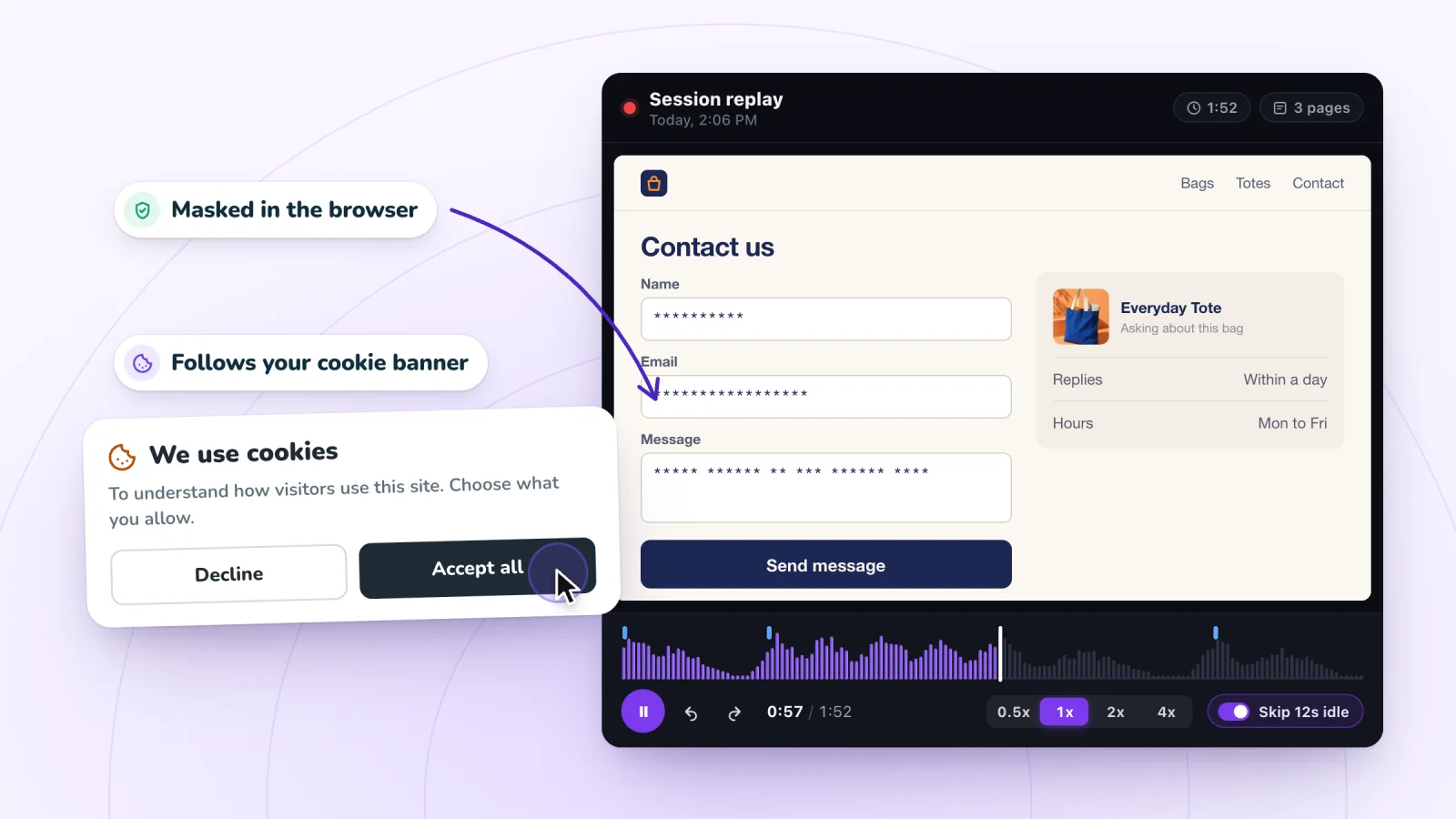
- Use private channels. A replay is a record of a real person's visit, so handle it the way the privacy guide suggests.
- Give each bug one owner, so it does not bounce between people.
Rule out a broken link
Some "bugs" are bad links. If a replay starts on a page that no longer exists, the visitor likely followed an old or mistyped link from an email, a text, an ad or another site.
Check the links in your recent campaigns first, and click every link in your next email or text before it goes out. Building campaign links with a UTM builder for email and text links keeps them consistent and makes them easier to trace in your analytics.
When the problem comes from an add-on
Some bugs live in a widget or add-on, like a chat button, a review display or a pop-up. Your own pages may be fine. Note which element misbehaved and what it was doing at the time. Your developer may need to pass the report on to whoever makes that add-on, and clear steps will make their job easier too.
Close the loop
Ask the developer to tell you when the fix is live. Then open a few new visits to the same page on the same kind of device, and confirm visitors get through. Write the result on the original report, so anyone who finds it later knows how it ended. If the bug comes back, reopen that report and add the new replay link, so the whole history stays in one place.
Frequently asked questions
Is there a simple bug report template?
Yes. Start with one sentence on what broke and where. Then list the steps to repeat it, what should happen, what happened instead, the device, and the replay link with the time of the problem. Put an urgency label at the top, keep one bug per report, and leave out guesses about the cause and anything personal you saw.
Why are some bugs hard to reproduce?
Often because they depend on conditions you or the developer may not have, such as a certain phone or browser, a browser extension, a weak connection or a specific path through the site. Share the device, the exact steps and the replay link with the time, so the developer can see what the visitor saw. If you could not repeat it yourself, say so.
Should a bug report include screenshots?
Yes, when the problem is visual, like overlapping buttons or text running off the screen. For anything that happens over several steps, a replay link with the time works better, since the developer sees what led up to the problem. If you take a screenshot of a replay, crop out anything personal before you share it.
Try it on your site
Session Recordings gives each replay a link you can share with teammates who have dashboard access, plus an Activity list that jumps to any moment. See how replays work on the session replay page.

We build marketing apps for online stores: myuser.ai writes and sends emails and texts from a store's own products, and we make Session Recordings and Spin Wheel for Wix sites. Product details in our guides are checked against the apps themselves.