Session Recordings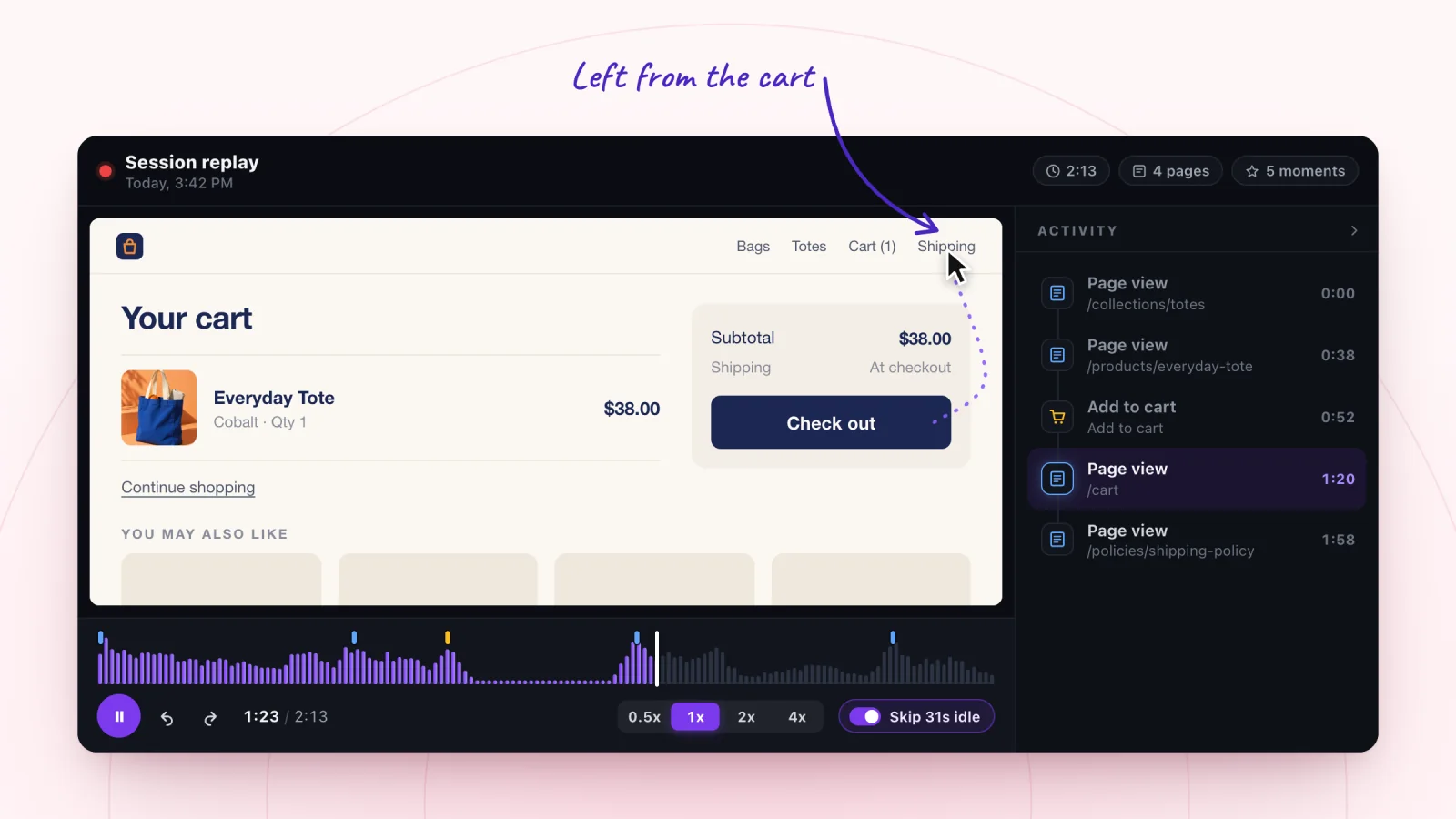
On this page
A shopper adds something to the cart and then leaves without buying. Your store reports tell you that customers abandon carts. A replay of the visit shows where it went wrong and can hint at why. Here are five patterns to watch for between add to cart and checkout, with a fix for each.
Key takeaways
- Filter to Added to cart and watch visits with an add to cart moment but no checkout moment.
- Show shipping costs on product pages and in the cart, so the total never surprises shoppers.
- Write coupon errors that explain the problem, such as a minimum order, and use short, plain codes.
- Change one thing at a time, then watch a fresh batch of abandoned carts to check the fix.
Find the visits worth watching
Start with the Added to cart filter. Then open visits whose timeline shows an add to cart moment and no checkout moment. Those are your abandoned carts.
Watch each one from the add to cart moment to the end of the visit. What came before tells you what the shopper wanted. What came after tells you what stopped them.
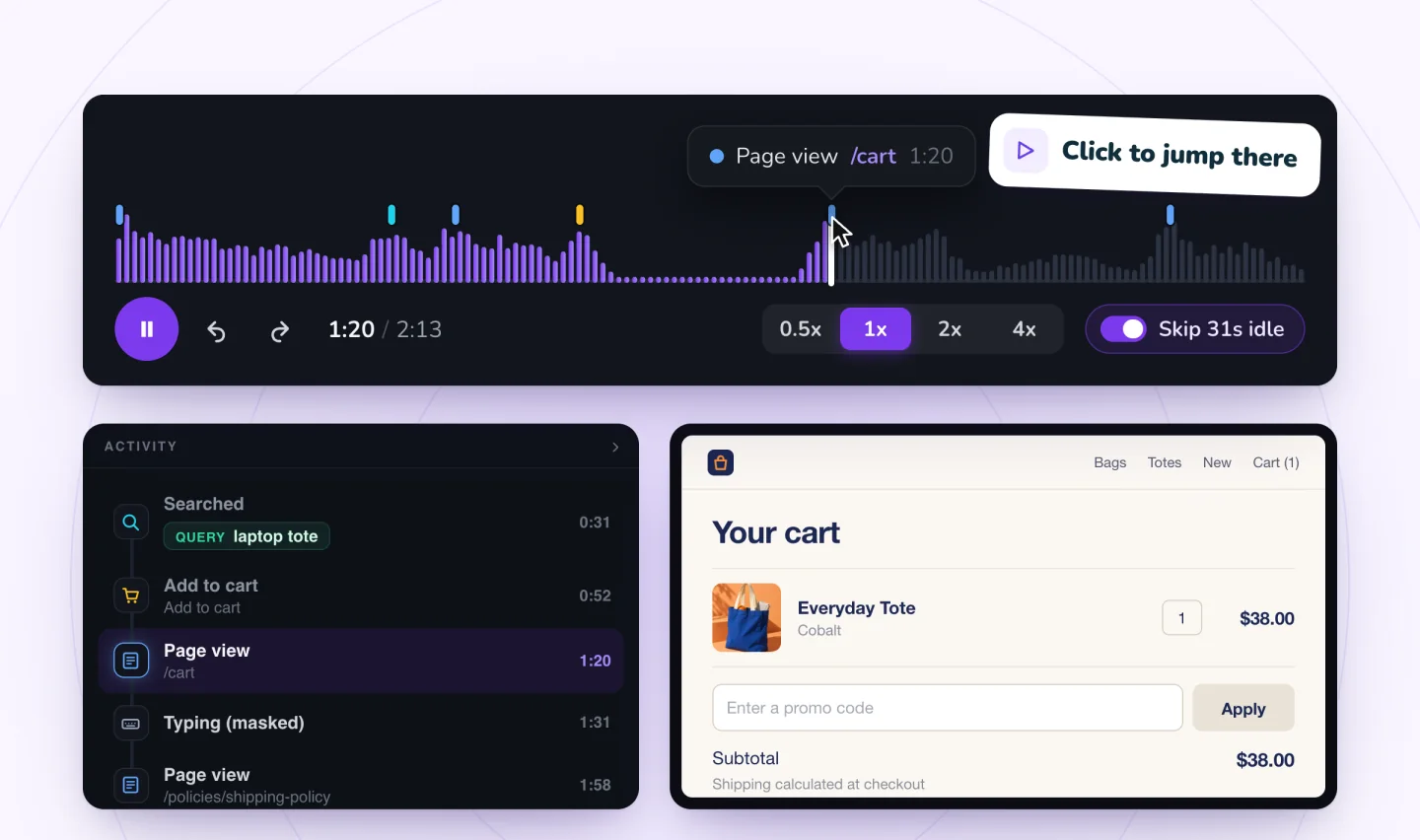
The total surprises them
What it looks like. The visitor opens the cart and scrolls to the totals. They pause. Maybe they click through to the shipping policy in your footer, read for a while, and come back. Then the visit ends.
Say a visitor adds a $24 candle, opens the cart and sees $9 shipping. They go back to the product page, look at the price again, and close the tab. The candle was fine. The total was more than they had in mind.
The fix. Show shipping costs before the cart.
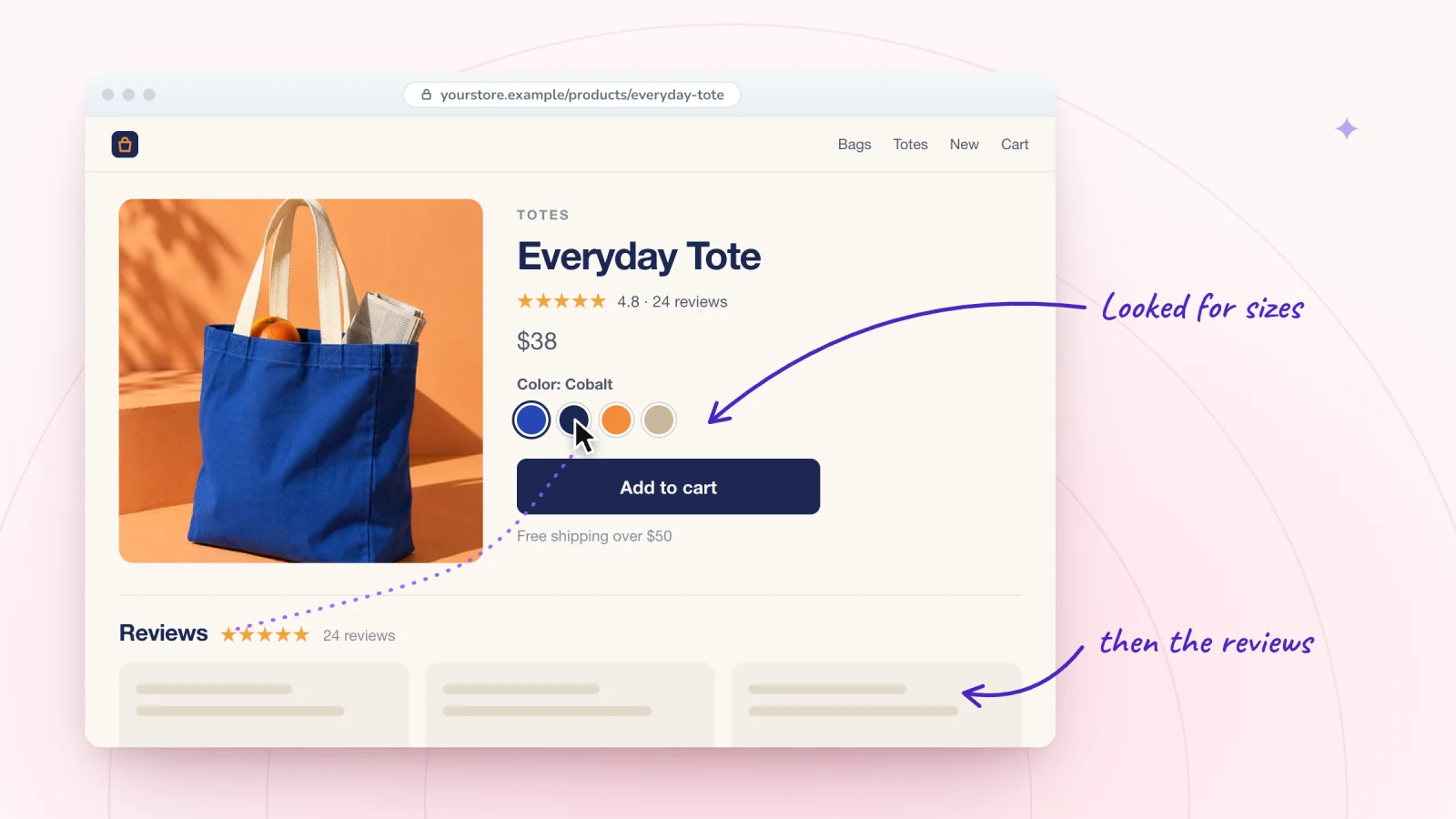
- Add a short shipping line near the price on product pages, such as "Flat $5 shipping, free over $50."
- If you offer free shipping over an amount, show in the cart how far the shopper is from it.
- Link your shipping page from the cart itself, so nobody has to dig through the footer.
- When you change shipping prices, update every place that mentions them, including product pages, banners and the shipping page.
The promo code fails
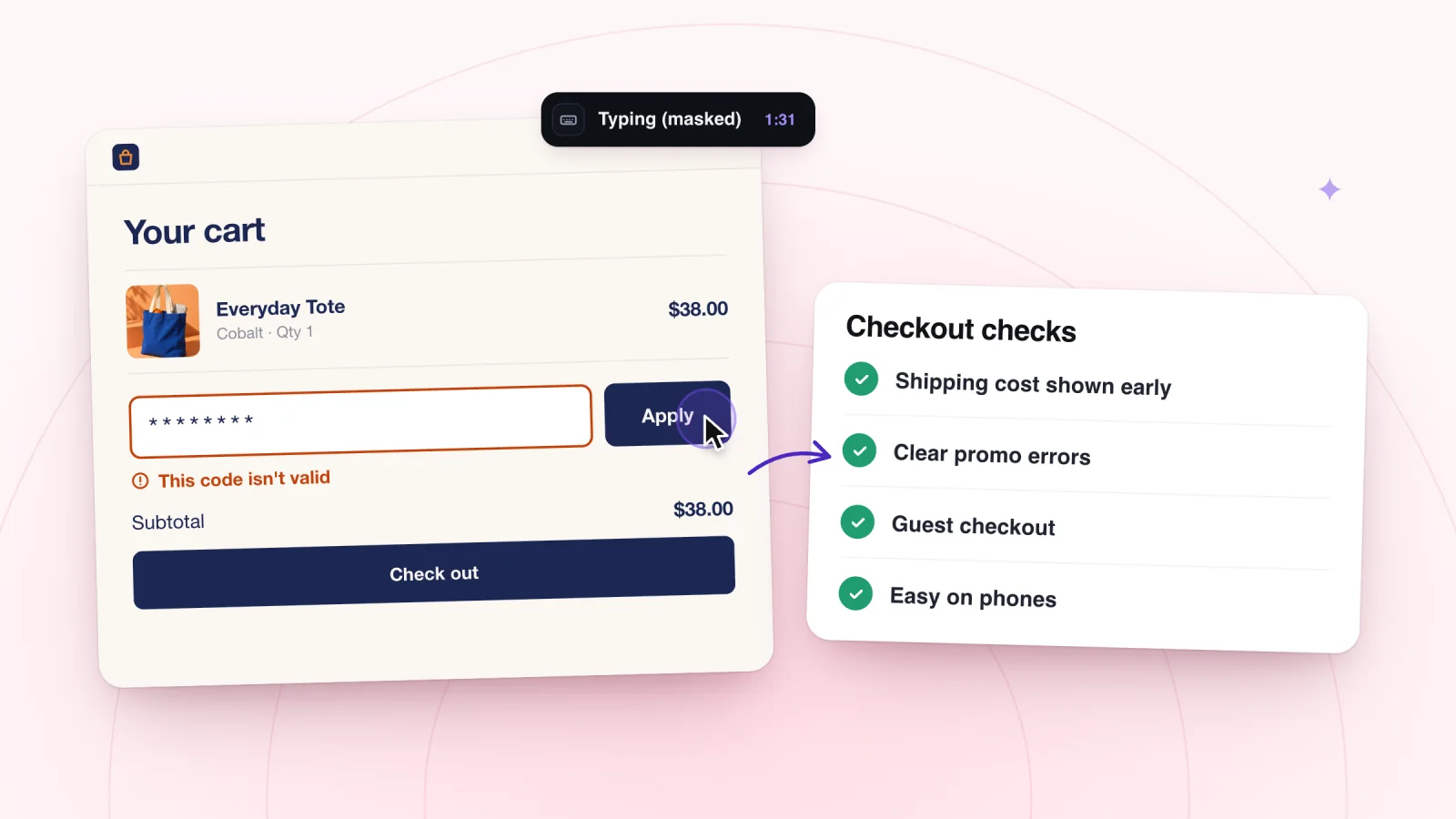
What it looks like. The visitor types into the coupon field, taps Apply, and the page responds. They type again, and again. Then they leave, sometimes stopping at your home page first as if hunting for a code that works.
The fix. Find out why codes fail, then make each failure easy to understand.
- Expired codes. A code from an old email or social post keeps getting shared after it ends. Keep a list of live codes with end dates, and update old posts.
- Codes that are hard to type. A mix like O and 0 trips people up, especially on a phone. Use short, plain words.
- Hidden conditions. If a code needs a minimum order or excludes sale items, the error should say so. "This code needs a $40 order" helps. "Invalid code" does not.
- Capital letters. If SAVE10 works and save10 fails, make codes work either way where your settings allow, or show them in the case they need.
The page is slow to respond
What it looks like. The visitor taps Add to cart and nothing seems to happen, so they tap again. Now the cart has two. Or they tap Checkout, wait, tap again, and leave before the next page appears.
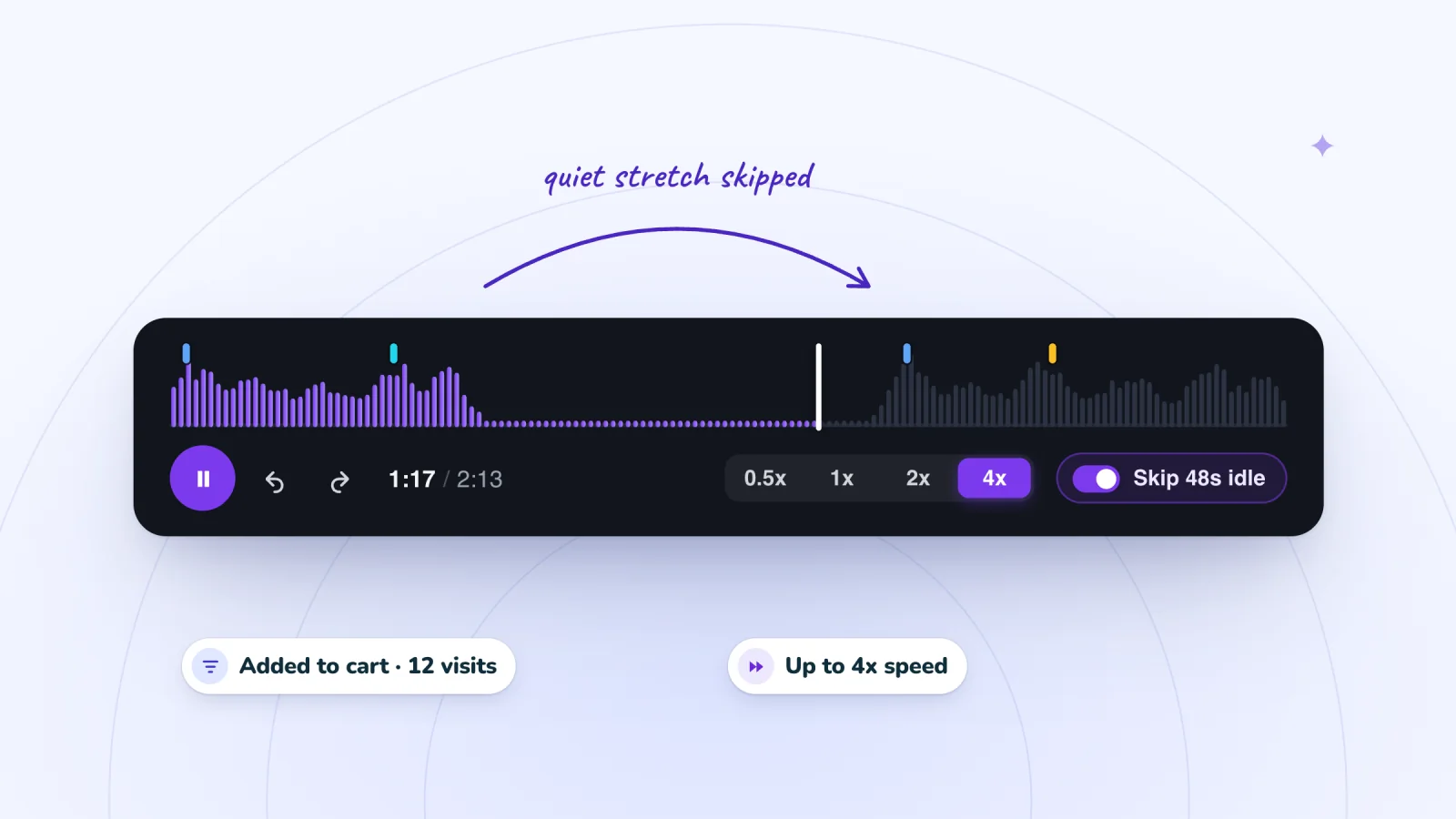
Repeated taps on the same button are the clue. So is a visit that ends right after a tap, with no new page view on the timeline. On phones, replays show each tap, so a double tap stands out. Watch these visits at 1x. The guide to watching recordings faster explains when to turn off quiet-stretch skipping so the waits stay visible.
The fix.
- Confirm every add to cart right away, with a cart count that changes, a short message or a slide-out cart.
- Open your cart and checkout on a phone away from Wi-Fi. A page that feels instant in the office can drag on a weak signal.
- Remove anything heavy from the cart page that does not help someone buy, such as large images, extra widgets or video.
- Make quantities easy to change in the cart, so an accidental double add takes one tap to fix.
Watch shoppers move from product to checkout
Store moments are marked on every replay, and filters find the carts that never became orders.
Add to Wix, it's free
The options confuse them
What it looks like. The visitor opens the cart, then goes back to the product page. They pick a different size, add it again, and now the cart holds both. Or they read the option name in the cart and remove the item.
Say the cart lists a candle as "Natural, 8 oz." A visitor who meant to choose a scent, and chose a wax color by mistake, may simply remove it and leave.
The fix.
- Show each item's options in the cart in plain words, next to the matching photo.
- Let shoppers change size, color or quantity in the cart without going back.
- Label options so they cannot be mixed up. Putting "Wax color" in front of "Natural" leaves no doubt.
The cart was a bookmark
What it looks like. The visitor adds a few items, browses calmly, maybe compares two products, and leaves. No struggle, no hunting, no repeated taps.
Some shoppers use the cart to save things for later or to see a total before payday. That is not a problem with your site, and shoppers like these may come back on their own.
The fix. You cannot fix this on the page, and you do not need to. A friendly reminder is the right tool for the ones who forget. Abandoned cart recovery by email and text can bring these shoppers back when they are ready. Take care over the subject lines and preview text for cart reminders, since they are the first thing the shopper sees.
Match what you see to a fix
| What you see in the replay | Likely cause | First fix to try |
|---|---|---|
| The visit ends soon after the totals appear | Surprise shipping cost | Show shipping on product pages and in the cart |
| Several coupon attempts, then an exit | A code that fails | Clear error messages and easy codes |
| Repeated taps on the same button | Slow response | Instant add to cart confirmation and a lighter page |
| A trip back to the product page to swap options | Confusing options | Plain option names and editing in the cart |
| A calm exit with no struggle | Not ready to buy | A reminder by email or text |
Check that the fix worked
Change one thing at a time. If you fix the shipping display and the coupon errors in the same week, you will not know which change helped.
A week or two after a change, filter to Added to cart again and watch a fresh batch of abandoned carts. Look for the same pattern. If visitors no longer go hunting for your shipping page, the fix is doing its job. If they still do, the information may be there but hard to spot. For the steps after the cart, work through a checkout friction checklist.
Frequently asked questions
How do you calculate cart abandonment rate?
Divide the number of orders by the number of visits that added something to the cart, then subtract the result from one. Say 40 visits added to cart and 10 ended in an order: 30 of 40 carts, or three in four, were abandoned. Use the same date range for both numbers, and compare your store with its own past months.
Does free shipping reduce cart abandonment?
It can when shipping cost is what stops people, but it is not the only fix. Showing the cost early, near the price on product pages, removes the surprise even when you charge for delivery. A free shipping threshold can help too, especially when the cart shows how far the shopper is from reaching it. Watch replays to confirm shipping is the problem first.
Can you see who abandoned a cart?
Only if the shopper is known to your site, for example because they signed up. In Session Recordings, the Known visitor filter finds visits from people your site recognizes, and everyone else appears as Anonymous. Either way, the replay shows what happened in the cart, which matters more for fixing the problem than knowing the name.
Try it on your site
Session Recordings marks add to cart and checkout on the replay timeline, so you can go straight to the carts that never reached checkout. See how it works for shops on the online store page.

We build marketing apps for online stores: myuser.ai writes and sends emails and texts from a store's own products, and we make Session Recordings and Spin Wheel for Wix sites. Product details in our guides are checked against the apps themselves.