On this page
When a Wix menu won't open, start with timing: Wix says the mobile menu responds only once the page has fully loaded. Then look for anything on top of the menu, pages hidden from the mobile site, an outdated menu and the page's layout. Wix's own troubleshooting covers each of these, and most take a minute to check.
If the whole page looks wrong on phones, not just the menu, see why a Wix site doesn't display properly on mobile. For buttons and links that ignore clicks, see why Wix buttons and links stop responding.
Key takeaways
- Wix's mobile menu doesn't respond until the page has fully loaded, so a slow first screen can look like a broken menu.
- If tapping the menu does nothing, look for something on top of it, such as an image over the icon or a frozen header or footer, and bring the menu to the front.
- A menu missing on phones may be hidden on mobile or on a page whose layout hides the header: check Hidden on Mobile and the page's layout.
- In the Wix Editor, a mobile site has one menu: extra desktop menus become one hamburger menu, and in-page menus don't show on phones.
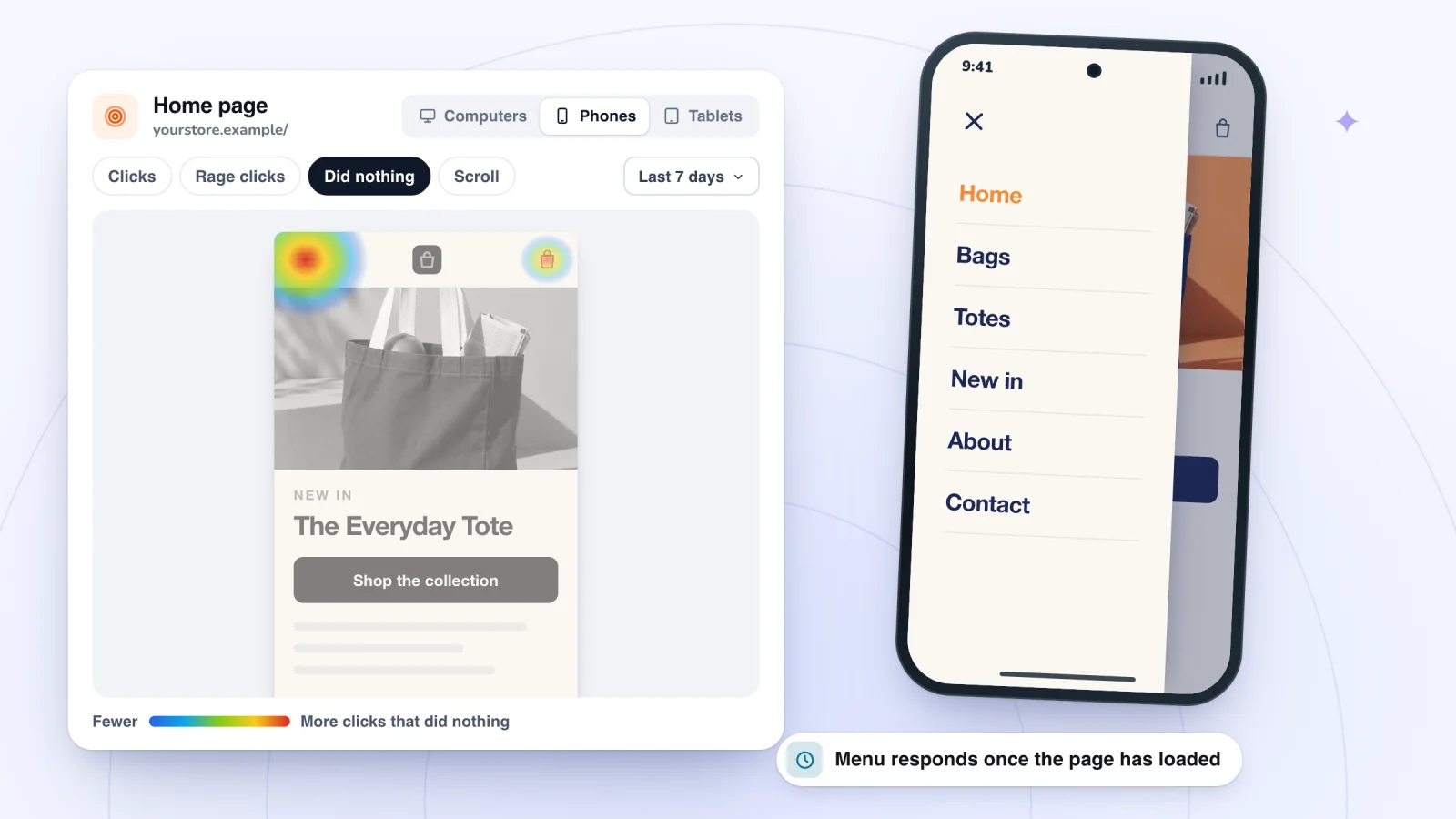
- In Session Recordings, quick taps on the menu icon show as one Click row with a count, and the Phones heatmap marks taps that did nothing.
Why is my Wix menu not working?
Usually because the page hasn't finished loading or something sits on top of the menu. Wix lists these causes and fixes, mostly for sites built in the Wix Editor:
- The page is still loading. While a page loads, the background and the menu show first, but interactive elements like the mobile menu don't respond until the page has fully loaded. If your mobile site is slow, Wix suggests keeping only the important elements on it and hiding decorative ones: click the element in the mobile editor, then the Hide Element icon. You can only hide elements you added in the desktop editor; mobile-only elements have to be deleted instead.
- Something sits on top of it. An element over the menu, such as a .png image, leaves it unresponsive. In the mobile editor, click Layers, then Header, Page or Footer, select Mobile Menu Icon, right-click it, click Arrange and then Bring To Front. In the desktop editor, press Ctrl + 0 (Command + 0 on a Mac) to set the browser's zoom to 100%, right-click the part of the menu that isn't working, hover over Overlapping Items and select the menu, then press Ctrl + Shift + ↑ (Command + Shift + ↑) to bring it to the front.
- A frozen header or footer. A header or footer set to freeze can sit on top of the menu. For the header, click it, click the Settings icon and select Scrolls with site. For the footer, click it, click the Settings icon and turn off the Freeze Footer toggle. Check the menu in Preview, then publish.
- Every page is hidden from the mobile site. The menu doesn't respond when all of your pages are hidden on mobile. In the mobile editor, click Menus & Pages, click a page, click the More Actions icon and click Show on mobile.
- The domain isn't properly connected. A badly connected domain usually makes the site show as a thin vertical strip on phones, but Wix says sometimes the site looks normal and only the menu stops responding. Check the connection with Wix's Domain Assistant.
- An outdated menu. If nothing else helps, the site may use an old version of the mobile menu. Click the menu in the mobile editor, click the Settings icon, click Update now, then Get it Now.
- An old browser. If the menu works in some browsers or on some devices but not others, check that the browser is up to date against Wix's supported browsers, and if that doesn't fix it, follow the steps in the Wix Technical Assistant.
Wix's last tip, if nothing above works: delete the menu and add a new one.
Why is my Wix menu not showing on mobile?
Usually because it's hidden on mobile, or the page's layout hides the header that holds it. Wix builds your mobile site from the desktop one, menu included, so check these before adding a new menu:
- Hidden on mobile. In the mobile editor, click the Hidden on Mobile icon. If the menu is listed, click its Show Element icon.
- A page layout that hides the header. If a page's layout hides the header and footer, its menu doesn't show either. In the mobile editor, click Menus & Pages, hover over the page, click the Show More icon, click Mobile Settings and select the Standard layout. On the desktop site, the same page's Settings has a Layouts tab where you select Standard.
- There, but hard to see. The menu icon may be the same color as the background, or sit outside the visible part of the editor. Press Ctrl + M (Command + M on a Mac) to cycle through the page's elements, or find the menu in the Layers panel; if selecting it there doesn't highlight it, move it back into view with the X and Y fields in the toolbar.
- Several desktop menus, one mobile menu. Wix says a Wix Editor site's mobile version can't have more than one menu: extra menus and pop-up menus from your desktop site become one hamburger menu on phones. So on phones, a horizontal menu from your desktop site lives behind the menu icon.
- A Wix Studio site. Studio lets you hide an element at a single breakpoint, by right-clicking it and selecting Hide, so check the Mobile breakpoint for a menu hidden only there.
Why isn't my anchor or in-page menu working on mobile?
Because on sites built in the Wix Editor, in-page menus, the floating menus that link to anchors and sections, don't show on mobile and can't be added back. Anchors can also be hidden on mobile: click Hidden on Mobile in the mobile editor and click Show next to the anchor. A hidden anchor can't be added to a site menu.
To let phone visitors jump to a section, add it to your site menu from the desktop editor: click Pages and Menu, click Add Menu Item, choose Section or anchor, pick the page and the anchor or section, click Done, type the item's name and click Done again.
Why is a page missing from my Wix menu?
Because it's hidden. Wix's menu shows every page on your site except the ones you've chosen to hide, so a page missing from the menu is usually set to hidden. On phones, also check that the page isn't hidden from the mobile site: in the mobile editor, open Menus & Pages, click the page, click More Actions and choose Show on mobile.
Find the moments worth watching
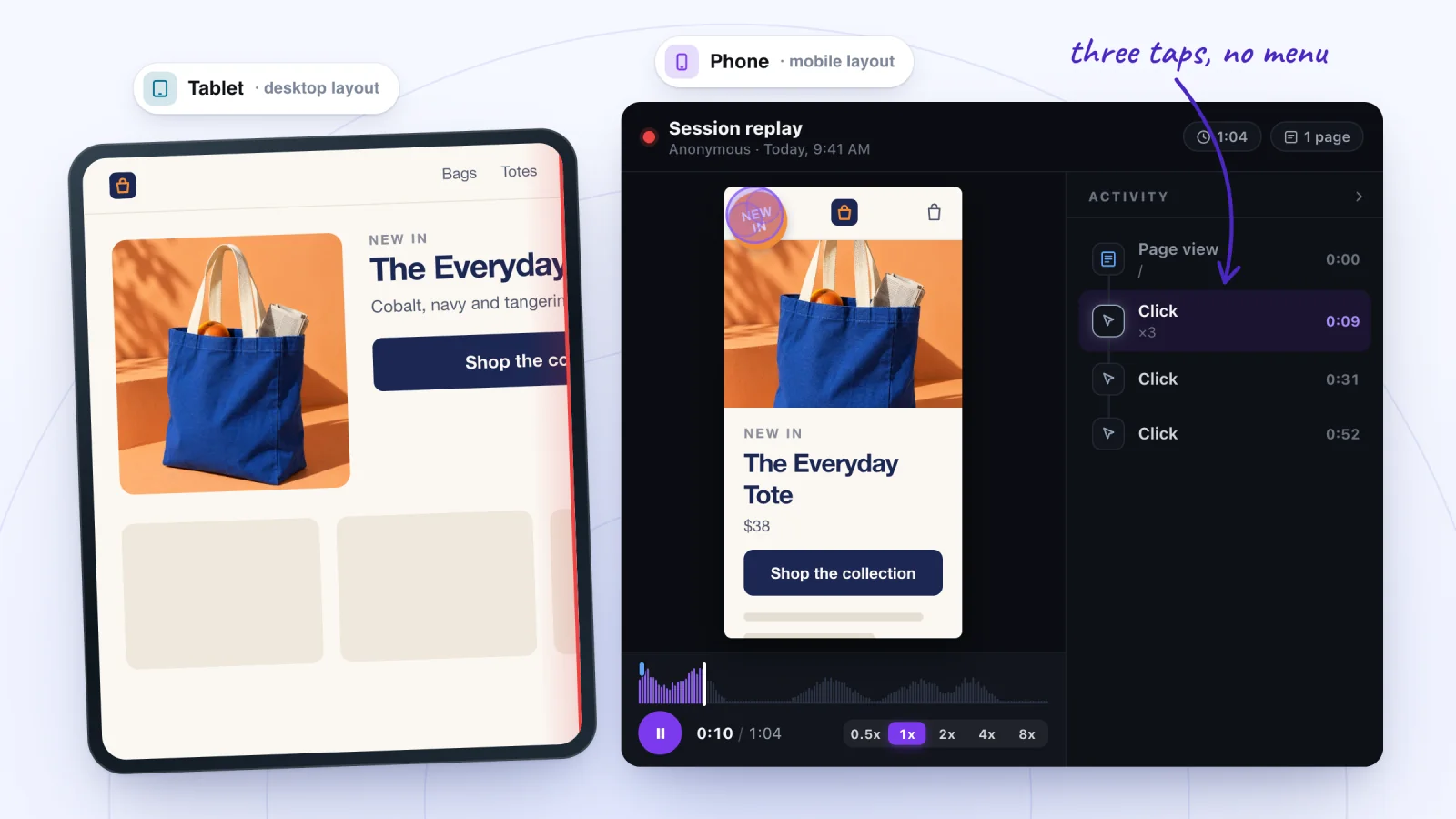
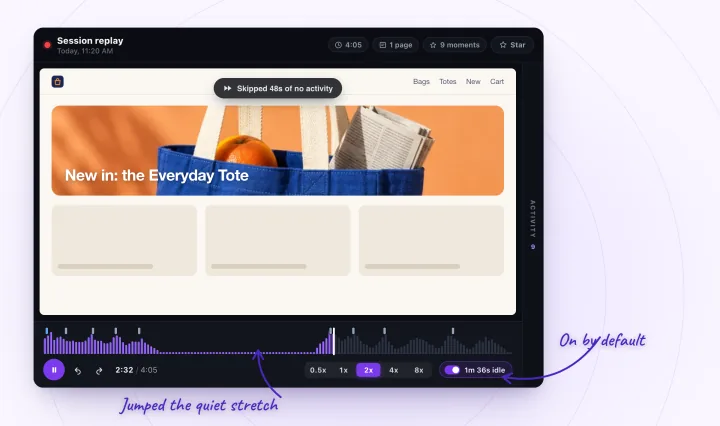
Jump to any moment from the Activity list, skip the quiet parts, watch at up to 8x and star the replays worth keeping.
Check the menu the way visitors use it
Your editor and Preview don't always behave like the live site on a phone, so test where visitors are.
- Set your browser's zoom to 100% and check the menu in Preview.
- Publish, then refresh your live site.
- Open the live site on a real phone in a private window, signed out of Wix.
- Wait for the page to finish loading, then tap the menu icon.
- Try a second browser, and update the first if it's out of date.
See where visitors tapped
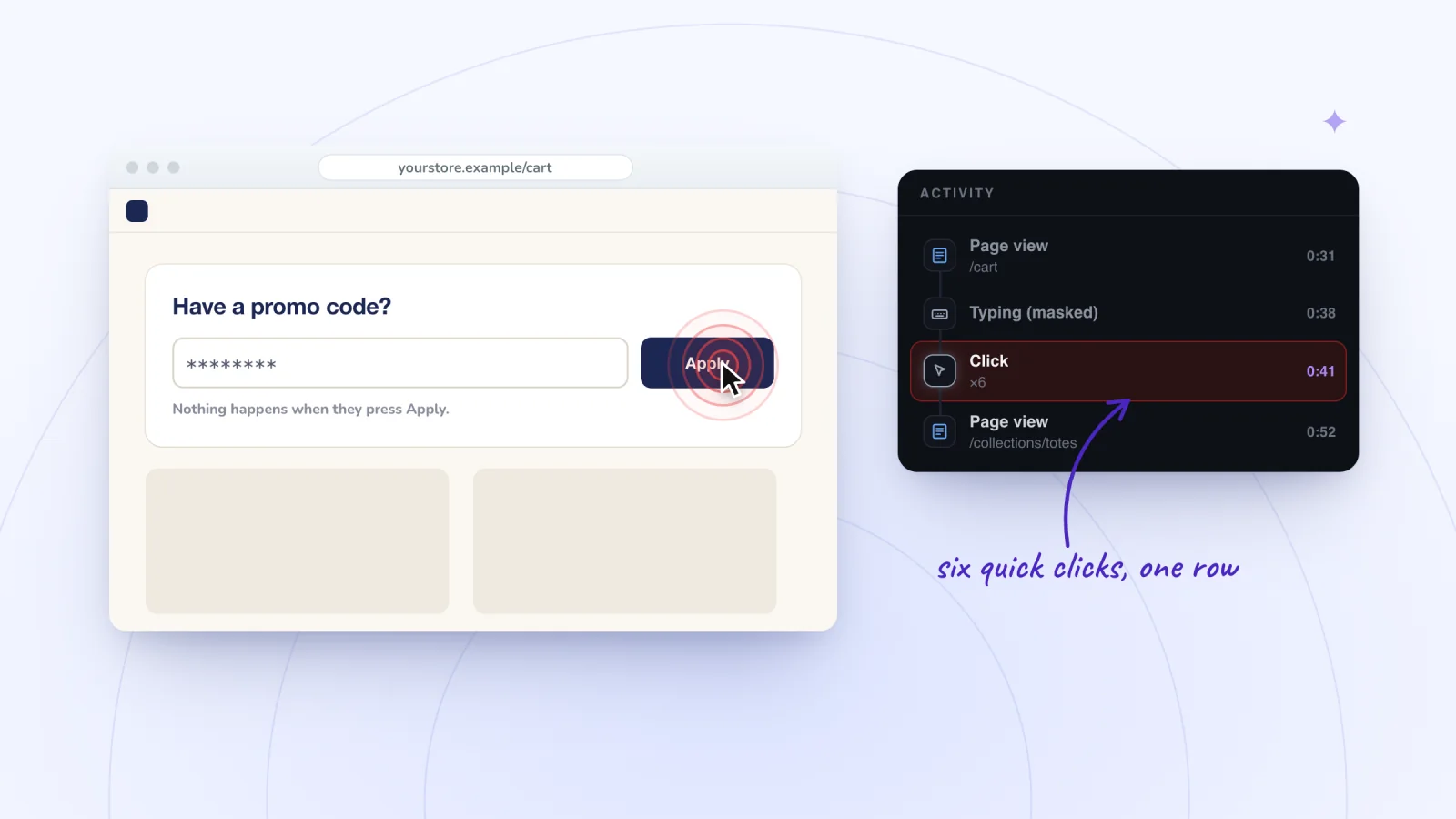
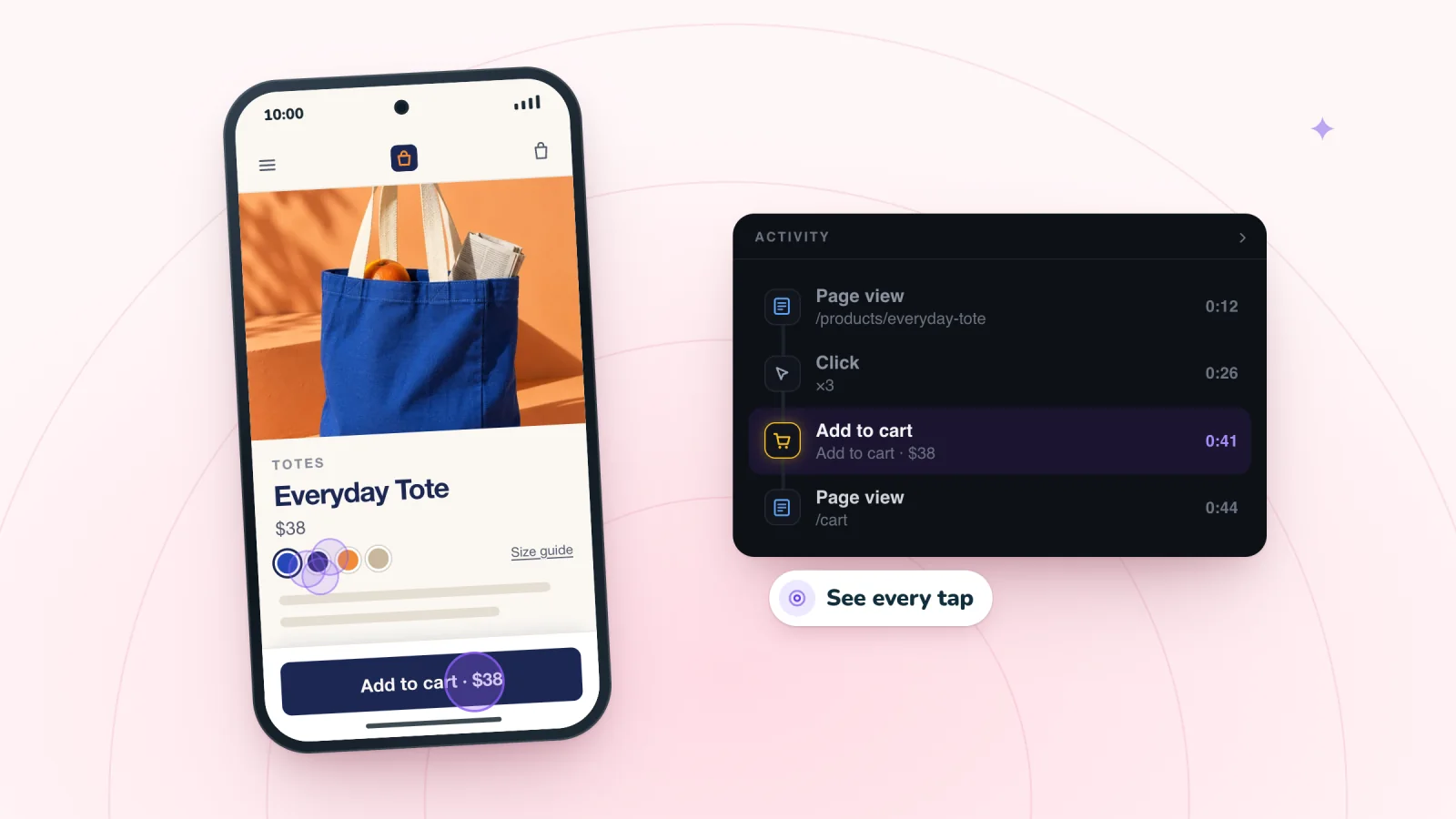
A test on your own phone shows the menu working once. Replays of real visits show whether visitors got it to open. Session Recordings replays phone visits at the phone's own size, with each tap shown where it landed. Quick taps in a row merge into one Click row with a count, such as ×3, so a burst of taps on the menu icon points to a menu that didn't respond or a page that was still loading.
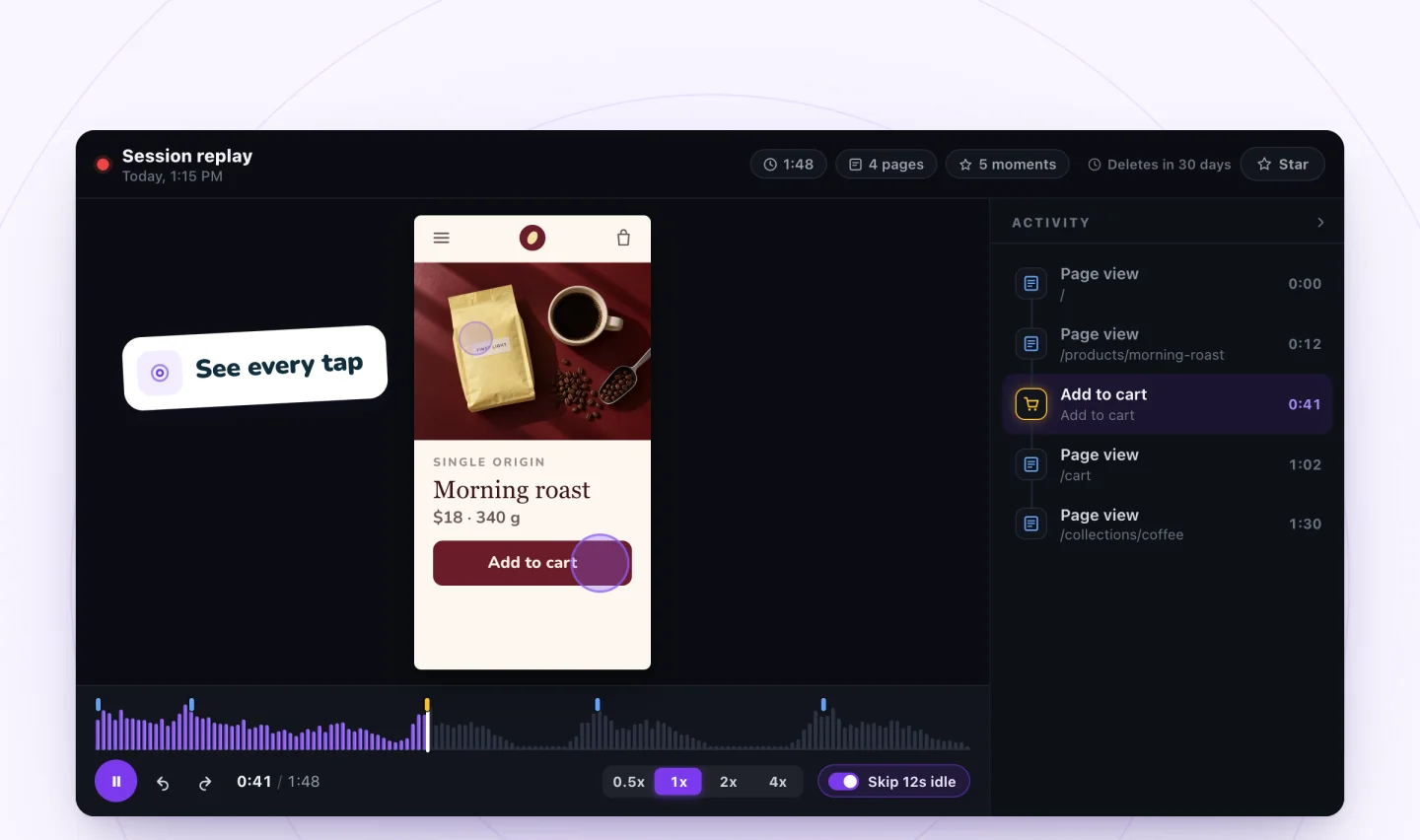
To see it across many visits, open the Phones heatmap and choose the Did nothing view: it marks where phone taps got no response, so a hot spot on the menu icon is worth a closer look. More on recording phone visits on Wix, and on what repeated taps usually mean.
A replay has limits here. It rebuilds the page in your own browser, so a glitch that depends on the visitor's browser may not show. A visit is saved only once the visitor clicks, taps or types, and visitors who decline analytics in your cookie banner aren't recorded.
Frequently asked questions
Can I have more than one menu on my Wix mobile site?
In the Wix Editor, no: Wix says a mobile site can't have more than one menu. If your desktop site has several menus, or a pop-up menu, they become one hamburger menu on phones.
Why does my Wix menu work in Preview but not on my live site?
Publish, then refresh the live site: Wix's steps check a fix in Preview first and then publish it. If the menu still does nothing on the live site, look for an element overlapping it and for a frozen header or footer, and bring the menu to the front.
Why is my Wix mobile menu slow to open?
Because it waits for the page. Wix says the mobile menu doesn't respond until the page has fully loaded, so a slow page means a slow menu. Wix's fix is to keep only the important elements on your mobile site and hide decorative ones.
Try it on your site
To see whether phone visitors can open your menu, add Session Recordings and watch the visits that replay in a phone's shape.

Sources
All checked October 28, 2026.
- Wix Editor: Troubleshooting an Unresponsive Mobile Menu
- Wix Editor: Menu Issues
- Wix Editor: Finding Your Mobile Menu in the Mobile Editor
- Wix Editor: Anchors and In-Page Menus on Your Mobile Site
- Wix Editor: Site Displays as a Thin Vertical Strip on Mobile Devices
- Studio Editor: Designing Across Breakpoints
- Wix: Supported Devices, Browsers and Operating Systems
- Wix Technical Assistant
- rrweb: sandboxed replay

We build marketing apps for online stores: myuser.ai writes and sends emails and texts from a store's own products, and we make Session Recordings and Spin Wheel, free apps for online stores. Product details in our guides are checked against the apps themselves.