On this page
- Why isn't my Wix background video playing on mobile?
- Why are my Wix gallery images cropped or not showing on mobile?
- Why do visitors have to tap a gallery image twice?
- Why do my Wix images look blurry?
- Is heavy media slowing the page?
- Check media on a real phone
- What a replay can and can't show here
- Frequently asked questions
- Try it on your site
- Sources
On phones, a video background on a strip, column, hover box, pop-up or slideshow of a Wix Editor site doesn't play until you turn on Play video on mobile for that element; until then, visitors see its first frame. Even with it on, an iPhone in low-power mode won't play it by itself. For pictures, check the gallery's mobile settings and the files themselves.
If the whole page looks wrong on phones, not just its pictures, see why a Wix site doesn't display properly on mobile.
Key takeaways
- In the Wix Editor, video backgrounds on strips, columns, hover boxes, pop-ups and slideshows show only their first frame on phones until you switch on Play video on mobile.
- An iPhone in low-power mode stops videos from playing by themselves, whatever your settings.
- Gallery images look cropped when the layout's thumbnails don't match your photos' shape: set Thumbnail resize to Fit.
- A gallery that needs two taps on phones is showing its hover text first: set the first tap to No Change.
- For sharp images, Wix recommends uploading at least 2560×1440 pixels and not using screenshots.
Why isn't my Wix background video playing on mobile?
Because Wix doesn't play video backgrounds on elements on phones by default. If you added a video background to a strip, column, hover box, pop-up or slideshow on your desktop site, you choose whether it plays on mobile:
- Open the mobile editor and click the element.
- Click the Background icon.
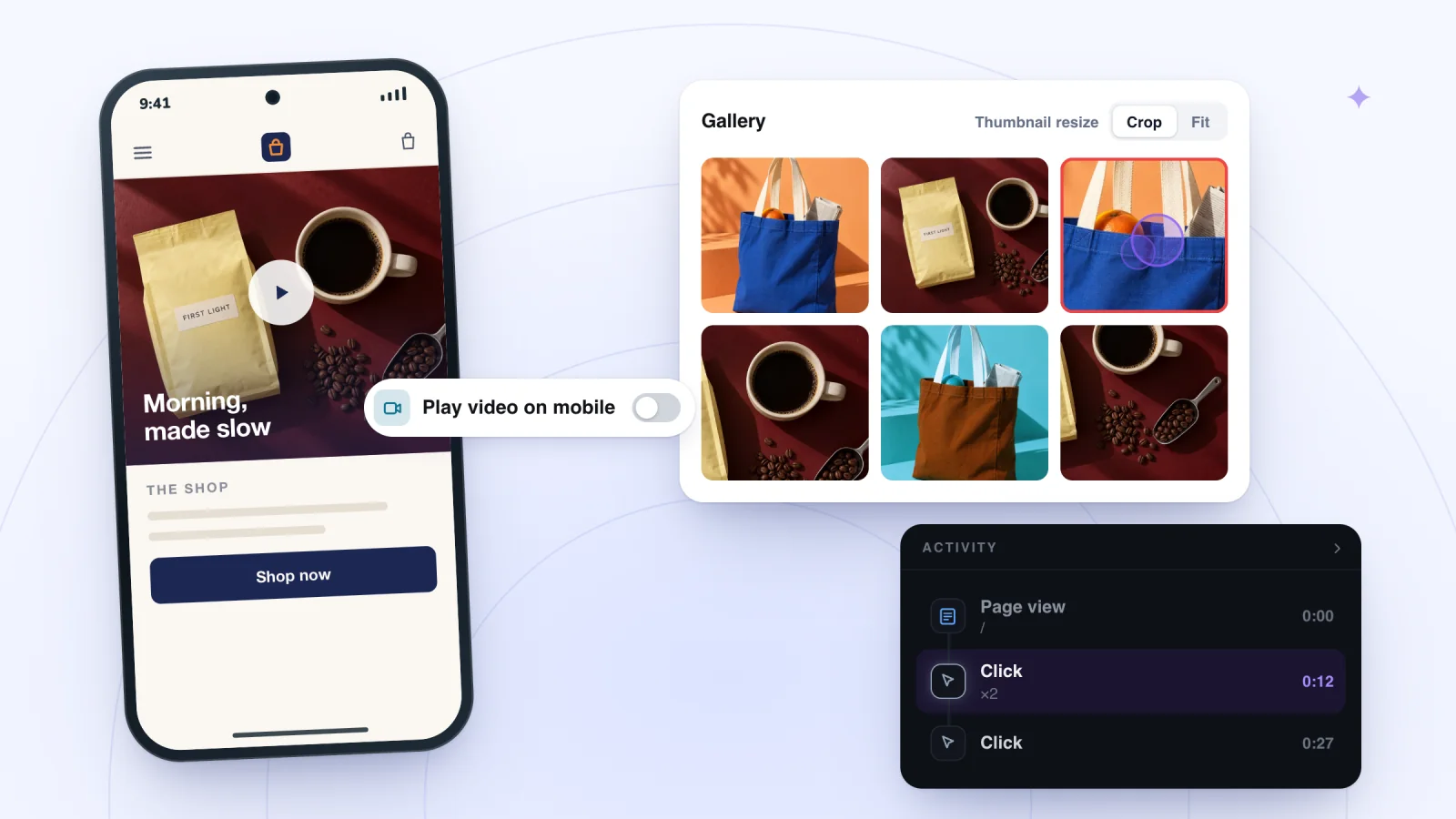
- Switch on Play video on mobile. With it off, phones show the video's first frame.
A page's own background on mobile is set separately from the desktop one: in the mobile editor, click Background on the left, then Video, pick a video and click Change Background. Changing one background doesn't change the other.
Even with the switch on, some visitors won't see the video move: Wix says low-power mode on an iPhone stops videos from playing automatically.
Why are my Wix gallery images cropped or not showing on mobile?
Usually because of the gallery's settings on mobile, not the photos. Wix's Pro Gallery troubleshooting for the mobile editor lists these:
- Too big or too small. In the mobile editor, click the gallery, click Tools at the top right, tick Toolbar and type the width and height into the W and H fields.
- Cropped. Some layouts crop photos whose shape doesn't match their thumbnails, such as landscape photos in a Column layout's portrait thumbnails. In the mobile editor, click the gallery, click Settings, open the Layout tab and select Fit under Thumbnail resize. To keep the crop, adjust each image's focal point, or pick an image ratio (16:9, 4:3, 1:1, 3:4 or 9:16) that matches your photos.
- A slideshow that looks blank. A color overlay that matches the page or section background can hide the images completely. If only a gap shows under the gallery, the info bar is too big: under Settings, Layout, Customize Layout, set Info bar size lower, or to 0.
- Text or buttons over the gallery. Elements placed on top of a gallery render differently across browsers and devices, so they don't line up the same way on every screen. Wix recommends the gallery's own Text and Custom Button features instead.
- Titles cut off. In Grid, Slider, Strip and Column layouts, titles and descriptions are cut off when the text box is too short. Use a smaller font or bigger images, or raise Text Box Height in the desktop editor, which also applies on mobile.
- Videos that wait for a tap. Wix says Apple and Chrome block autoplay on phones and tablets to avoid data charges, so videos in a gallery or player load nothing until the visitor taps play.
Why do visitors have to tap a gallery image twice?
Because hover text doesn't work on phones. If titles and descriptions appear on hover, a phone visitor's first tap shows the text and only the second opens the image or link. To make one tap enough, in the mobile editor click the gallery, click Settings, open the Design tab, click Texts and select No Change under What happens to the info on 1st tap?, then publish. You can also hide titles and descriptions on mobile, or place the text above, below or beside the image.
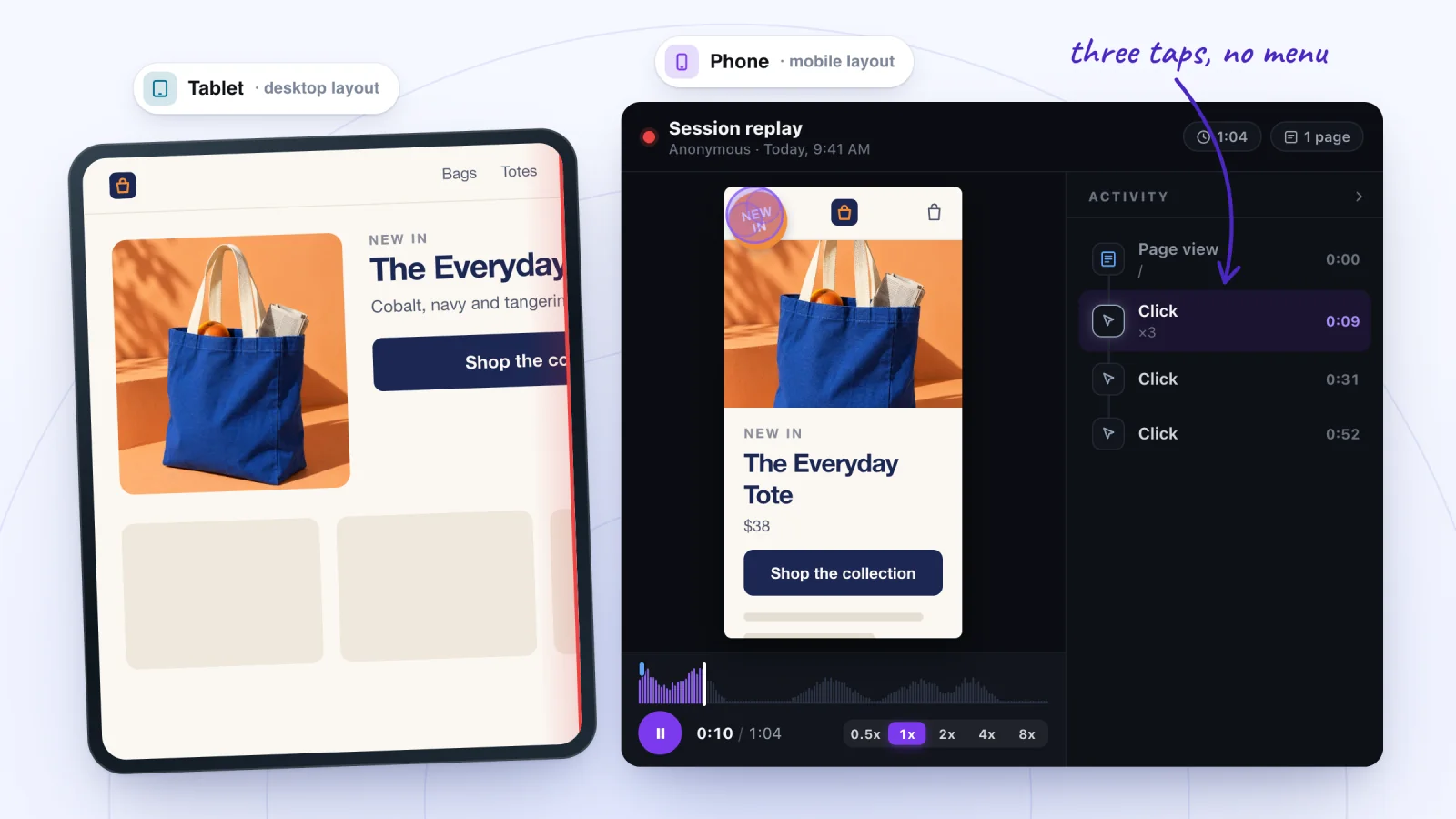
In a replay, two quick taps on one photo show up as one Click row with a count, ×2. If photos don't open at all, check that the gallery isn't set to Nothing happens on click.
Why do my Wix images look blurry?
Usually because of the file you uploaded. For blurry images, Wix's media guide says to:
- Upload high-resolution images, at least 2560×1440 pixels.
- Use AVIF, WebP or JPEG files. Wix converts uploaded images to AVIF by itself.
- Avoid screenshots, which are often lower resolution.
- Check the Image Sharpening feature in the Wix Editor.
Find the moments worth watching
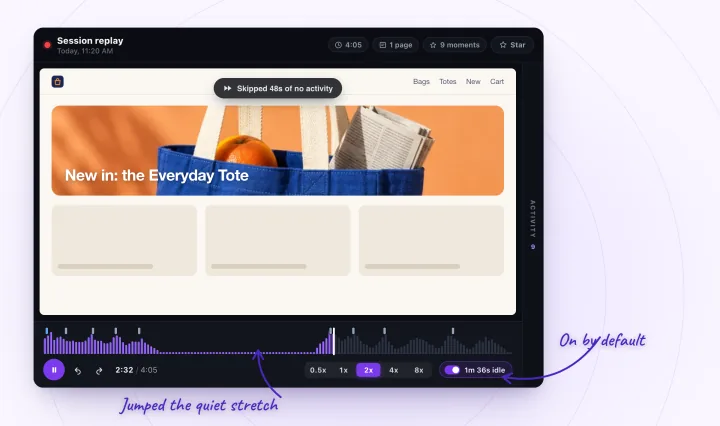
Jump to any moment from the Activity list, skip the quiet parts, watch at up to 8x and star the replays worth keeping.
Is heavy media slowing the page?
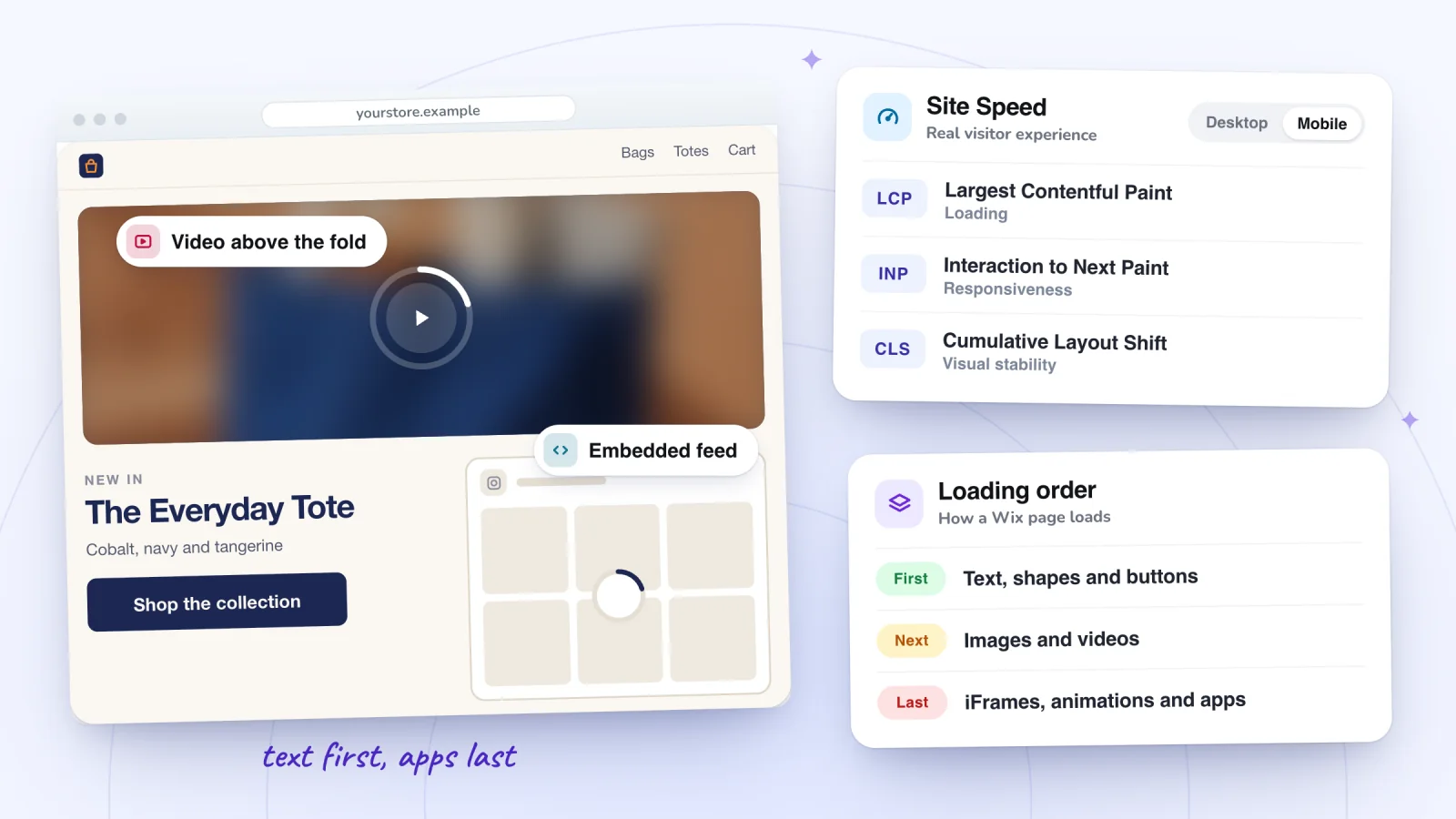
It can be. Wix suggests one gallery per page with a Load More button, galleries below the fold, and no videos as backgrounds, since they slow the first load. For the rest of what slows a page, see why a Wix site is slow.
Check media on a real phone
Your editor's mobile view isn't a real phone, so test where visitors are.
- Publish your site.
- Open the live page on a phone in a private window, signed out of Wix.
- On an iPhone, check the video with low-power mode off, then on, to see what those visitors get.
- Tap each gallery image once.
- Compare what you see with the mobile editor.
What a replay can and can't show here
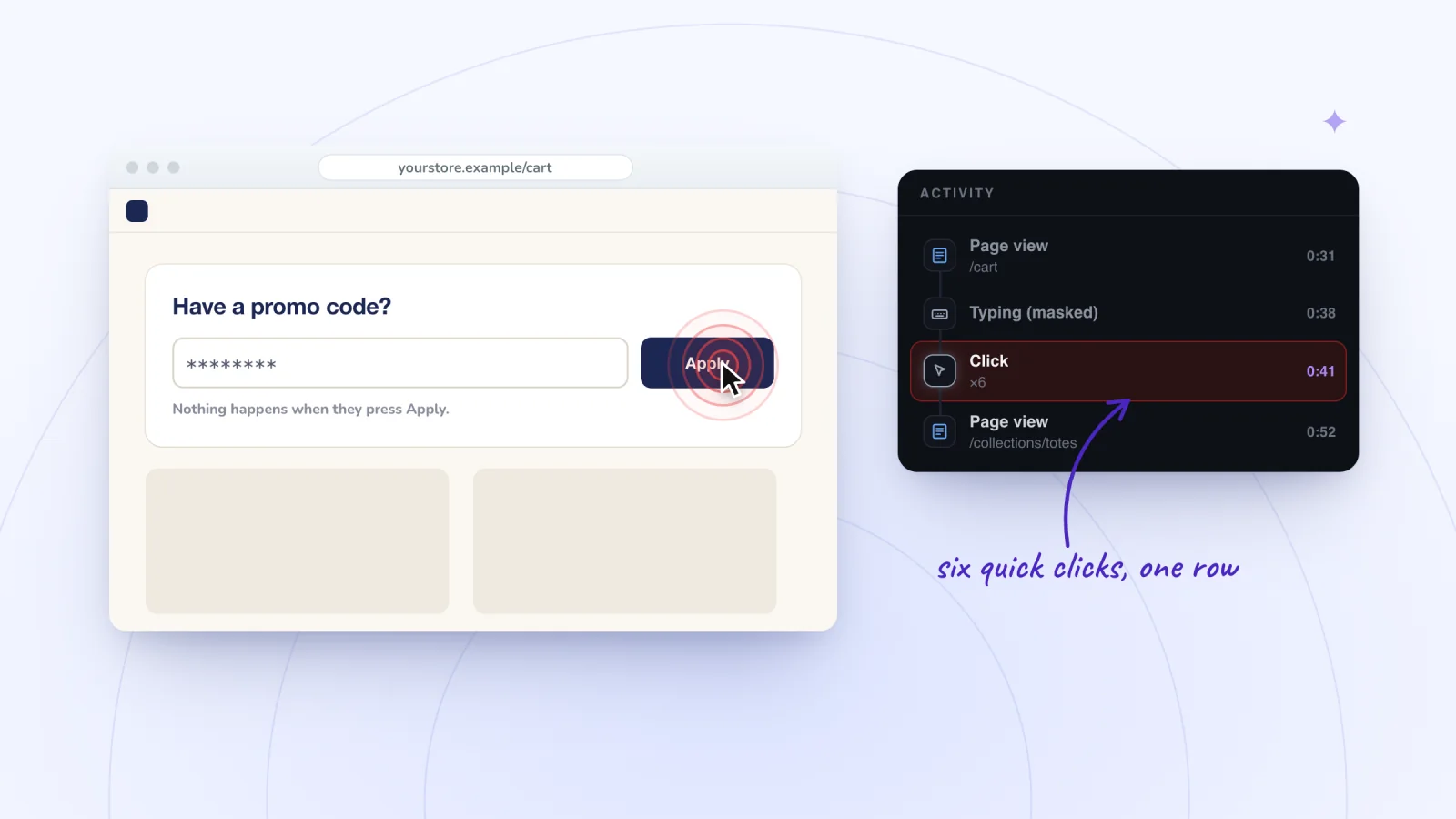
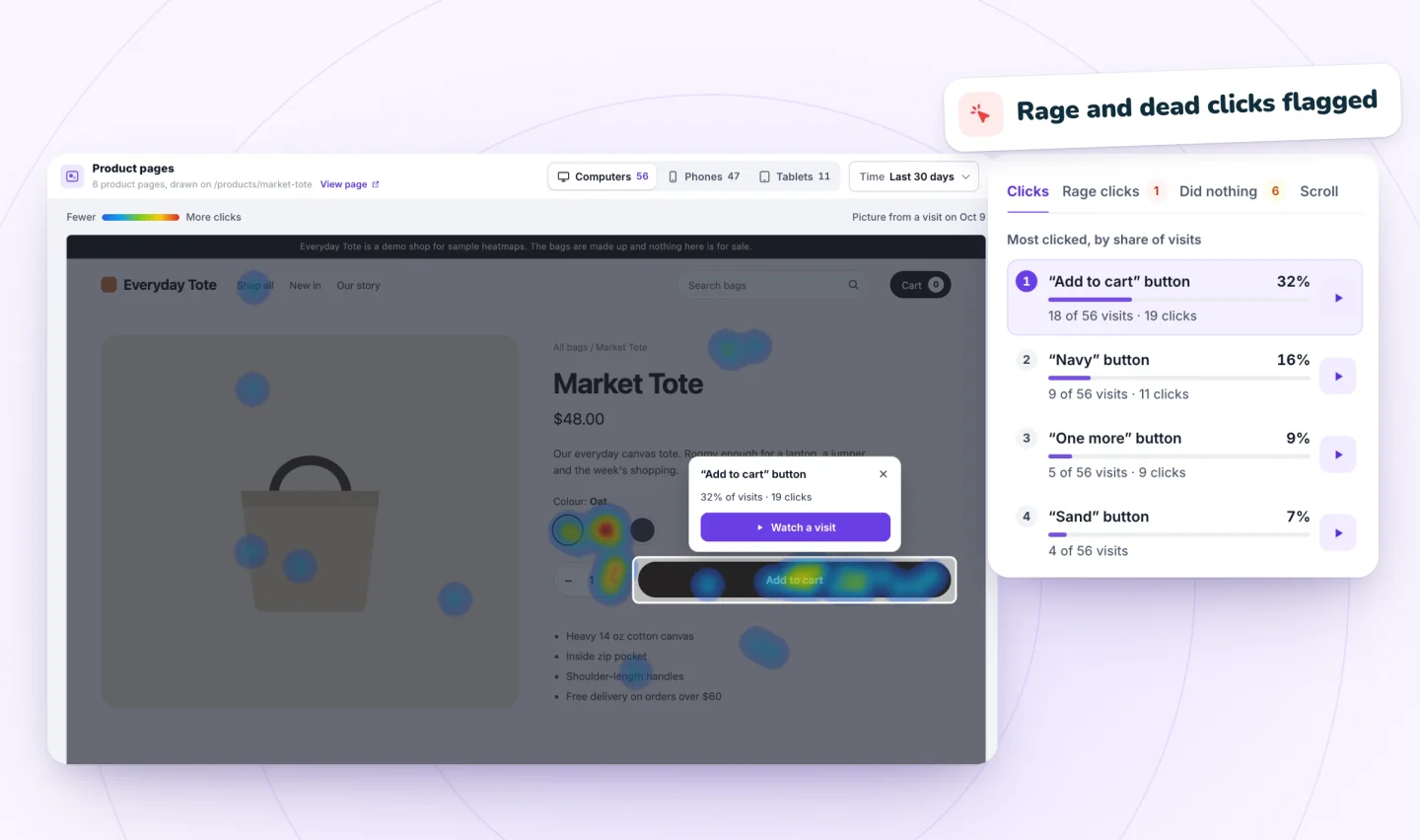
A replay rebuilds the page in your own browser and loads its images and videos from your site there, so it can't prove that an image failed to load or a video didn't play on the visitor's phone. It does show where visitors tapped and whether they scrolled past the gallery. Session Recordings replays phone visits at the phone's own size, and on the Heatmaps page, the Phones view of Did nothing marks taps that got no response. More on recording phone visits.
Frequently asked questions
Why don't videos on my Wix site autoplay on an iPhone?
If it's a video background, switch on Play video on mobile for it; even then, low-power mode stops it playing by itself. Videos in a gallery or player wait for a tap: Wix says Apple and Chrome block autoplay to avoid data charges on visitors' phones.
Does Wix compress my images?
Yes. Wix converts the images you upload to AVIF, a format it says is approximately 50% smaller than WebP, and compresses them on your live site.
Should I use a video background on mobile?
Wix advises against videos as backgrounds, because they can slow the first load of the page. It suggests a static image or text instead.
Try it on your site
To see where phone visitors tap on your pictures and galleries, add Session Recordings and open the visits that replay in a phone's shape.

Sources
All checked October 28, 2026.
- Wix Editor: Using Video Backgrounds on Your Mobile Site
- Wix Pro Gallery: Troubleshooting Issues on Mobile
- Site Performance: Optimizing Site Media
- rrweb: sandboxed replay

We build marketing apps for online stores: myuser.ai writes and sends emails and texts from a store's own products, and we make Session Recordings and Spin Wheel, free apps for online stores. Product details in our guides are checked against the apps themselves.